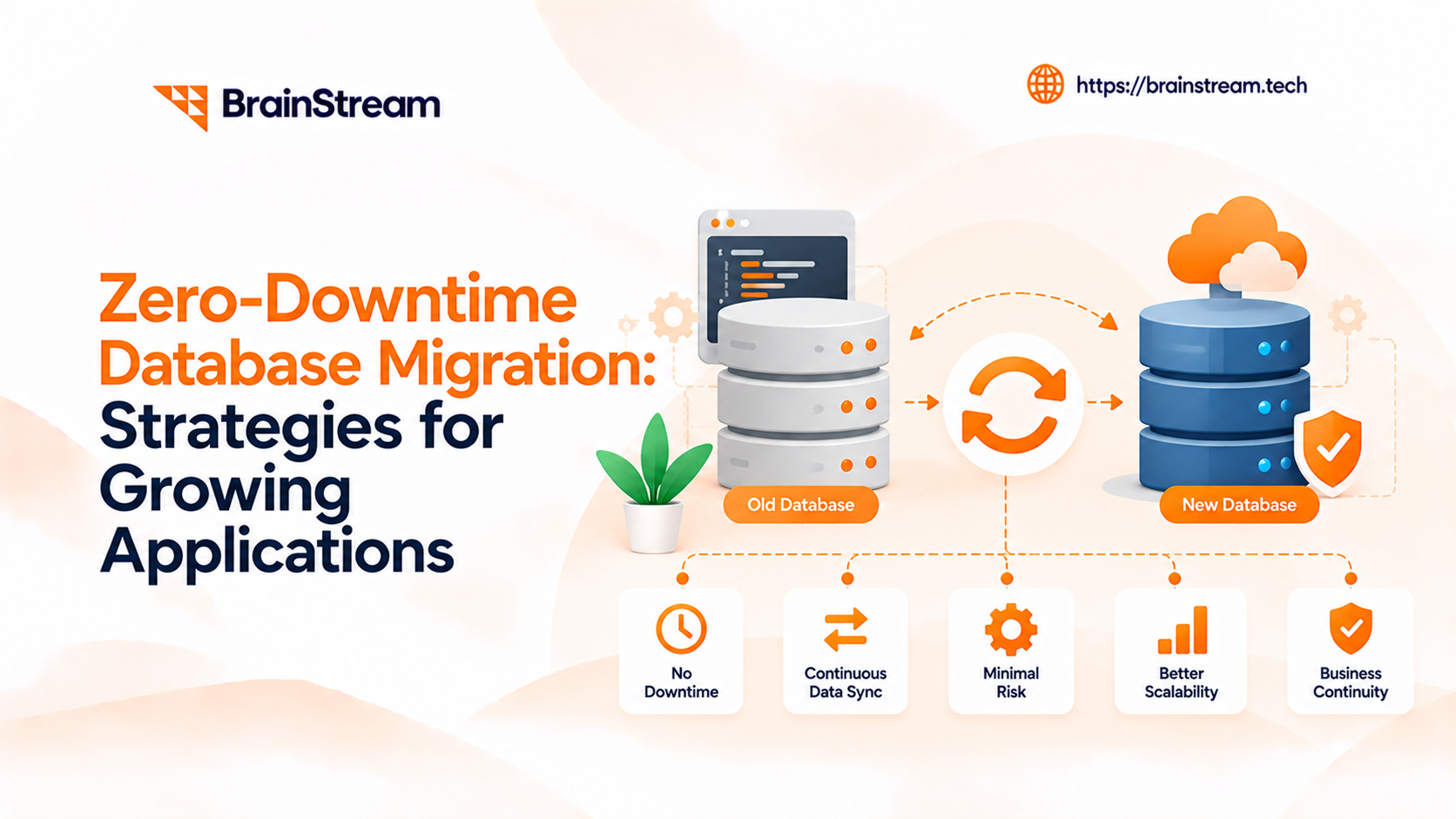
Zero-Downtime Database Migration: Strategies for Growing Applications
Zero-Downtime Database Migration – Your application is growing. More customers are signing up, orders are increasing, and your database is handling more information every day.
However, your current database may struggle to keep up. Slow queries, storage limits, and outdated infrastructure can affect performance.
You might need to upgrade your database, change servers, or move to the cloud. But taking your application offline could interrupt customer activities and business operations.
This is where zero-downtime database migration becomes important.
With the right approach, businesses can move databases while keeping their applications available.
However, successful migration requires careful planning, data synchronization, and testing.
In this guide, we explain how zero-downtime database migration works. We also cover practical strategies, common challenges, and ways to reduce migration risks.
What Is Zero-Downtime Database Migration?
Zero-downtime database migration is the process of moving or updating a database without planned application downtime.
Instead of shutting down the application, developers transfer data while the existing database continues running.
For example, an eCommerce platform may need to move its database to a new cloud server.
During migration, customers should still be able to browse products, place orders, and access their accounts.
To achieve this, developers use techniques such as database replication and Change Data Capture (CDC).
These approaches help synchronize information between the original and new databases.
Does Zero Downtime Mean No Interruption?
Not always.
Some database migrations can avoid visible service interruptions. However, others may require a short pause during the final switch.
Therefore, businesses should define their availability requirements before starting.
The main goal is to minimize disruption while protecting data accuracy.
Why Is Zero-Downtime Database Migration Important?
Modern applications often serve customers around the clock.
Therefore, database availability plays an important role in business performance.
Protect Customer Experience
Customers expect websites and applications to work whenever they need them.
For example, an online store might receive orders throughout the day.
If its database becomes unavailable, customers may experience failed transactions or missing information.
Therefore, reducing downtime helps maintain a reliable shopping experience.
Maintain Business Operations
Many companies depend on databases for daily work.
For instance, CRM platforms store customer records, while ERP systems manage orders and inventory.
A database outage can interrupt these activities.
As a result, employees may struggle to complete important tasks.
Reduce Revenue Risks
Downtime can directly affect businesses that rely on online transactions.
For example, a SaaS application may lose registrations during an outage.
Additionally, customers may contact support when they cannot access important features.
Therefore, maintaining availability can reduce business disruption.
Support Future Application Growth
Growing applications often require more storage and computing resources.
For example, a marketplace may experience increasing traffic during seasonal sales.
A carefully planned database migration can support new infrastructure requirements.
Moreover, it can help businesses prepare for future expansion.
When Should You Consider Database Migration?
Not every performance issue requires database migration.
However, some situations make migration a practical option.
When Database Performance Declines
As data grows, some queries may take longer to complete.
For example, a customer dashboard might load slowly because of inefficient database operations.
Before migrating, review query performance, indexes, and server resources.
Sometimes, optimization can solve the problem without moving the database.
When Your Application Needs More Scalability
A growing application may need more storage or processing capacity.
For instance, an eCommerce platform could experience a sudden increase in orders.
Therefore, moving to more scalable infrastructure may become necessary.
When Moving to Cloud Infrastructure
Businesses may move databases from local servers to managed cloud platforms.
For example, cloud services can provide managed backups, monitoring, and infrastructure options.
However, migration still requires testing and security planning.
When Upgrading Database Versions
Older database versions may no longer receive important updates.
Additionally, outdated systems can create compatibility and security concerns.
Therefore, businesses should plan upgrades before their existing technology becomes a serious limitation.
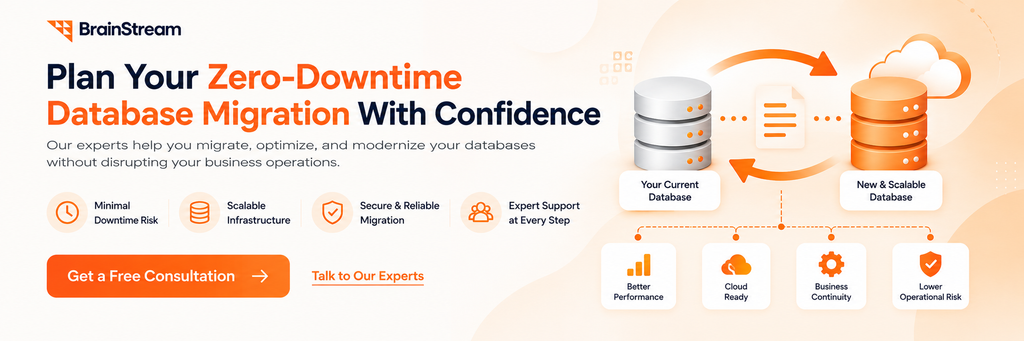
How Does Zero-Downtime Database Migration Work?
A successful database migration normally follows several stages.
Instead of moving everything at once, developers prepare the target system and transfer data gradually.
Step 1: Assess Your Current Database
First, review the existing database structure and application requirements.
Check database size, transaction volume, indexes, and dependencies.
Additionally, identify important application features that depend on the database.
This helps the team select a suitable migration strategy.
Step 2: Prepare the Target Database
Next, create and configure the new database environment.
Set up storage, network access, security, and backups.
Moreover, check compatibility between the source and target systems.
The target database should be ready before production data is transferred.
Step 3: Transfer Existing Data
Once the target is ready, copy the existing database information.
This is commonly called the initial data load.
Meanwhile, the original application may continue using the source database.
However, ongoing data changes must also be captured.
Step 4: Synchronize New Changes
Customers may continue creating orders or updating records during migration.
Therefore, the target database needs those changes too.
Replication or Change Data Capture can help synchronize the databases.
As a result, the target stays closer to the current production data.
Step 5: Validate Data Accuracy
Before switching, compare the source and target databases.
For example, check important record counts, recent transactions, and data relationships.
Additionally, test business-critical application features.
This helps identify missing or inconsistent information.
Step 6: Switch to the New Database
Finally, direct the application to the target database.
Before switching, confirm that synchronization is complete or within the approved limits.
Some migrations may require a brief write pause.
After the switch, monitor database performance and application errors.
Best Strategies for Zero-Downtime Database Migration
Different applications require different migration methods.
Therefore, choose a strategy based on database size, traffic, and compatibility requirements.
1. Use the Expand-and-Contract Pattern
The expand-and-contract pattern helps developers change database structures gradually.
Instead of removing existing fields immediately, the application supports both old and new structures during the transition.
For example, imagine replacing a single customer name field with separate first and last name fields.
First, add the new columns without removing the original field.
Next, update the application to support the new structure.
Then, move existing information gradually.
Finally, remove the old field when no application process needs it.
As a result, developers can reduce compatibility problems during deployment.
2. Use Change Data Capture (CDC)
Change Data Capture tracks changes made to a source database.
These changes can include new records, updates, and deletions.
For example, an online store may continue receiving orders while moving to another database server.
CDC captures these changes and helps apply them to the target database.
Therefore, businesses can transfer large datasets without stopping normal operations during the initial copy.
However, synchronization may not happen instantly.
Developers should monitor replication lag before switching.
3. Use Database Replication
Database replication maintains copies of information across database systems.
For example, a company may create a replica on new infrastructure.
Meanwhile, the original database continues serving the application.
The replica receives updates until the team is ready to switch.
However, replication capabilities vary between database engines.
Therefore, developers should test data consistency and failover behavior.
Advanced Techniques for Database Migration Without Downtime
Some applications require additional techniques beyond basic replication.
These methods can help manage complex deployments and large database changes.
4. Consider Blue-Green Database Migration
Blue-green migration uses two environments.
The blue environment represents the existing production system. Meanwhile, the green environment contains the new setup.
Developers prepare and test the green environment before switching.
However, database migrations require extra care because data can change during the process.
Therefore, the team must control writes and synchronization.
Without proper planning, both environments may contain different information.
5. Use Online Schema Changes
Some database engines support schema operations while applications continue running.
For example, PostgreSQL supports creating indexes concurrently.
Similarly, MySQL supports online DDL operations for certain changes.
However, these operations still have limitations.
Some may require short locks or additional resources.
Therefore, developers should test schema changes using the same database version and a realistic workload.
6. Move Large Datasets in Smaller Batches
Moving millions of records in one operation can increase database load.
Instead, developers can process information in smaller batches.
For example, a SaaS platform may need to update historical customer records.
The team can migrate these records gradually while tracking progress.
Additionally, batch operations should support safe retries.
As a result, businesses can reduce the risk of long-running transactions.
Zero-Downtime vs Traditional Database Migration
Both approaches move data between database environments.
However, they handle application availability differently.
| Feature | Zero-Downtime Migration | Traditional Offline Migration |
|---|---|---|
| Application availability | Designed to remain available | Usually paused temporarily |
| Data transfer | Often gradual | Usually completed during downtime |
| Ongoing changes | Replication or CDC | Writes commonly stopped |
| Complexity | Often higher | Usually lower |
| Testing | Before and during cutover | Usually before reopening |
| Cost | May require extra resources | Can be simpler |
| Best for | Critical applications | Systems allowing maintenance windows |
Which Approach Should You Choose?
Zero-downtime migration is useful when interruptions create significant business risks.
For example, an online payment platform may need continuous availability.
Meanwhile, a small internal application might allow a scheduled maintenance window.
Therefore, businesses should compare migration complexity with the actual cost of downtime.
How to Plan a Database Migration Without Downtime
A successful migration starts with careful preparation.
The following steps help reduce production risks.
Review Your Existing Infrastructure
First, examine database size, traffic, dependencies, and performance.
Identify large tables and slow queries.
Additionally, document stored procedures, database triggers, and access permissions.
This information helps developers prepare the target environment.
Define Downtime and Recovery Requirements
Next, decide how much interruption your business can tolerate.
Also, define acceptable data loss.
These are commonly described through recovery time and recovery point objectives.
Therefore, developers can choose techniques that match business expectations.
Create and Verify Database Backups
Before changing production systems, create reliable backups.
However, creating a backup is not enough.
Teams should also test the restoration process.
As a result, they can identify recovery problems before an emergency.
Test the Migration in Staging
Next, rehearse the migration in a staging environment.
Use realistic data volumes and application workloads.
Additionally, test network failures, replication delays, and database errors.
This helps identify problems before production cutover.
Prepare a Detailed Rollback Plan
Finally, define what happens if the migration fails.
The plan should identify responsibilities, recovery steps, and decision points.
However, rollback can become difficult after the target starts receiving new writes.
Therefore, teams must plan how to protect data created after cutover.
Common Database Migration Challenges and Solutions
Even a well-planned migration can face technical issues.
However, early monitoring can help teams respond before these problems affect users.
Challenge 1: Replication Lag
Replication lag occurs when the target database falls behind the source.
For example, heavy transaction activity can delay synchronization.
Solution: Monitor lag continuously and control the cutover timing.
Additionally, investigate slow replication processes before switching.
Challenge 2: Schema Compatibility Problems
Database versions may handle data types, constraints, or indexes differently.
As a result, some queries may fail after migration.
Solution: Review schema differences before transferring production data.
Then, test important application queries against the target database.
Challenge 3: Long-Running Transactions
Some database transactions can hold locks for extended periods.
Consequently, schema changes or synchronization may slow down.
Solution: Identify long-running queries and schedule resource-heavy operations carefully.
Challenge 4: Missing or Duplicate Records
Data inconsistencies can affect orders, customer records, and reporting.
Therefore, validation is essential.
Solution: Compare important records and use controlled retry processes.
Additionally, validate transactions before opening the target for normal production writes.
Challenge 5: Application Connection Errors
Applications may fail to connect after the database switch.
For example, connection strings, credentials, or network settings may be incorrect.
Solution: Test connectivity before cutover and monitor application logs afterward.
Zero-Downtime Database Migration for Laravel Applications
Laravel applications often support eCommerce platforms, CRMs, and customer portals.
Therefore, database availability can directly affect business operations.
Use Backward-Compatible Laravel Migrations
Laravel provides migration tools for managing database schema changes.
However, running a Laravel migration does not automatically guarantee zero downtime.
For example, removing a column can break application instances that still depend on it.
Therefore, introduce new columns before removing old ones.
Additionally, test schema changes with both old and new application versions.
Manage Laravel Queues During Migration
Laravel applications may use queues for background processing.
For example, queued jobs may update orders or customer records.
During migration, these jobs must remain compatible with the database structure.
Therefore, review retry behavior and failed jobs.
This helps reduce duplicate processing and unexpected errors.
Monitor Application Performance
After cutover, check database connections and application response times.
Additionally, review logs for failed queries.
If problems appear, investigate them before increasing traffic.
Zero-Downtime Database Migration for Symfony Applications
Symfony application development also requires careful database planning.
Many enterprise applications use Symfony with Doctrine for database management.
Plan Doctrine Schema Changes Carefully
Doctrine provides tools for creating database migrations.
However, generated SQL statements should be reviewed before production use.
For example, a column change may lock a large database table.
Therefore, test migration statements before deployment.
Maintain Compatibility During Deployment
During a rolling deployment, old and new application versions may run together.
As a result, both versions should support the active database schema.
The expand-and-contract approach helps manage this transition.
Validate Critical Application Features
After migration, test important business operations.
For example, check authentication, order processing, and customer updates.
Additionally, monitor database performance and error logs.
This helps teams identify problems early.
How Much Does Zero-Downtime Database Migration Cost?
Database migration costs vary depending on project complexity.
Therefore, businesses should request an estimate based on their actual requirements.
Database Size and Traffic
Large databases generally require more time and infrastructure resources.
Additionally, high transaction volumes can make synchronization more complex.
For example, migrating a busy eCommerce database may require careful replication planning.
Source and Target Database Systems
Moving between compatible database versions may be simpler.
However, switching between different database engines can require additional development.
For example, data types and SQL queries may need changes.
Infrastructure and Replication Costs
Some migrations require temporary servers and extra storage.
Additionally, replication tools and monitoring services may add expenses.
Therefore, include these resources in the project budget.
Testing and Maintenance Costs
Migration is not complete when data transfer finishes.
Businesses must also test application behavior and monitor the new environment.
Moreover, some projects need additional performance tuning.
As a result, post-migration support should be included in the cost estimate.
Zero-Downtime Database Migration Checklist
Before moving a production database, review the following tasks.
| Migration Task | Priority |
|---|---|
| Review database architecture | High |
| Identify application dependencies | High |
| Define downtime requirements | High |
| Verify database backups | High |
| Test source and target compatibility | High |
| Select replication or CDC method | High |
| Test migration in staging | High |
| Monitor replication lag | High |
| Validate important records | High |
| Prepare rollback procedures | High |
| Test application functionality | High |
| Monitor performance after cutover | High |
Before Starting the Migration
First, review the existing environment and define project responsibilities.
Next, verify backups and test replication.
Additionally, confirm that the target system can handle expected traffic.
During Database Migration
Monitor data transfer progress and replication performance.
Meanwhile, keep the existing application environment stable.
Avoid introducing unrelated production changes during critical migration stages.
After the Database Switch
Finally, verify data accuracy and important application features.
Monitor errors, query performance, and customer-facing operations.
Additionally, keep the recovery plan available until the new environment is stable.
How Brainstream Technolabs Can Help With Database Migration
Growing applications need reliable databases and scalable infrastructure.
At Brainstream Technolabs, we provide development and cloud-related services that support application modernization.
Depending on your requirements, a database migration project may involve application changes, infrastructure planning, and integration work.
Cloud and Infrastructure Planning
Moving databases often requires careful infrastructure decisions.
For example, businesses may need to review server capacity, storage, backups, and network performance.
A suitable infrastructure plan can reduce migration risks.
Laravel and Symfony Development Support
Database changes may require updates to existing application code.
For example, developers may need to revise queries, migrations, and background jobs.
Therefore, application development experience is important during database upgrades.
Application Modernization and Integration
Some migration projects also involve older business applications.
For example, businesses may need to improve performance or connect existing systems with modern infrastructure.
Additionally, testing helps confirm that important integrations continue working.
Plan Your Database Migration With Confidence
Every application has different technical requirements.
Therefore, the right migration strategy starts with understanding the existing database and business goals.
Planning a database migration or application modernization project?
Contact Brainstream Technolabs to discuss your requirements and explore suitable development solutions.
Frequently Asked Questions
1. What is zero downtime database migration?
Zero-downtime database migration means moving or updating a database without planned application downtime. It often uses replication, CDC, and compatible schema changes.
2. Is zero-downtime database migration possible?
Yes, some applications can migrate databases without customer-visible interruptions. However, success depends on architecture, database features, and migration requirements.
3. What is the best zero-downtime database migration strategy?
There is no single best method. Common strategies include replication, CDC, expand-and-contract, and online schema changes.
4. What is Change Data Capture in database migration?
Change Data Capture tracks changes made to a source database. These changes can then be transferred to another database during migration.
5. Can MySQL databases be migrated without downtime?
MySQL supports replication and certain online schema operations. However, the actual downtime depends on the database version and migration process.
6. Can PostgreSQL support zero-downtime migration?
Yes, PostgreSQL provides replication and concurrent index creation features that help reduce interruptions. However, careful planning is still required.
7. Can Laravel applications use zero-downtime database migration?
Yes. Laravel applications can support gradual schema changes and migration strategies. However, Laravel migration commands alone do not guarantee zero downtime.
8. How long does database migration take?
Migration time depends on database size, network speed, transaction volume, and validation requirements. Therefore, larger projects may take longer.
9. Is zero-downtime database migration expensive?
It can cost more than a simple offline migration because it may require additional infrastructure, replication, testing, and monitoring.
10. What happens if a database migration fails?
The development team should follow a tested recovery plan. Depending on the situation, this may involve stopping the cutover or restoring service through another database.
Conclusion
Zero downtime database migration helps growing applications update their databases while reducing service interruptions.
However, successful migration requires more than transferring information to a new server.
Businesses must consider replication, schema compatibility, data accuracy, testing, and recovery planning.
Strategies such as Change Data Capture, expand-and-contract, and online schema changes can reduce migration risks.
Additionally, careful monitoring helps identify problems before they affect customers.
The right approach depends on your application architecture, database requirements, and business goals.
Start with a clear plan. Then, choose a migration strategy that protects important data and supports future growth.
Ready to modernize your database infrastructure?
Connect with Brainstream Technolabs to discuss your application development and cloud requirements.

Manish Khilwani
Author
Co-Founder at BrainStream Technolabs, he focuses on building people-first, scalable eCommerce and digital products that help brands grow with clarity and innovation.
Table of contents
BLOGS
Learn & Grow with Us
Get the latest updates on trends and strategies that shape the business world. Our insights are here to keep you informed and inspired.
Zero-Downtime Database Migration: Strategies for Growing Applications
Zero-Downtime Database Migration – Your application is growing. More customers…

AI Shopping Agents: How to Prepare Your Online Store for 2027
Online shopping is changing quickly. Today, AI shopping agents help…
Top 10 AI Automation Companies in India
Businesses today want to work faster, reduce manual tasks, and…
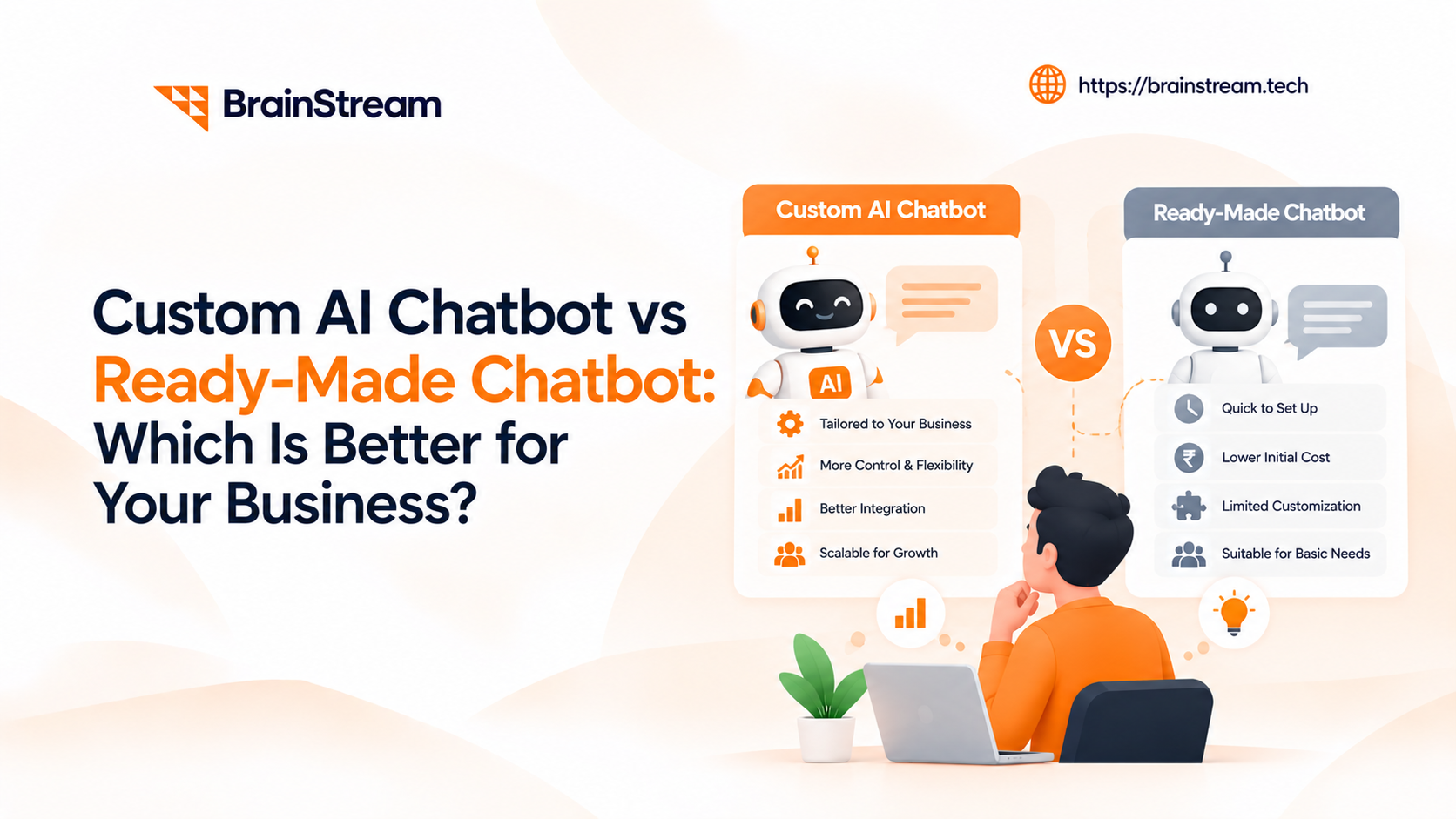
Custom AI Chatbot vs Ready-Made Chatbot: Which Is Better for Your Business?
AI chatbots are changing how businesses communicate with customers, manage…