


















Summary:
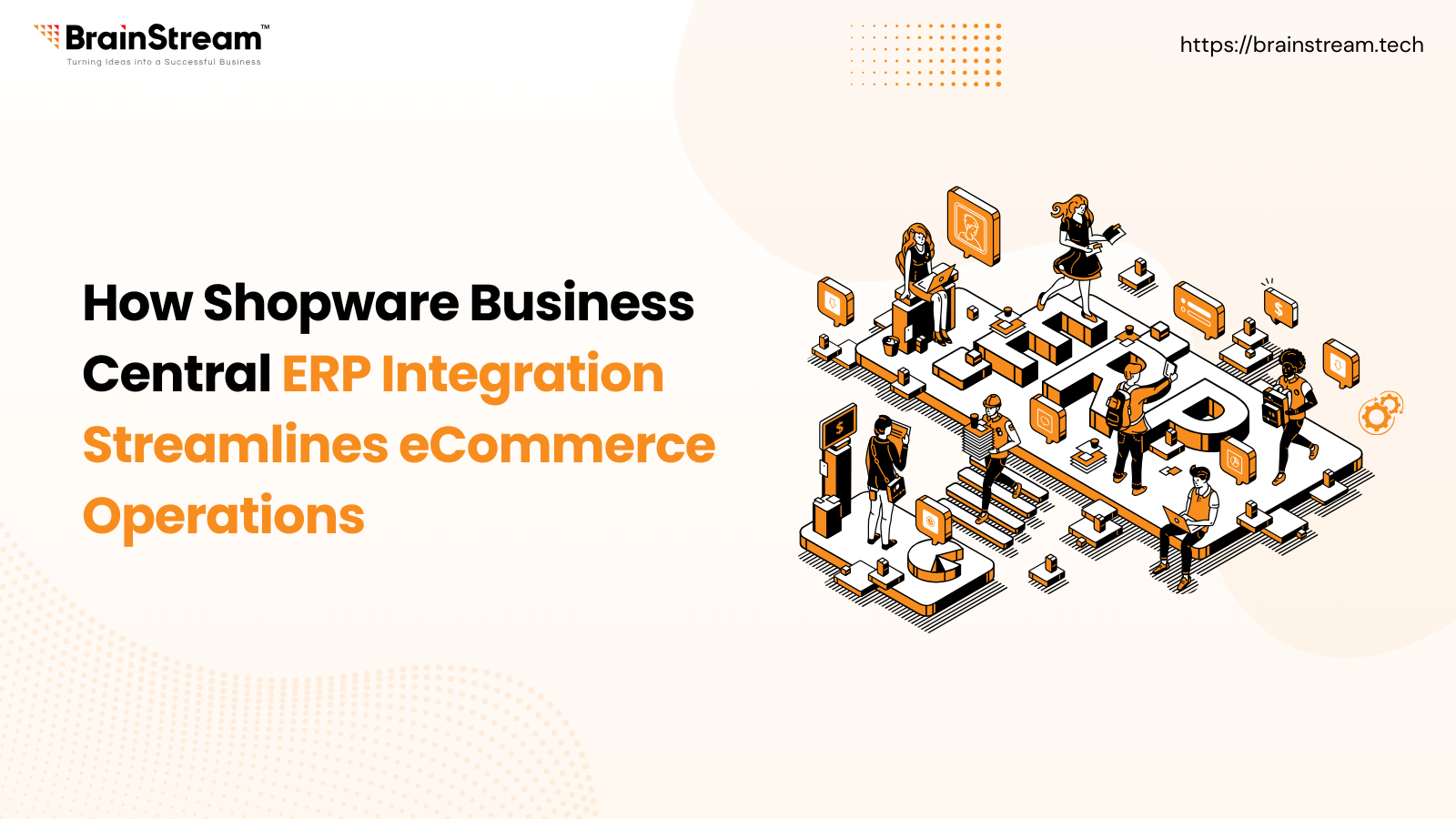
Shopware Business Central ERP integration connects your eCommerce store front with Microsoft Dynamics 365 Business Central to create a seamless, automated operational workflow. By synchronising orders, inventory, customer data, and financial information in real time, businesses can eliminate manual processes, reduce errors, and improve fulfilment speed. This integration enables better inventory control, accurate reporting, and scalable growth, making it ideal for B2B and fast-growing eCommerce brands.
December 26, 2025
In today’s fast-paced eCommerce landscape, managing an online store requires more than a storefront and products. Growing businesses need efficient backend systems to handle inventory, orders, customers, finance, and reporting, all without manual work or data silos. This is where integrating an ERP system with your eCommerce platform becomes essential.
One of the most powerful combinations available today is Shopware, a leading eCommerce platform, and Microsoft Dynamics 365 Business Central, a comprehensive Enterprise Resource Planning (ERP) solution. When these two systems work together, your eCommerce operations become faster, cleaner, and far more efficient.
In this blog, we’ll break down how Shopware Business Central ERP integration streamlines eCommerce operations from data sync to operational efficiency, customer experience, and overall scalability.
What Is Shopware Business Central ERP Integration?
Shopware Business Central ERP Integration connects your Shopware online store with Microsoft Dynamics 365 Business Central, an all-in-one business management solution. This integration creates a two-way data flow between your storefront and your ERP, allowing both systems to stay in sync without manual data entry.
So instead of juggling spreadsheets and manually updating orders or inventory, your systems automatically communicate:
- Orders placed on Shopware flow directly into Business Central
- Product and inventory updates made in Business Central are reflected in your Shopware store
- Customer, pricing, and financial data stay unified across both systems
This real-time coordination becomes the backbone of streamlined eCommerce operations.
Key Ways Integration Streamlines eCommerce Operations
1. Real-Time Data Synchronisation
Integration ensures that products, inventory levels, pricing, and customer data are updated instantly between Shopware and Business Central.
This prevents common issues like:
- Overselling products that are out of stock
- Discrepancies between online listings and actual inventory
- Manual adjustments that cause errors
With real-time syncing, every part of your business works with accurate, up-to-date information.
2. Automated Order Management
One of the biggest operational hurdles for online businesses is handling incoming orders efficiently.
Once integration is in place:
- A customer order in Shopware automatically creates a corresponding sales order in Business Central
- Inventory levels adjust immediately
- Invoices and fulfilment details are generated without manual effort
This eliminates redundant work, reduces the risk of human errors, and speeds up the fulfilment process significantly.
3. Accurate Inventory Control
Maintaining correct stock levels is essential to reduce lost sales and customer frustration.
With Business Central and Shopware connected:
- Inventory quantities update in real time across all channels
- You avoid overselling or out-of-stock scenarios
- Replenishment and stock forecasts become easier and more accurate
This leads to smoother warehouse operations and better customer satisfaction.
4. Streamlined Financial Processes
Managing finances through disjointed systems often leads to errors and delays.
Integration brings:
- Automatic syncing of sales figures, invoices, payments, and financial transactions
- Central accounting information that reflects real eCommerce activity
- Simplified reconciliation and faster reporting
This means finance teams save hours previously spent on manual data consolidation and decision makers get reliable insights faster.
5. Enhanced Customer Experience
Customers today expect accurate product availability, transparent order updates, and fast fulfilment.
Integration enables:
- Real-time stock visibility on your storefront
- Faster and error-free order processing
- Consistent pricing and product information across channels
These improvements foster trust, reduce returns and cancellations, and boost repeat purchases.
6. Better Reporting & Decision Making
With integrated data, your business gains a centralised view of operations:
- Sales reports reflect true performance across platforms
- Inventory and supply chain analytics help plan promotions and reorder points
- Finance dashboards give a complete picture of cash flow and profitability
This consolidated view empowers leadership to make data-driven decisions, not guesswork.
Who Benefits Most from This Integration?
While every Shopware merchant can benefit, some business types see the biggest transformation:
1. B2B eCommerce Stores
Complex transactions, negotiated pricing, and large volume orders are common in B2B. Integration ensures accurate pricing and order processing without administrative bottlenecks.
2. Multi-Warehouse or Multi-Location Businesses
Keeping inventory in sync across different locations becomes far easier with real-time integration.
3. Growing Brands With Expanding SKUs and Markets
As your product catalogue and sales volume grow, integrated data workflows replace tedious manual updates with reliable automation.
Common Challenges and How to Avoid Them
While integration is powerful, it’s not plug and play without preparation:
- Connector Quality Matters: Choose a well-supported integration tool or partner to avoid syncing failures.
- Data Mapping Must Be Accurate: Make sure product SKUs, pricing, and customer identifiers align between systems before going live.
Test Thoroughly: Run test orders and inventory changes to catch mismatches early.
Final Thoughts
Integrating Shopware with Microsoft Dynamics 365 Business Central transforms your eCommerce operations from siloed and manual to synchronised and automated. With real-time data, faster order fulfilment, accurate inventory, and better financial visibility, your business becomes more efficient and far more capable of scaling.
If your goal is to reduce operational friction, eliminate errors, and build a future-ready eCommerce business, this integration is a strategic step every growing Shopware merchant should consider.

FAQ
1. What is Shopware Business Central ERP integration?
It is the integration of Shopware with Microsoft Dynamics 365 Business Central, enabling real-time synchronisation of orders, inventory, customers, and financial data between the eCommerce platform and the ERP system.
2. How does this integration improve eCommerce operations?
The integration automates order processing, keeps inventory accurate, synchronises financial data, and removes manual data entry, resulting in faster operations and fewer errors.
3. Is Shopware Business Central integration suitable for B2B businesses?
Yes. It is particularly beneficial for B2B eCommerce, supporting complex pricing, large order volumes, customer-specific data, and advanced financial workflows.
4. What data can be synchronised between Shopware and Business Central?
Commonly synced data includes products, inventory levels, orders, customers, invoices, pricing, and payment information.
5. Do I need a plugin or connector for the integration?
Yes. The integration is typically implemented using a certified connector or custom middleware to ensure secure, reliable, and scalable data synchronisation.

Manish Khilwani 

Co-Founder at BrainStream Technolabs, he focuses on building people-first, scalable eCommerce and digital products that help brands grow with clarity and innovation.
Share :


Related Blog

Shopware
Shopware Community Day 2026: The Ultimate Global Event for the Shopware Ecosystem
Shopware Community Day 2026 (SCD 2026) is more than just an ecommerce conference; it is the most important annual event for the global Shopware community. From extension partners to merchants and technology innovators, SCD 2026 brings together everyone building, scaling,...

Shopware
Shopware Gateways: A Flexible Way to Extend Shopware
A Shopware gateway acts as a dedicated communication layer between a Shopware store and external App servers. Each gateway is designed for a specific integration area, such as checkout processes, customer context handling, or in-app purchases, while relying on a...

Shopware
Shopware Product Recommendations in 2026: From Cross-Selling to AI-Driven Product Consultation
In 2026, simple product sliders and static cross-sell recommendations aren’t enough. Today’s customers expect personalized guidance, and AI-based product consultation turns your Shopware store into a real advisor, driving higher conversions and better customer satisfaction. Standard Shopware cross-selling shows products,...


Keep up-to-date with our newsletter.
Sign up for our newsletter to receive weekly updates and news directly to your inbox.