How to Sync Shopify and Odoo Exactly When You Want Using Manual and Scheduled Sync?
A step-by-step look at the OdooStream features that put you in control of when data moves, instead of waiting on real-time alone
When Real-Time Sync Isn’t Fast Enough (or Too Fast)?
Real-time sync is great, until the moment it isn’t what you need. Maybe you just made a bulk price update and want it to sync right now, not whenever the next webhook happens to fire.
Maybe you’d rather inventory counts reconcile quietly every night instead of pinging back and forth all day. Without a way to trigger sync on your own terms, you’re stuck either waiting or digging through settings hoping something updates.
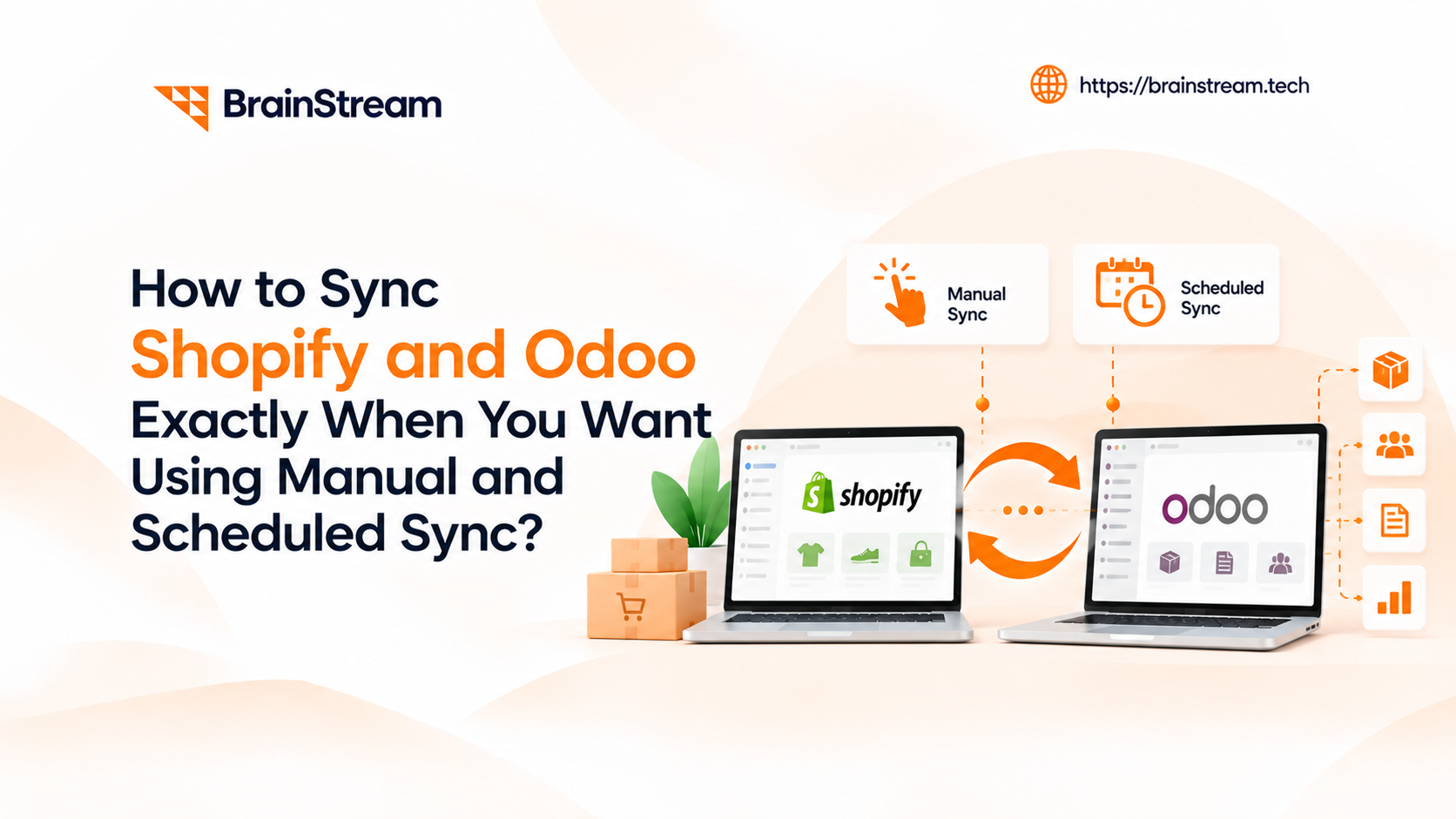
OdooStream solves this with two simple features: Manual Sync, for forcing an update right now, and Scheduled Sync, for running updates automatically on a timer you set.
Two Buttons for Two Different Problems
Manual Sync is a one-click control that lets you trigger a sync for any module: Categories, Customers, Products, or Orders: the moment you need it, without waiting for a webhook or a scheduled run. Scheduled Sync is its counterpart: instead of triggering by hand, you set a frequency, every hour, every day, whatever fits, and OdooStream runs the sync automatically in the background from then on.
Together, they cover the two situations real-time sync doesn’t: the one-off moment where you need certainty right now, and the ongoing housekeeping that doesn’t need to be instant but does need to happen reliably.
What Changes Once You Have Both?
- Saves time on bulk updates – sync a whole batch of price or catalog changes in one click instead of waiting on individual real-time events.
- Reduces missed updates – scheduled runs catch anything real-time sync might have missed during a brief connection hiccup.
- Better customer experience – stock counts and order statuses stay reliably current, whether pushed manually after a big change or refreshed automatically overnight.
- Zero manual babysitting – once Scheduled Sync is set up, it runs quietly in the background with no one needing to remember to trigger it.

Forcing a Sync Takes Seconds
- Step 1: Open Sync from the navigation menu
Inside Shopify Admin, go to OdooStream and click Manual Sync. - Step 2: Choose a module or Sync All
Pick a specific module: Categories, Customers, Products, or Orders, or click Sync All to refresh everything enabled. - Step 3: Watch it run in real time
Progress shows on screen as records move, so there’s no wondering whether it worked. - Step 4: Check Sync Logs for the details
Once it’s done, open Sync Logs for a full breakdown of what transferred and what, if anything, needs a second look.
Set It Once, Never Think About It Again
- Step 1: Go to Settings
From the OdooStream navigation menu, open Settings and find the Scheduled Sync section. - Step 2: Turn on Scheduled Sync
Enable the toggle to activate scheduled runs. - Step 3: Set your frequency and direction
Choose how often it should run: hourly, daily, or another interval, and which direction, Shopify to Odoo or Odoo to Shopify. - Step 4: Save and let it run
Click Save. From here, OdooStream handles the rest automatically in the background.
A Sale Weekend, Handled Two Ways
Imagine a seasonal homeware store running a weekend-only 30% off sale across 200 products. The team updates all the prices in Shopify in one batch on Friday morning, but rather than wait for real-time sync to trickle those changes through one at a time, they open Manual Sync and click Sync All for Products. Within a couple of minutes, every discounted price is live in Odoo too, ready for accurate reporting the moment the sale starts.
Meanwhile, the same store has Scheduled Sync running every night at 2am for Inventory, quietly reconciling any small stock discrepancies that built up during the day: so by the time the team logs in each morning, both platforms already agree, without anyone having to check.
Try Manual and Scheduled Sync today on OdooStream

Manish Khilwani
Author
Co-Founder at BrainStream Technolabs, he focuses on building people-first, scalable eCommerce and digital products that help brands grow with clarity and innovation.
Table of contents
BLOGS
Learn & Grow with Us
Get the latest updates on trends and strategies that shape the business world. Our insights are here to keep you informed and inspired.
Zero-Downtime Database Migration: Strategies for Growing Applications
Zero-Downtime Database Migration – Your application is growing. More customers…
AI Shopping Agents: How to Prepare Your Online Store for 2027
Online shopping is changing quickly. Today, AI shopping agents help…

Top 10 AI Automation Companies in India
Businesses today want to work faster, reduce manual tasks, and…
Custom AI Chatbot vs Ready-Made Chatbot: Which Is Better for Your Business?
AI chatbots are changing how businesses communicate with customers, manage…