
















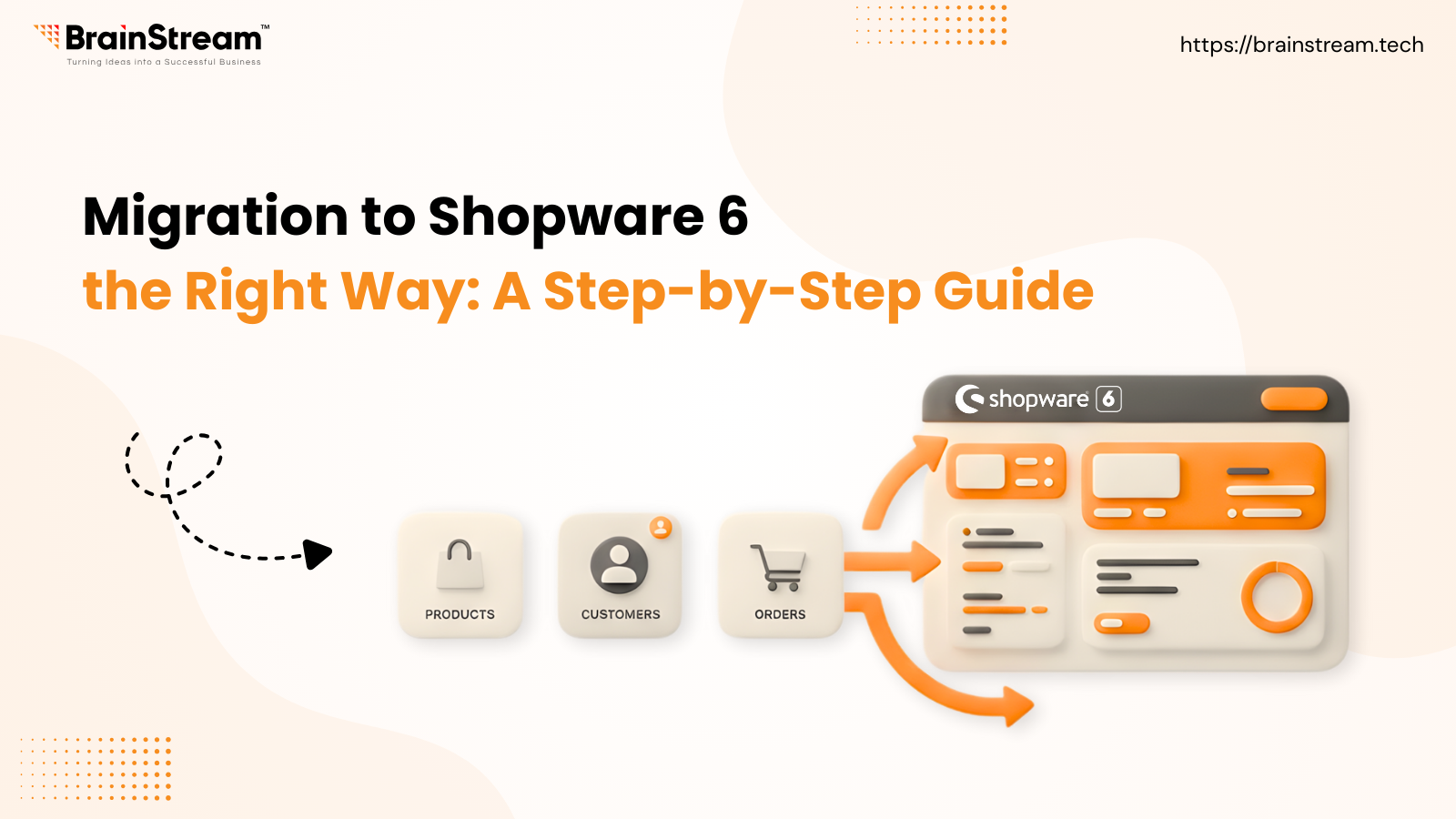
Summary:
Migrating to Shopware 6 is a strategic move for e-commerce businesses looking for better performance, scalability, and modern features. This step-by-step guide explains the complete Shopware 6 migration process from planning and data backup to testing and final launch helping you avoid common mistakes and ensure a smooth, secure transition.
December 22, 2025
In the fast-moving world of ecommerce, staying on outdated technology can slow growth and limit your store’s potential. That’s why moving to Shopware 6 has become essential for merchants who want better performance, modern features, and a scalable platform for the future. This blog will walk you through what Shopware 6 is, why it matters, and exactly how to migrate your store step-by-step so you avoid common pitfalls and achieve a smooth transition.
What is Shopware 6?
Shopware 6 is a next-generation ecommerce platform built with flexibility, performance, and user experience in mind. Unlike older versions, it’s developed using modern frameworks that make customization easier and more powerful. With native support for API-first integrations and customizable workflows, Shopware 6 is ideal for stores that want to scale and innovate without technical roadblocks.
Why Migrate to Shopware 6?
Migrating isn’t just an update – it’s a strategic move that unlocks many benefits:
1. Modern and Flexible Architecture
Shopware 6’s architecture is designed to adapt to changing business needs – whether you’re adding new sales channels or complex custom features.
2. Better Performance and Scalability
With optimized code and improved database handling, Shopware 6 can handle more products, more traffic, and more orders with greater speed.
3. Enhanced Omnichannel Capabilities
Sell seamlessly across web stores, marketplaces, social platforms, and more – all from one central system.
4. Improved User Experience
From admin dashboards to shopping flow, Shopware 6 is made to be intuitive for both merchants and customers.
Key Features That Make Shopware 6 Stand Out
Before migrating, it’s worth knowing the features Shopware 6 brings to your store:
- Flow Builder: Create automated workflows without code
- Rule Builder: Set marketing and pricing rules with fine-grained control
- Multi-Inventory Management: Track stock across multiple warehouses
- Social Commerce Integration: Sell directly through social platforms
- Advanced B2B Tools: Support wholesale pricing, customer segmentation, and more
These features help streamline operations and improve customer engagement post-migration.
Shopware 6 vs Other Ecommerce Platforms
| Aspect | Shopware 6 | Magento | Shopify | WooCommerce |
| Customization | Highly flexible | Extensive but complex | Limited | Flexible with plugins |
| Ease of Use | Modern & intuitive | Steep learning curve | Very easy | Easy for WordPress users |
| Scalability | Excellent | Excellent | Mid-range | Depends on plugins |
| SEO Tools | Strong built-in features | Good (needs extensions) | Built-in | Good with plugins |
Shopware 6 stands out for customization and backend control, especially for medium to large stores.
Step-By-Step Shopware 6 Migration Process
Migrating your store successfully requires planning and precision. Here’s a clear roadmap:
Step 1: Initial Planning
Start with a complete audit of your current store:
- What data needs to be migrated?
- Which plugins and custom features are critical?
- What can you redesign or simplify?
Knowing this helps you pick the right migration approach and avoid surprises later.
Step 2: Backup Your Data
Before touching anything, back up:
- Full database export
- Product assets, images, and media files
- Configurations and custom plugin settings
A solid backup is your safety net if something goes wrong.
Step 3: Set Up Your Shopware 6 Environment
Install the latest version of Shopware 6 on your server or cloud platform. Configure:
- Sales channels and store languages
- Tax and shipping settings
- Payment gateways
- Required extensions
This gives you a staging environment to test the migration before going live.
Step 4: Data Migration
Use Shopware’s Migration Assistant or a dedicated migration tool to transfer:
- Products & categories
- Customers & user accounts
- Orders & order history
- Media files
- SEO metadata
During this phase, mapping your old data structures to Shopware 6 fields is vital for accuracy.
Step 5: Test & Validate
After migration, test everything:
- Product listings and customer accounts
- Checkout process
- Payment and shipping workflows
- SEO settings and URL structure
Fix issues before making the store public.
Step 6: Launch Your Shopware 6 Store
Once confident with testing:
- Switch DNS to point to the Shopware 6 store
- Monitor site performance and traffic
- Watch for errors and customer feedback
This phase often includes a short “hyper care” period where you fix any unforeseen issues quickly.
Best Practices for a Smooth Migration
Here are some tips to ensure a successful transition:
- Create a detailed timeline with goals and milestones
- Document every step and keep stakeholders informed
- Use migration tools to automate repetitive tasks
- Prepare customers for any planned downtime
- Work with experienced developers if needed
These practices reduce risk and make the migration process more predictable.
Conclusion
Migrating to Shopware 6 is more than an upgrade – it’s an investment in your store’s growth, flexibility, and future success. With the right strategy and careful planning, you can move your ecommerce business to a modern platform that supports advanced features, better performance, and expanded sales opportunities.
FAQs
Q1. What data can be migrated to Shopware 6?
Ans: Products, customers, orders, categories, and SEO data can typically be migrated.
Q2. Is migration time the same for all businesses?
Ans: No – it depends on your store’s size, plugins, and customizations.
Q3. Can I migrate from platforms other than Shopware 5?
Ans: Yes, with tools and services, you can migrate from Magento, Shopify, WooCommerce, and others.


Manish Khilwani 

Co-Founder at BrainStream Technolabs, he focuses on building people-first, scalable eCommerce and digital products that help brands grow with clarity and innovation.
Share :


Related Blog

Shopware
How Much Does Shopware Cost? Complete Pricing Guide for 2026
If you are planning to build a modern eCommerce store. Shopware is one of the most powerful platforms available today, especially in Europe. Growing brands and enterprise-level businesses widely use Shopware because it offers flexibility, scalability, and powerful headless commerce...

Shopware
Shopware Community Day 2026: The Ultimate Global Event for the Shopware Ecosystem
Shopware Community Day 2026 (SCD 2026) is more than just an ecommerce conference; it is the most important annual event for the global Shopware community. From extension partners to merchants and technology innovators, SCD 2026 brings together everyone building, scaling,...

Shopware
Shopware Gateways: A Flexible Way to Extend Shopware
A Shopware gateway acts as a dedicated communication layer between a Shopware store and external App servers. Each gateway is designed for a specific integration area, such as checkout processes, customer context handling, or in-app purchases, while relying on a...


Keep up-to-date with our newsletter.
Sign up for our newsletter to receive weekly updates and news directly to your inbox.