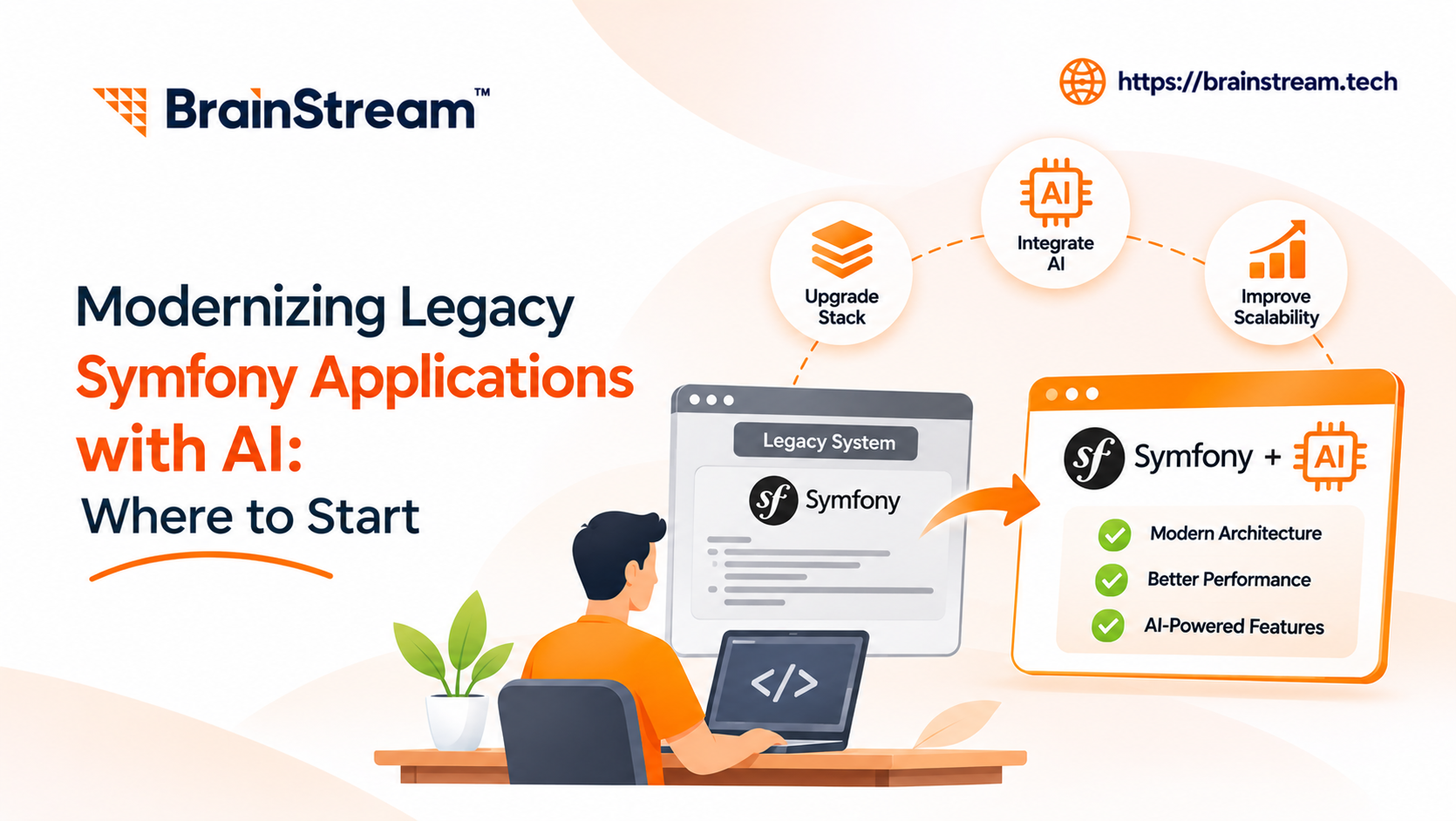
Legacy Symfony Modernization with AI: Where to Start
Your Symfony application still runs your business. However, adding features takes longer, and small changes sometimes cause unexpected problems.
Legacy Symfony modernization with AI starts with an audit of your Symfony and PHP versions, dependencies, and critical workflows, then fixing security and upgrade blockers before adding one small, reviewable AI feature. You can usually modernize step by step without rebuilding the whole application.
Meanwhile, your team sees new ways to use AI. You may want smarter search, faster support, or less manual work.
Where should you begin?
Modernizing legacy Symfony applications with AI starts with a review of your current system. Next, fix urgent issues and test one useful AI feature. You may improve the application without rebuilding everything.
This guide explains how to take those first steps.
What Is a Legacy Symfony Application?
A legacy Symfony application is an older system that your business still uses. It might manage orders, customer accounts, bookings, or internal tasks.
“Legacy” does not always mean broken. Many older applications remain useful and reliable.
However, they can become difficult to maintain when:
- The Symfony or PHP version no longer receives security updates.
- Important features lack automated tests.
- Old software packages block upgrades.
- Developers struggle to understand the code.
- Routine changes take too much time.
Modernization addresses these problems while protecting the features your business depends on.
Which Symfony Versions Count as Legacy?
A Symfony application may be considered legacy when it uses an unsupported framework version, outdated PHP dependencies or components that no longer receive security updates. However, the version number alone does not determine whether an application needs a complete modernization.
The following table summarizes the current support status of important Symfony branches.
| Symfony Version | Support Status | Recommended Action |
|---|---|---|
| Symfony 8.1 | Maintained; current stable | Use for new projects when PHP requirements are met |
| Symfony 7.4 | Maintained; current LTS | Strong option for applications needing long-term support |
| Symfony 6.4 | Maintained LTS | Plan an upgrade path and monitor its support deadlines |
| Symfony 5.4 | Security fixes only | Prioritize compatibility review and migration planning |
| Symfony 7.3 | Unmaintained | Plan an upgrade to a maintained branch |
| Symfony 7.2 | Unmaintained | Plan an upgrade to a maintained branch |
Check Symfony’s official release and support information before planning an upgrade because support status and patch versions change.
Tools That Can Help With Symfony Upgrades
Developers can use tools to reduce repetitive work during modernization:
- Rector: Automates selected PHP and Symfony code refactoring tasks. Developers should review its proposed changes before applying them.
- Symfony PHPUnit Bridge: Helps identify deprecated functionality by running tests.
- Composer: Helps manage package compatibility and dependency updates.
These tools support the upgrade process but do not replace application testing or developer review.
How Can AI Help with Symfony Modernization?
AI can help in two different ways. Understanding this difference makes planning easier.
AI Can Support Development Work
Developers can use AI tools to explain unfamiliar code, suggest changes, and draft tests.
For example, an AI assistant might help explain how an old order approval process works.
However, developers must check its suggestions. AI can misunderstand business rules or recommend changes that break existing features.
AI Can Add Useful Business Features
You can also add AI features directly to your application.
Examples include:
- Searching documents using everyday questions.
- Drafting customer support replies.
- Summarizing long reports.
- Suggesting categories for incoming requests.
- Extracting information from uploaded files.
Symfony provides AI components for connecting applications with AI services and building agents. Check their requirements against your application before choosing an integration.
Step 1: Review Your Existing Application
Before adding AI, understand what you already have.
Ask your development team to review the framework, PHP version, software packages, and key business processes.
Also, speak with the people who use the application daily. They often know which problems waste the most time.
Start with these questions:
- Which tasks create the most manual work?
- Where do users experience errors or delays?
- Which features must work without interruption?
- What information would an AI feature need?
- Who can currently access that information?
This review connects technical work with real business needs.
Step 2: Fix the Foundation First
An AI feature will not fix every problem in an older application.
For example, a chatbot will not repair a broken checkout process. Similarly, AI search will not correct missing access controls.
Address urgent security, reliability, and compatibility issues first.
Plan Framework Upgrades Carefully
Check which Symfony and PHP versions your application uses. Then review the requirements for your planned upgrades.
Symfony’s upgrade guidance recommends addressing deprecated features before moving to the next major version. These are older features that Symfony plans to remove. symfony.com
Symfony recommends addressing deprecated features before upgrading to a new major version. Follow Symfony’s upgrade guidance to identify compatibility issues and plan the migration.
Test Important Business Tasks
Create tests for the actions your business relies on.
These might include signing in, placing orders, calculating prices, and generating invoices.
Tests help your team check whether changes affect existing behaviour. Additionally, use a separate test environment before updating the live application.
For a consistent testing environment, developers can automate Symfony tests with Docker and PHPUnit. This helps teams validate critical business workflows before deploying application changes.
Need help planning a Symfony upgrade?
Our Symfony developers can audit your application, identify compatibility issues, and map a safe upgrade path before you introduce new AI features.
Step 3: Choose One AI Use Case
Start with a clear problem and a small scope.
“Add AI to our platform” is too broad. “Help support staff find approved answers faster” gives your team a useful goal.
Before selecting an AI feature, define its business objective and expected results. A clear AI strategy for business helps teams prioritize suitable use cases and avoid unnecessary investments.
Consider these starting points:
| Business problem | Possible AI feature | What to measure |
|---|---|---|
| Staff struggle to find documents | Document search assistant | Time needed to find an answer |
| Support replies take too long | Suggested reply drafts | Review time and answer accuracy |
| Teams read lengthy reports | Report summaries | Time saved and missing details |
| Requests need manual sorting | Suggested request categories | Correct category suggestions |
Choose a task where people can review the result easily.
For example, drafting a reply is a simpler starting point than automatically sending it.
Step 4: Check Your Data Before Using AI
AI features need relevant information. Therefore, review the data your chosen feature will use.
Remove outdated documents and correct obvious errors. Also, decide which sources the system should trust.
Keep Existing Access Rules
An employee should only see information they can already access.
For example, a document assistant should not reveal private customer records to every user.
Apply access checks before the application retrieves or sends information to an AI service.
Share Only What the Task Needs
Avoid sending complete records when a few fields will do.
Check whether the task requires personal details, payment information, or confidential files.
Review the AI provider’s data handling settings and terms before connecting business data.
If your application serves customers in the EU, review GDPR obligations and where your AI provider processes data before sending personal information. Check the provider’s data retention, access and processing terms. Also review applicable local data residency requirements before selecting an AI service.
Step 5: Add AI Without Disrupting Core Features
Your development team should give the AI feature a clear place within the application.
For example, a separate service can handle requests between Symfony and the AI provider.
This approach can make the feature easier to test, change, or disable.
Prepare for Slow or Failed Responses
AI services may respond slowly or become unavailable.
Set waiting limits and provide a useful fallback. A support assistant could offer standard search when AI fails.
Core tasks, such as signing in or placing orders, should continue working.
Keep People in Control
Begin with suggestions that users can review.
An AI assistant might draft an email or recommend an action. A person can then approve, edit, or reject it.
Give AI permission to perform actions only after testing the workflow and defining clear limits.
Step 6: Run a Small Pilot
A pilot is a limited trial with a small group of users.
For example, let a few support employees test the assistant before making it available to everyone.
Use realistic questions, incomplete inputs, and requests outside the feature’s scope.
Check whether it:
- Gives useful answers.
- Follows access rules.
- Handles missing information clearly.
- Responds within an acceptable time.
- Keeps usage costs within your budget.
Ask users what helped and what caused confusion. Their feedback should guide the next changes.
Step 7: Measure Results Before Expanding
Compare the pilot with your starting point.
Did staff complete tasks faster? Were reviewers able to spend less time correcting answers? How helpful did users find the feature?
Also, track running costs and maintenance needs.
If the feature adds value, expand it gradually. Otherwise, improve the approach or choose a different use case.
Common Mistakes to Avoid
Modernizing legacy Symfony applications with AI needs practical goals and careful testing.
Avoid these common mistakes:
- Adding AI without identifying a user problem.
- Skipping urgent application fixes.
- Accepting AI-generated code without review.
- Giving an assistant broad access to business data.
- Launching without a fallback.
- Measuring speed while ignoring accuracy.
A focused first project gives you clearer results and fewer moving parts.
Frequently Asked Questions
1. Can I add AI to an existing Symfony application?
Yes. You can integrate AI capabilities into many existing Symfony applications without rebuilding the entire platform. First, review your Symfony version, PHP compatibility, dependencies and data access requirements. Then select a focused use case and integrate it through a service that can be tested and maintained separately.
2. Do I need to rebuild my entire application?
No. A complete rebuild is not always necessary for legacy Symfony modernization. You can upgrade framework components, replace outdated dependencies and improve selected workflows gradually. The right approach depends on the application’s architecture, security condition, technical debt and business requirements.
3. What is a good first AI feature for a legacy Symfony application?
Start with a feature that solves a clear problem and allows human review. Document search, report summaries and support reply suggestions are practical examples. Choose a use case with accessible data, measurable outcomes and limited impact on critical application workflows.
4. Can AI upgrade Symfony automatically?
AI tools can help developers understand legacy code, suggest changes and generate tests. However, they cannot safely guarantee a complete framework upgrade. Developers must review dependency compatibility, business logic, security implications and test results before deploying changes.
5. How much does legacy Symfony modernization cost?
The cost depends on the Symfony and PHP versions, outdated dependencies, application complexity, testing requirements and selected AI features. A focused application audit can identify the main upgrade tasks and provide a more realistic project estimate before development begins.
6. How long does Symfony modernization take?
The timeline depends on the application’s technical condition and the scope of modernization. A small dependency upgrade may take less time than a complex framework migration involving custom bundles and integrations. An application review helps estimate upgrade, testing and AI pilot activities.
Conclusion
Start with your application’s condition and your users’ needs. Then fix urgent issues and choose one useful AI feature.
Test it with a small group, measure the results, and expand when the evidence supports it.
If your Symfony application needs expert modernization or ongoing development, consult a Symfony development company or hire Symfony developers to move your project forward.
Ready to Modernize Your Legacy Symfony Application?
Get a technical review of your existing application, identify upgrade priorities, and explore practical AI opportunities.

Manish Khilwani
Author
Co-Founder at BrainStream Technolabs, he focuses on building people-first, scalable eCommerce and digital products that help brands grow with clarity and innovation.
Table of contents
BLOGS
Learn & Grow with Us
Get the latest updates on trends and strategies that shape the business world. Our insights are here to keep you informed and inspired.
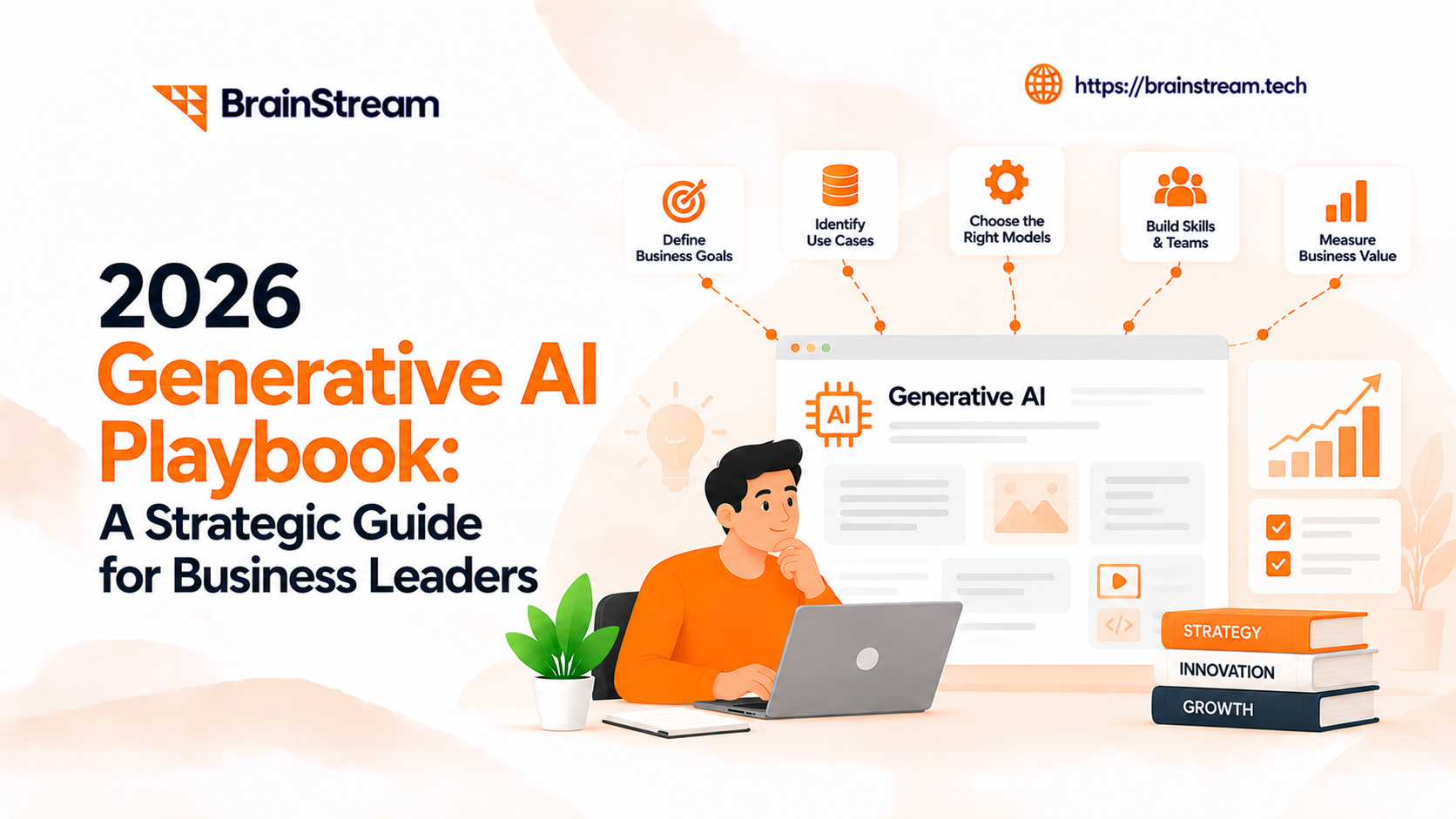
2026 Generative AI Playbook: A Strategic Guide for Business Leaders
The digital landscape has officially crossed a Rubicon. If 2023…

Agentic Commerce in 2026: How AI Agents Are Changing Online Shopping
Agentic commerce is online shopping where AI agents discover, compare,…
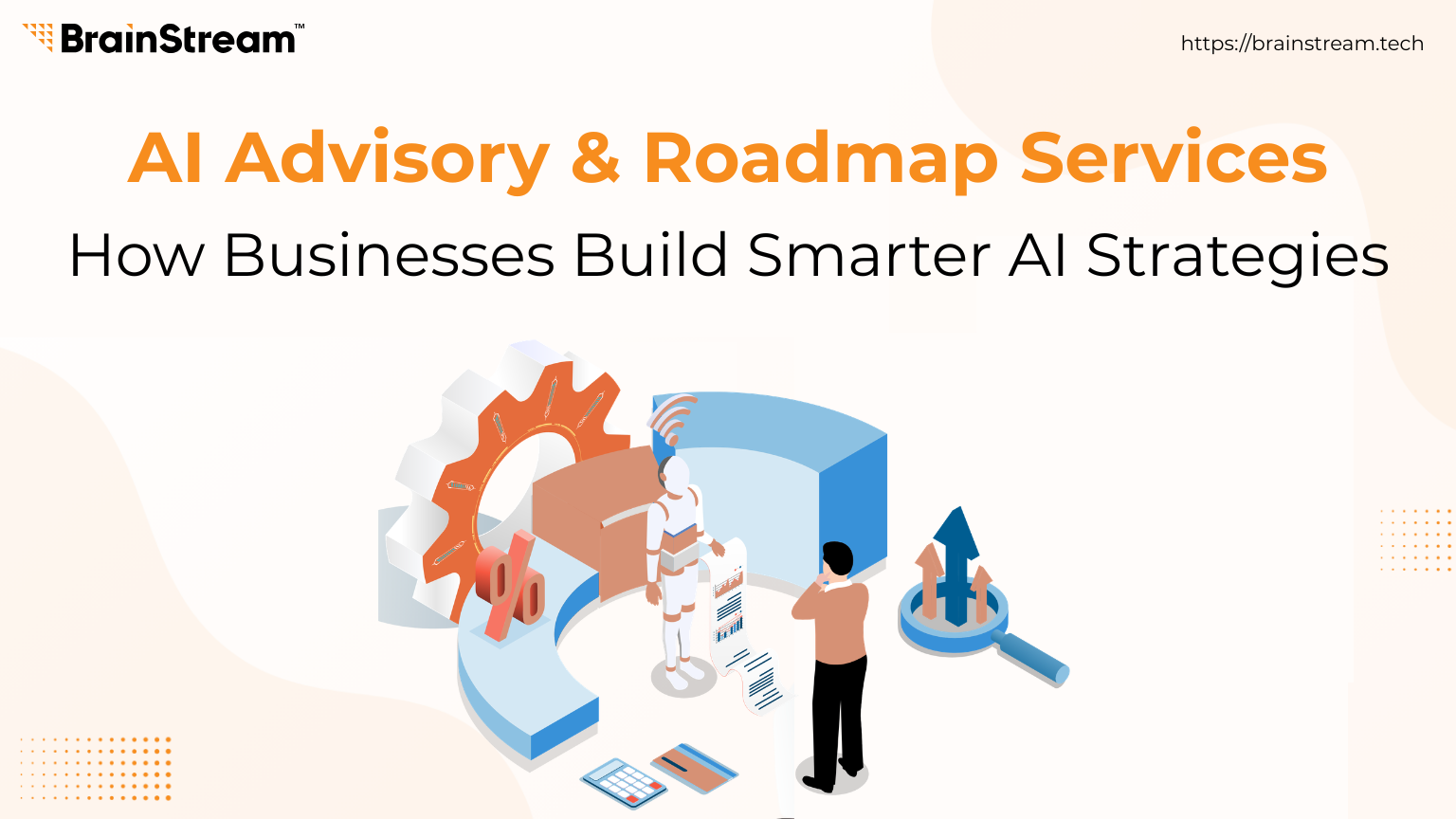
AI Advisory & Roadmap Services: How Businesses Build Smarter AI Strategies?
Artificial intelligence is changing how businesses operate. However, many companies…
AI Agent Security: How to Control Access, Data and Autonomous Actions
AI agents can do more than answer questions. They can…