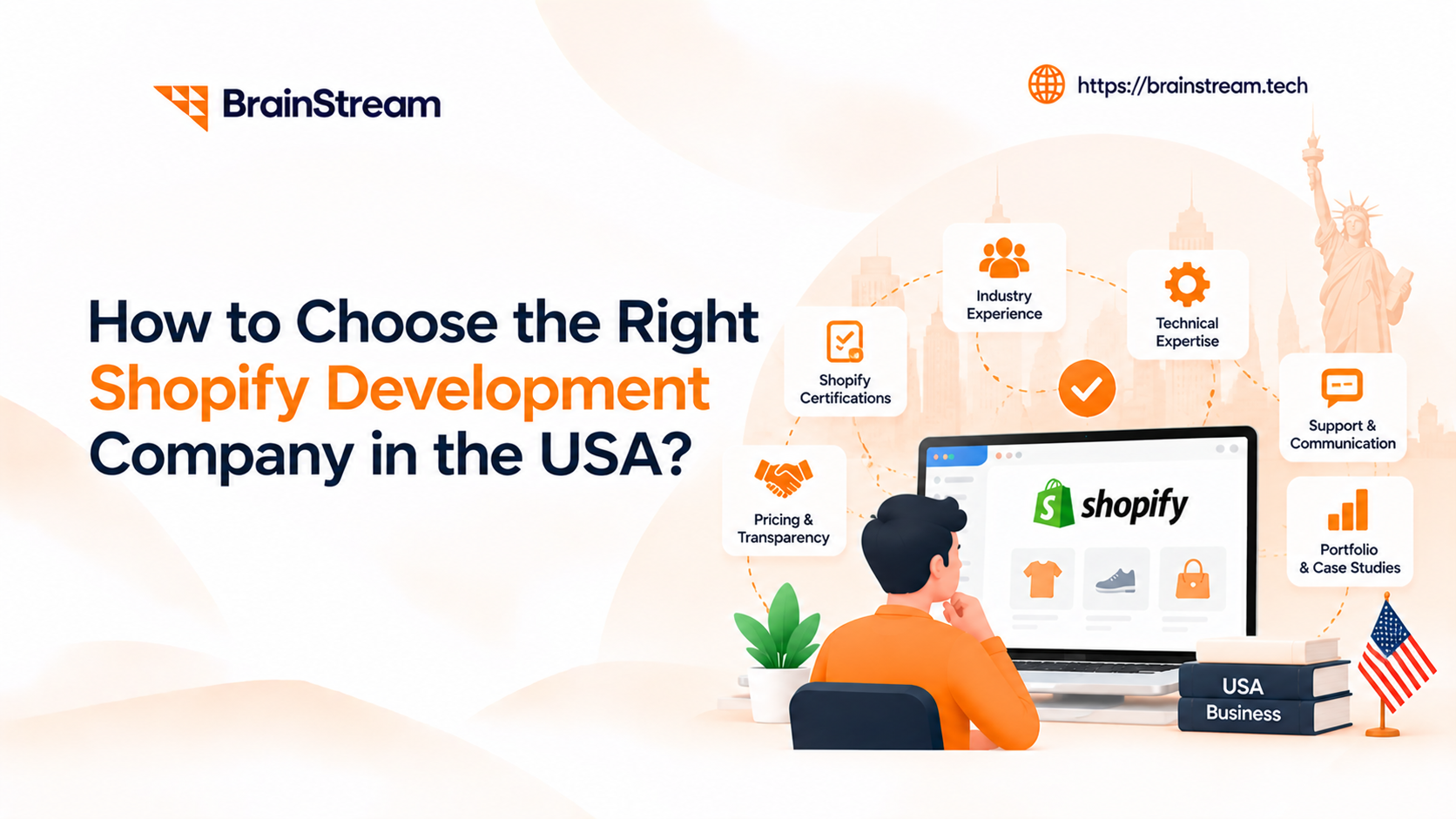
How to Choose the Right Shopify Development Company in the USA?
If you’ve searched “Shopify development company USA,” you’ve probably noticed the problem already: everyone says the same thing. Every agency calls itself experienced, every portfolio looks polished, and every homepage promises “custom solutions.” So how do you actually tell who’s good, and who’s just good at marketing themselves?
This guide walks through what to actually check before you hire someone, including a few things that are specific to running a US-based business, not just generic agency-picking advice.
Why it’s Worth Being Picky?
A Shopify store isn’t something you build once and forget. It’s the thing your business runs on. If it’s built badly, you won’t notice right away; you’ll notice six months later when you want to add a feature and find out the whole theme has to be rebuilt, or when a big sale day slows the site to a crawl.
Cheap and fast can absolutely work. But cheap and fast that has to be redone next year isn’t actually cheap. Before you get into pricing, it helps to know what you’re really comparing.
What Matters Specifically for a US Business?
A lot of “how to choose an agency” advice applies to any country. A few things matter more if you’re a US merchant hiring a team that may not be based in the US:
- Time zone overlap. If your team works 9-5 Eastern or Pacific, ask what hours their developers and project managers are actually available. “We work with US clients” can mean anything from full overlap to a single evening call a week.
- US payment and tax tooling. Ask whether they have experience integrating Shopify with US payment, tax, and accounting tools, and whether they understand the technical requirements around multi-state sales-tax workflows. This is different from expecting them to be your tax advisor; actual sales-tax compliance is ultimately a merchant and accountant/tax-professional responsibility, but the integration work (connecting Shopify to tools like Avalara or TaxJar) is something the agency should be comfortable with.
- Peak season readiness. Black Friday, Cyber Monday, and the holiday season can create significant traffic and order-volume spikes for US ecommerce stores. Ask if they’ve handled a store through a real BFCM spike, not just launched stores that happened to survive a quiet month.
- Communication style and contracts. US businesses often expect clear SOWs (statements of work), defined change-request processes, and US-style contract terms. Ask to see a sample contract or SOW before you commit, not after.
None of this means the agency has to be physically based in the US; plenty of great Shopify teams work remotely from anywhere. It just means “we serve US clients” should be backed by specifics, not just stated on the homepage.
Ask How Much Shopify Work They’ve Actually Done?
This sounds obvious, but a lot of agencies list “ecommerce development” and lump Shopify in with Magento, WooCommerce, and custom builds. Those are different skill sets. Shopify has its own templating language (Liquid), its own app ecosystem, and its own quirks around checkout and theme structure that you only really learn by working inside the platform a lot.
So ask directly: how many Shopify stores have you built? Not ecommerce sites in general; Shopify, specifically. If you’re a bigger business, also ask about Shopify Plus experience, since Shopify Plus offers additional capabilities and customization options that can matter for larger or more complex merchants.
What a weak answer sounds like: “We have years of ecommerce experience and can build anything.”
What a strong answer sounds like: “We’ve launched around 40 Shopify stores, including 8 on Shopify Plus. I can send you three live examples in your industry right now.”
That difference- a vague claim versus a specific, checkable number is the single fastest way to filter agencies in a first call.
Ask to See Real Stores, Not Just Screenshots
Portfolio pages show you the pretty parts. They don’t show you whether the site is actually fast, or whether checkout works properly on a phone.
Ask for 3-5 live store links, ideally something close to your industry, and check them yourself:
- Open each one on your phone and try to actually buy something
- Look at Core Web Vitals (not just a single PageSpeed number), things like how long it takes for the page to feel usable, and whether images or third-party apps are dragging it down
- Test the checkout flow specifically, not just the homepage; checkout is where performance and usability issues can have a direct impact on conversions
- Notice whether the design still feels intentional, or like a template with a logo dropped in
A good PageSpeed score is a signal, not proof. A store can score well and still have a slow, cluttered checkout because of app bloat. Ask what they do to manage app load specifically; that’s usually a better indicator of real technical care than a single score.
If an agency hesitates to give you real client links, that tells you something on its own.
Find out What “Custom” Actually Means to Them
This is probably the biggest source of confusion in Shopify projects. Some agencies mean “we built this from scratch around your brand” (custom Shopify theme development). Others mean “we bought a $200 theme and changed the colors.”
Neither is wrong on its own; a good theme, customized well, can be the right call for a smaller launch. The problem is paying custom-development prices for what’s really theme customization.
Ask directly: are we starting from a purchased theme, or built from scratch? Get the answer in writing before you agree on price, not after.
Get a Real Answer on Timeline, Not a Guess
Everyone says “agile process.” What matters is whether they can actually explain it for your project specifically.
Before signing anything, you should have clear answers to:
- What does the discovery phase actually involve?
- What’s a realistic timeline for your project, not a generic range that applies to everyone?
- Who’s your actual point of contact during the build?
- What gets tested before launch: browsers, real mobile devices, payment methods, load handling under traffic?
Vague answers here usually mean a vague process later, and that’s where deadlines start slipping.
Ask What Happens After Launch
Launch day isn’t the finish line. Shopify updates its platform regularly, apps break things without warning, and busy sale days are when problems actually show up.
Worth asking:
- Is there a warranty period for fixing bugs after launch, and how long?
- What’s actually included in ongoing maintenance and support- security updates, app updates, monitoring, or is it just email support?
- How fast do they respond if something breaks during a big sale?
- What are the terms around store ownership, admin access, and source-code rights once the project wraps?
That last point is worth being specific about rather than assuming. In most healthy agency relationships, you keep full ownership and access to your store, theme code, and any custom apps, but exactly how that’s handled (who holds admin rights during the build, what gets transferred at handoff, whether custom code is licensed or fully owned by you) varies by agency and should be spelled out in the contract, not left as an assumption on either side.
Check If They Can Actually Handle Integrations
Most stores today aren’t just a storefront. They’re connected to inventory systems, accounting software, shipping tools, sometimes an ERP or CRM. Building a nice-looking theme and wiring all of that together are two different skills, and Shopify integration work is where a lot of “we build websites” agencies fall short.
If your business needs any of this, ask about it specifically:
- Syncing with an ERP or accounting tool like Odoo, NetSuite, or QuickBooks
- Inventory sync across warehouses or a 3PL
- Custom Shopify app development for internal tools
- Subscriptions or more complex pricing setups
- Selling on Amazon or other marketplaces alongside Shopify
- US-specific shipping and tax tools (ShipStation, Avalara, TaxJar)
- Shopify migration from another platform, including URL redirects, product and customer data transfer, SEO preservation, and post-migration QA
It’s fine if one team doesn’t do everything, but you want to know that upfront rather than finding out mid-project.
Understand the Pricing, Not Just The Number
Shopify pricing usually comes as a fixed project fee, an hourly rate, or a monthly retainer. None of these is automatically better; each fits a different kind of project, and each carries a different risk if the scope isn’t clearly defined.
| Pricing model | Best for | Main risk |
|---|---|---|
| Fixed fee | Clearly scoped projects with defined deliverables | Scope creep – anything not explicitly listed gets billed extra |
| Hourly | Ongoing or evolving work where requirements will shift | Budget can run higher than expected without tight tracking |
| Monthly retainer | Ongoing optimization, maintenance, or a long-term partnership | Paying for capacity you don’t fully use in slower months |
Whichever model you pick, make sure you know:
- What’s actually included, how many page templates, how many rounds of changes, which app integrations
- What counts as extra and gets billed separately
- Whether Shopify’s own subscription and any paid apps are separate from the dev cost (they usually are)
- What happens if the project takes longer than planned is that on them, or on you
A detailed, itemized quote is a good sign. A single number with no breakdown usually means the details get sorted out later, and not always in your favor.
Pay Attention to How They Communicate Now
You’ll really find out how responsive an agency is during an actual emergency. But you can get a decent preview during the sales process.
- Did they respond quickly to your first message?
- Did they ask about your business, or just send a generic pitch?
- Will you have one point of contact, or get routed to a general inbox?
- How do they update you: Slack, calls, a shared project board?
- Can they work within your business hours, or close enough to make real-time collaboration possible?
If it’s hard to get a straight answer now, it won’t get easier once you’ve paid a deposit.
Questions to Ask on The First Call
If you only take one thing from this article, take this list into your next agency call:
- How many Shopify stores have you launched, and how many were Shopify Plus?
- Can you send me 3 live stores in or near my industry, right now?
- Are we starting from a purchased theme or a from-scratch build?
- Who is my actual point of contact, and what hours are they available in?
- What’s included in the quote, and what counts as extra?
- What happens if something breaks during a sale? What’s your response time?
- What are the terms for store ownership and code access after the project ends?
- Have you handled a store through a real Black Friday/Cyber Monday traffic spike?
Ask every agency you’re considering the same eight questions, in the same order. It’s a small thing, but it makes the answers genuinely comparable instead of being swayed by whoever gave the smoothest pitch.
Score the Agencies You Interview
Once you’ve talked to a few agencies, it’s easy to end up picking whoever you liked best in the room rather than whoever’s actually the best fit. A simple scorecard fixes that. Rate each agency out of 100 across these categories:
| Category | Points |
|---|---|
| Shopify-specific experience | 20 |
| Relevant live stores shown | 10 |
| Technical & integration capability | 15 |
| Process and timeline clarity | 15 |
| Post-launch support | 10 |
| Communication & time-zone overlap | 10 |
| Pricing transparency | 10 |
| Ownership & contract terms | 10 |
Score each agency right after the call, while it’s fresh, using the same criteria for all of them. It won’t remove judgment from the decision, but it does remove some of the bias that comes from a polished sales pitch or a nice-looking deck, the two things that tend to influence first impressions the most and matter the least in the long run.
Red Flags to Walk Away From
- They won’t share references or real client sites
- Their price is way lower than everyone else’s with no explanation why
- No clear answer about store ownership, admin access, or code rights after the project
- Pressure to sign fast, or “discount ends today” tactics
- Nobody mentions what happens after launch unless you ask
- Every portfolio example is clearly the same theme with different colors
- Vague or non-committal answers about US business hours and support availability
Quick Checklist Before You Sign
- Confirmed real Shopify experience with specific numbers, not vague claims
- Checked at least a few live stores on mobile, including the checkout flow
- Got clear on custom build vs. theme customization, in writing
- Have a real timeline and a named contact person
- Know the warranty period and what maintenance actually covers
- Have clear, written terms on store ownership and code/admin access
- Got an itemized quote, not a single number
- Confirmed they can handle any integrations you’ll need
- Confirmed working-hours overlap and US business expectations are realistic for your team
- Scored each agency using the same criteria before deciding
Picking a Shopify partner comes down to asking the boring, specific questions before you’re won over by a nice mockup. The agency with the best portfolio isn’t always the one that’ll still answer your emails a year from now when something breaks during a sale. Ask the questions above, score the answers, and you’ll weed out the wrong fit before your budget’s already spent.

Manish Khilwani
Author
Co-Founder at BrainStream Technolabs, he focuses on building people-first, scalable eCommerce and digital products that help brands grow with clarity and innovation.
Table of contents
BLOGS
Learn & Grow with Us
Get the latest updates on trends and strategies that shape the business world. Our insights are here to keep you informed and inspired.

2026 Generative AI Playbook: A Strategic Guide for Business Leaders
The digital landscape has officially crossed a Rubicon. If 2023…
Agentic Commerce in 2026: How AI Agents Are Changing Online Shopping
Agentic commerce is online shopping where AI agents discover, compare,…
AI Advisory & Roadmap Services: How Businesses Build Smarter AI Strategies?
Artificial intelligence is changing how businesses operate. However, many companies…

AI Chatbots in Healthcare: Benefits and Use Cases That Are Transforming Patient Care
AI Chatbots in Healthcare are changing faster than ever. Patients…