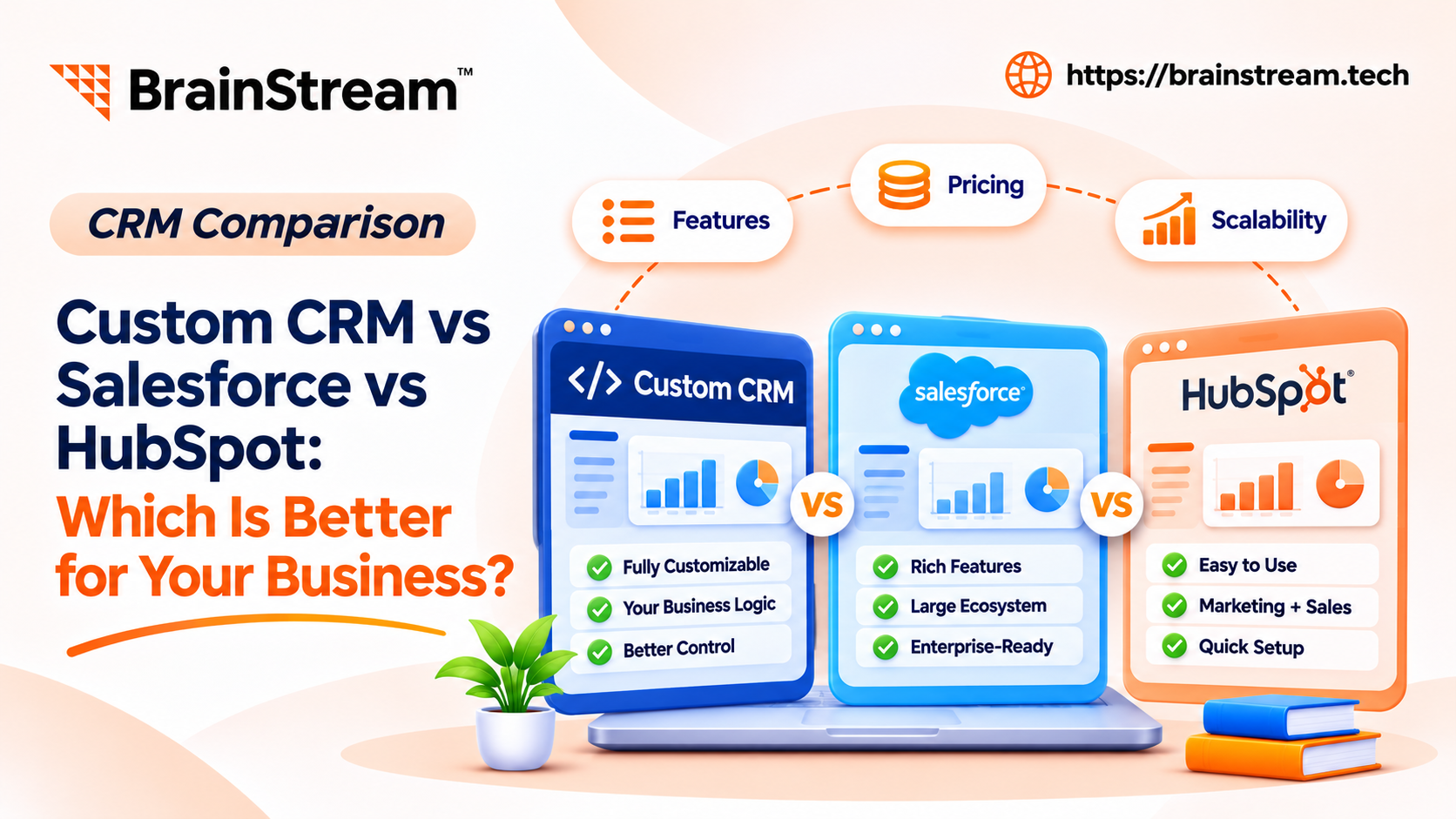
Custom CRM vs Salesforce vs HubSpot: Which Is Better for Your Business?
Choose HubSpot if you want a fast, low-cost start for a growing team. Choose Salesforce for complex, multi-team sales operations. Meanwhile, a custom CRM may be better when your workflows or integrations do not fit standard platforms.
The right option depends on your business processes, integrations, budget, and long-term support needs.
In this guide, we compare custom CRM vs Salesforce vs HubSpot across features, costs, flexibility, and scalability. You will also learn how to choose the right CRM using five practical steps.
| Your priority | Recommended CRM |
| Fast setup and simple adoption | HubSpot |
| Complex sales processes across multiple teams | Salesforce |
| Unique workflows and custom integrations | Custom CRM |
What Is Custom CRM Software?
Custom CRM software is a customer management system that a development team builds around your business needs.
Unlike ready-made platforms, a custom CRM focuses on how your team works. With professional CRM development services, you can choose the features, integrations, and workflows that matter most.
For example, a manufacturing company might need a CRM that connects sales orders with inventory. Meanwhile, a healthcare provider might need secure patient enquiry tracking.
A custom CRM can support both needs through different features and integrations.
Key Benefits of Custom CRM Development
- Flexible features: Build tools that match your daily business processes.
- Better integrations: Connect your CRM with existing business software.
- Workflow automation: Reduce manual work across sales and support teams.
- More control: Decide how the system manages data and user access.
- Room to grow: Add features as your business needs change.
However, custom CRM development takes planning, technical skills, and ongoing maintenance.
Businesses should also consider development time, security, and long-term support before choosing this option.
If an open-source platform could meet your requirements, explore our SuiteCRM development services as another option for CRM customization and integration.
What Is Salesforce CRM?
Salesforce is a cloud-based CRM platform that helps businesses manage sales, service, marketing, and customer relationships.
It offers a wide range of tools for businesses with complex processes. Moreover, companies can customize many Salesforce features without building an entire CRM from scratch.
Salesforce also supports automation, reporting, integrations, and AI-powered capabilities.
Key Benefits of Salesforce
- Advanced sales pipeline management
- Custom reports and dashboards
- Workflow automation
- Large integration ecosystem
- Customer service management
- Options for complex business processes
For example, a large company may have several sales teams across different countries.
Salesforce can help these teams manage customer records, sales opportunities, and reporting within one platform.
However, advanced setup and customization may require experienced administrators or implementation partners.
Additionally, subscription costs can increase as teams add users, products, and advanced features.
What Is HubSpot CRM?
HubSpot is a customer platform that combines CRM tools with sales, marketing, and customer service features.
Its interface is generally easy to understand. Therefore, small businesses and growing teams often consider HubSpot when choosing their first CRM.
HubSpot offers free CRM tools alongside paid plans with more advanced features.
Key Benefits of HubSpot
- Contact and lead management
- Visual sales pipelines
- Email tracking and communication tools
- Marketing automation options
- Customer service tools
- Reporting and dashboard features
For example, a digital marketing agency may need to track website leads, email conversations, and sales follow-ups.
HubSpot can help manage these activities without building custom software.
However, advanced automation, reporting, and other features may require higher-priced plans.
As a result, businesses should review the total subscription cost before choosing HubSpot.
When Is HubSpot the Better Choice?
HubSpot can be a practical option for small businesses and growing teams that want to manage customer relationships without building custom software.
Consider HubSpot when:
- You have a small or growing team: Start with essential CRM features and add tools as your business grows.
- You want free CRM tools: HubSpot offers free features that can help businesses manage contacts and basic sales activities.
- You need sales and marketing tools together: Connect lead tracking, email marketing, and customer communication.
- You want faster adoption: A user-friendly interface can help teams get started with less technical setup.
- You have limited in-house technical support: Many standard workflows can be configured without a dedicated development team.
However, advanced automation, reporting, and other features may require paid subscriptions. Therefore, compare plan limits and total costs before making a decision.
For more guidance, explore our CRM for small business guide.
Data Control, Hosting and GDPR
Data protection matters when choosing a CRM, especially for businesses operating in Europe.
A custom CRM can give your business more control over hosting location, user permissions, and data management rules. However, your team or development partner must also manage security, maintenance, and compliance requirements.
Salesforce and HubSpot provide cloud-based services with their own infrastructure and data-processing arrangements. Therefore, review each vendor’s available data-residency options, contractual terms, and security controls.
For GDPR-related requirements, check where personal data is stored, how international transfers are handled, and which parties can access customer information.
HubSpot vs Industry-Specific CRM: Which Fits Specialized Workflows?
HubSpot works well for many common sales, marketing, and customer management tasks. However, some industries need workflows that standard CRM platforms may not support without extensive customization.
For example, a manufacturing company may need to connect customer enquiries, quotations, sales orders, and inventory systems. Meanwhile, a healthcare business may need secure enquiry tracking, strict access controls, and specialized approval workflows.
In these situations, an industry-specific or custom CRM may provide a better fit.
However, building custom software is not always necessary. First, compare the cost of configuring HubSpot with the development and maintenance costs of a tailored CRM.
Custom CRM vs Salesforce vs HubSpot: Feature Comparison
Each CRM solution offers different advantages. Therefore, the best choice depends on your business size, budget, and daily operations.
| Feature | Custom CRM | Salesforce | HubSpot |
|---|---|---|---|
| Setup | Requires development | Platform configuration | Usually straightforward |
| Customization | Very flexible | Extensive | Varies by plan |
| Initial cost | Often higher | Subscription and setup | Free and paid options |
| Ongoing cost | Hosting, support, upgrades | Subscription and administration | Subscription and upgrades |
| Automation | Built for your needs | Advanced options | Strong options on eligible plans |
| Integrations | Custom APIs and connectors | Large integration ecosystem | Broad integration ecosystem |
| Data control | Depends on architecture | Platform-managed services | Platform-managed services |
| Maintenance | Your team or development partner | Shared platform and admin work | Shared platform and admin work |
| Best suited for | Unique business workflows | Complex business operations | Teams seeking faster adoption |
A custom CRM offers more freedom over software design. However, that freedom comes with greater development responsibility.
Salesforce offers extensive features for complex operations. In contrast, HubSpot often provides a simpler starting point.
Custom CRM vs Salesforce vs HubSpot: Pricing Comparison
CRM pricing involves more than the initial purchase or subscription.
You should also consider setup, customization, training, integrations, and ongoing support.
Custom CRM Development Cost
A custom CRM usually requires a larger upfront investment.
Your development cost depends on several factors:
- Number of features and user roles
- Software integrations
- Design requirements
- Automation complexity
- Security requirements
- Development and testing time
For example, a basic CRM with contact management may cost less than an enterprise system with several integrations.
Additionally, your business must budget for hosting, maintenance, updates, and security.
However, custom development may reduce dependence on per-user subscription fees. That does not automatically make it cheaper.
Salesforce Pricing
Salesforce uses subscription pricing for its CRM products.
Costs depend on the product, edition, user count, and additional services.
For example, a business may start with a standard sales plan. Later, it might need advanced automation or additional Salesforce products.
Therefore, total costs can rise as business requirements grow.
HubSpot Pricing
HubSpot offers free tools and several paid product plans.
Businesses can start with basic CRM features and upgrade when they need more advanced tools.
However, pricing can depend on user seats, product tiers, marketing contacts, and other requirements.
Before purchasing, check which features your preferred plan includes.
Which CRM Offers Better Value?
The cheapest CRM is not always the best investment.
For example, a ready-made CRM may have a lower starting cost. However, complex integrations and paid features can increase long-term expenses.
Similarly, a custom CRM may cost more initially but support unique workflows without recurring per-user software licenses.
Compare the total cost over three to five years before making your decision.
Common AI Integration Challenges
AI integration can create problems without proper planning.
When Should You Choose Custom CRM Development?
Custom CRM development makes sense when standard CRM platforms cannot support important business processes efficiently.
It can also help when your team depends on several internal systems.
1. Your Business Has Unique Workflows
Every company manages customers differently.
For example, a manufacturing company may need to connect customer enquiries with quotations, production schedules, and delivery tracking.
A custom CRM can bring these processes together.
2. You Need Specialized Integrations
Your business may already use ERP, accounting, inventory, or internal management software.
Therefore, your CRM must exchange information with those systems.
Custom development can support integrations when standard connectors cannot meet your requirements.
3. You Want More Control Over Features
Ready-made platforms offer many useful features. However, your business might use only a small portion of them.
With custom CRM development, you can focus on the tools your team actually needs.
You can also add new features as your processes change.
4. You Have Long-Term Technical Support
A custom CRM requires regular maintenance and security updates.
Therefore, you need an internal development team or a reliable technology partner.
Without ongoing support, even a well-built CRM can become difficult to manage.
When Is Salesforce the Better Choice?
Salesforce may suit businesses that need advanced CRM capabilities without building a complete platform.
Consider Salesforce when:
- Your company manages several sales teams.
- You need detailed reporting and sales forecasts.
- Your processes require complex automation.
- You want access to a large partner ecosystem.
- Your business can support ongoing CRM administration.
For example, an international B2B company may need separate sales processes for different regions.
Salesforce can help manage these processes through its customization and reporting tools.
However, businesses should evaluate implementation costs and administrative requirements before choosing a plan.
Conclusion
How to Choose the Right CRM: 5 Simple Steps
Before choosing a CRM, review how your team works today. This helps you avoid paying for features you never use.
Step 1: Identify Your Business Needs
Start by listing your daily customer management tasks. Also, understand why businesses lose leads without a proper CRM system before choosing the right software.
For example, do you need lead tracking, sales reports, marketing automation, or customer support tools?
Also, identify the problems your current system cannot solve.
Step 2: Set Your Budget
Consider both upfront and ongoing costs.
Include subscriptions, development, training, integrations, and maintenance.
Next, estimate how many employees will use the CRM over the next three years.
Step 3: Review Integration Requirements
Check whether the CRM can connect with your existing software. For example, CRM integration with ERP and marketing tools can help businesses connect customer information across different systems.
For example, your business might need accounting, ERP, email marketing, or ecommerce integrations.
If these connections require extensive customization, compare that cost with custom CRM development.
Step 4: Test the User Experience
Ask your sales and support teams to test the CRM.
Check how easily they can add contacts, update deals, and generate reports.
A powerful CRM offers little value if employees struggle to use it.
Step 5: Compare Long-Term Flexibility
Think about where your business will be in three to five years.
Will you need more users, new workflows, or additional integrations?
Finally, choose the CRM that supports your future plans without creating unnecessary costs.
Common Mistakes to Avoid When Choosing a CRM
Businesses often focus on features and pricing. However, several other factors can affect CRM success.
Choosing Based Only on Price
A low monthly subscription can look attractive.
However, missing features may lead to expensive upgrades or extra software.
Instead, compare the total cost of ownership.
Ignoring Employee Feedback
Your employees will use the CRM every day.
Therefore, involve them in the selection process.
Their feedback can reveal problems before you invest in a new system.
Overlooking Data Migration
Moving customer records from spreadsheets or older software requires careful planning.
Check for duplicate records, missing information, and inconsistent formats.
Also, test the migration before moving all customer data.
Adding Too Many Features
More features do not always improve productivity.
Start with essential tools. Then, introduce advanced features when your team needs them.
This approach can make CRM adoption easier.
Frequently Asked Questions
Is custom CRM better than Salesforce?
Custom CRM can be better when your business needs unique workflows or specialized integrations. However, Salesforce offers extensive ready-made features and customization options. The right choice depends on your requirements, budget, and technical resources.
Is HubSpot suitable for small businesses?
Yes. HubSpot offers free CRM tools for small teams. Its paid plans also provide additional sales, marketing, and service features. However, businesses should review plan limits before upgrading.
Is custom CRM more expensive than HubSpot?
Custom CRM usually requires a higher upfront investment. HubSpot offers subscription-based pricing and free tools. However, long-term costs depend on your users, features, integrations, and maintenance needs.
Can Salesforce and HubSpot integrate with other software?
Yes. Both platforms support integrations with many business applications. However, some connections may require paid tools, additional configuration, or custom development.
How long does custom CRM development take?
A basic custom CRM may take a few months to develop. However, complex systems can require much longer. The timeline depends on features, integrations, testing, and project requirements.
Can I migrate from Salesforce or HubSpot to a custom CRM?
Yes. You can move customer records and other supported data to a custom CRM. However, successful migration requires data mapping, cleaning, testing, and careful planning.
Conclusion: Which CRM Should You Choose?
The best CRM is the one that fits your business needs, budget, and future plans.
HubSpot can be a good starting point for small businesses that want simple customer management tools. Meanwhile, Salesforce offers extensive features for companies with more complex sales operations.
Custom CRM development offers greater flexibility when standard platforms cannot support your workflows.
Therefore, compare your requirements before making a decision. Consider your team, integrations, costs, and long-term goals.
At BrainStream Technolabs, we help businesses build, customize, integrate, and improve CRM systems. Our team works with both custom solutions and established CRM platforms.
Explore our CRM development services to find a solution that fits your business.
Not Sure Which CRM Fits Your Business?
Choosing between a custom CRM, Salesforce, and HubSpot depends on your workflows, budget, and integration needs.
Our team can review your requirements and help you evaluate which approach fits your business.
Get a free CRM consultation to discuss your CRM project with BrainStream Technolabs.

Manish Khilwani
Author
Co-Founder at BrainStream Technolabs, he focuses on building people-first, scalable eCommerce and digital products that help brands grow with clarity and innovation.
Table of contents
BLOGS
Learn & Grow with Us
Get the latest updates on trends and strategies that shape the business world. Our insights are here to keep you informed and inspired.
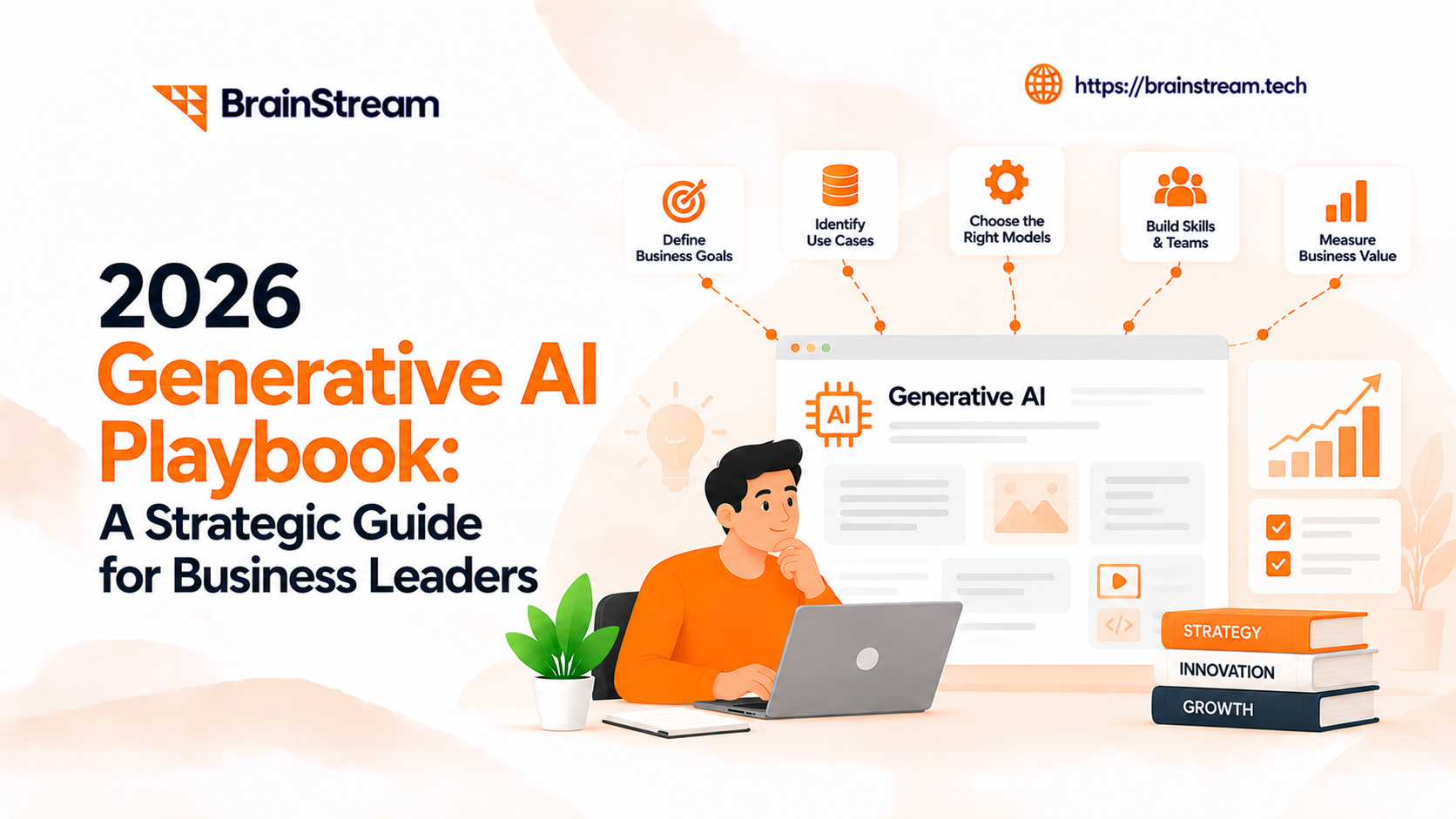
2026 Generative AI Playbook: A Strategic Guide for Business Leaders
The digital landscape has officially crossed a Rubicon. If 2023…
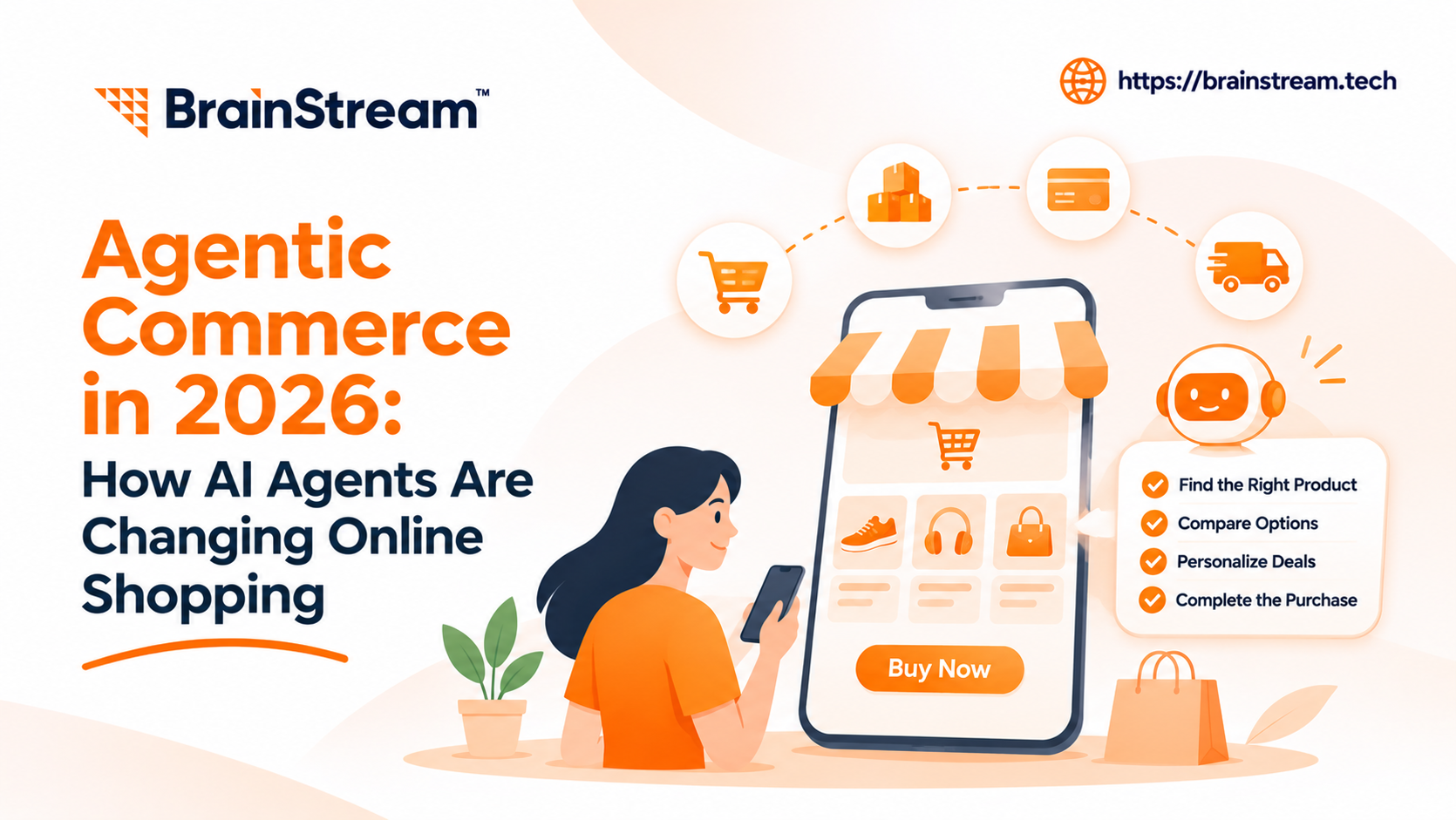
Agentic Commerce in 2026: How AI Agents Are Changing Online Shopping
Agentic commerce is online shopping where AI agents discover, compare,…
AI Advisory & Roadmap Services: How Businesses Build Smarter AI Strategies?
Artificial intelligence is changing how businesses operate. However, many companies…
AI Agent Security: How to Control Access, Data and Autonomous Actions
AI agents can do more than answer questions. They can…