















Summary:
Migrating data from one CRM to another is a multi-step process that requires careful planning, data cleaning, testing, and validation to ensure a smooth transition without data loss or disruption to your business.
January 7, 2026
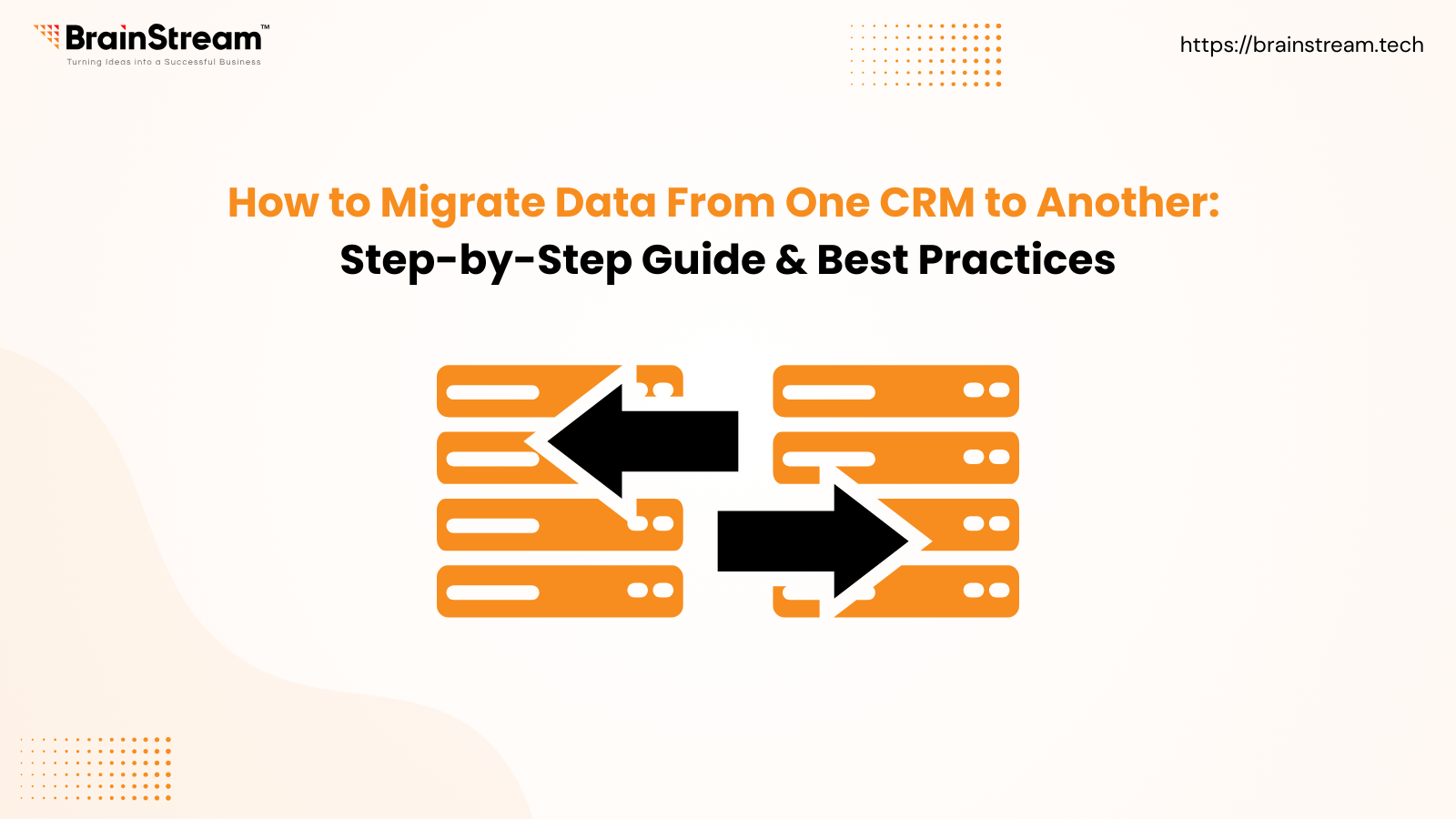
Switching CRMs is a big decision for any business. Whether you’re upgrading for better automation, scalability, or reporting, one challenge remains the same: CRM data migration.
Migrating data from one CRM to another is not just about exporting and importing files. It’s about protecting customer relationships, preserving historical data, and ensuring your sales and support teams continue working without disruption.
In this guide, we’ll walk you through a step-by-step CRM data migration process, along with best practices and tools to ensure a smooth transition.
What Is CRM Data Migration?
CRM data migration is the process of transferring customer data, such as contacts, leads, deals, activities, and custom fields, from one CRM system to another.
A successful CRM migration ensures:
- No data loss
- Accurate field mapping
- Clean, usable data
- Minimal downtime
Step-by-Step CRM Data Migration Process
1. Define Your Migration Goals
Start by clearly defining what you want to achieve with the migration. Identify the data you need to move (contacts, leads, deals, communications, custom fields, etc.) and what functionalities you want in the new CRM. This helps guide the entire migration process.
2. Plan Your Migration
Assess your current CRM data: Understand the volume and complexity of your existing data.
Map out the data fields between the old and new CRM systems (data mapping).
Decide who will be responsible for each part of the migration.
Schedule the migration at a time that minimizes business disruption (often over a weekend).
3. Clean Your Data
Remove duplicates, outdated records, and irrelevant information. This improves the quality of data in the new CRM and reduces migration time.
4. Backup Your Data
Before migrating, make sure to create a full backup of your existing CRM data. This acts as a safety net in case anything goes wrong during the migration.
5. Customize and Configure
Set up the new CRM with necessary custom fields, settings, integrations, and permissions before importing data. This ensures the data fits well into the new structure.
6. Test the Migration
Run a test migration with a small subset of data. Check for errors, data integrity, and whether the data is properly mapped and functional in the new system. Adjust your process based on the results.
7. Perform the Full Migration
Once testing is successful, perform the complete data migration. Use tools provided by your CRM vendor or third-party migration tools to automate the process if possible.
8. Validate and Clean Up
After migrating, validate the data by checking for missing records, duplicates, or formatting issues. Make corrections as needed to ensure data accuracy.
9. Train Your Team and Implement Security
Train your users on the new CRM’s features and workflows. Also, set up data security measures and access controls to protect your customer data.
10. Monitor and Optimize
Continuously monitor the new CRM’s performance and user adoption. Make improvements and maintain data quality over time.
CRM Data Migration Tools
Popular options include:
- Built-in CRM migration tools
- Third-party tools (Import2, Skyvia, KingswaySoft)
- Manual CSV migration (for small datasets)
- CRM migration specialists (best for complex setups)
Common CRM Migration Mistakes to Avoid
- Migrating without data cleanup
- Skipping test migration
- Poor field mapping
- Ignoring user training
- Not backing up data
Avoiding these mistakes saves time, money, and frustration.
When Should You Hire a CRM Migration Expert?
Consider expert help if:
- You have large or complex data
- Multiple integrations are involved
- Custom workflows are critical
- Downtime is not acceptable
Professional CRM migration ensures accuracy, security, and peace of mind.
FAQ
1. How long does CRM data migration take?
CRM migration can take anywhere from a few hours to several weeks, depending on data volume, complexity, and testing requirements.
2. Can I migrate CRM data without losing history?
Yes. With proper planning and testing, you can migrate historical data such as emails, notes, and activities safely.
3. Is CRM migration risky?
It can be if done incorrectly. Backups, test migrations, and validation significantly reduce risks.
4. What data should I migrate to a new CRM?
Only active and relevant data: contacts, deals, activities, and essential custom fields.
5. Do I need technical expertise for CRM migration
Basic migrations can be handled internally, but complex migrations often require expert support.
Final Thoughts
CRM data migration is a strategic move that can improve efficiency, visibility, and customer relationships. With proper planning, clean data, testing, and validation, you can migrate safely and unlock the full potential of your new CRM.


Manish Khilwani 

Co-Founder at BrainStream Technolabs, he focuses on building people-first, scalable eCommerce and digital products that help brands grow with clarity and innovation.
Share :


Related Blog
CRM
Best WhatsApp CRM Software in 2026: Top Providers Compared by Features, Pricing & Use Cases
WhatsApp is no longer just a messaging app, it’s one of the most powerful customer communication channels for businesses in 2026. From lead generation and sales follow-ups to customer support and retention, WhatsApp is where customers expect fast, personalized responses....
CRM
CRM Software for Travel Agencies: Features, Benefits & Best Solutions in 2026
The travel industry in 2026 is more competitive than ever. Customers expect instant responses, personalized travel experiences, smooth bookings, and continuous support across email, WhatsApp, calls, and social media. Yet many travel agencies still rely on spreadsheets, manual follow-ups, and...

CRM
Operational vs Analytical vs Collaborative CRM: Which Is Best for Your Business?
Choosing the right CRM software is one of the most important decisions for modern businesses. With increasing competition, rising customer expectations, and data-driven decision-making becoming the norm, CRM systems are no longer optional; they are essential. However, one common mistake...


Keep up-to-date with our newsletter.
Sign up for our newsletter to receive weekly updates and news directly to your inbox.