Cloud Migration Strategy: A Step-by-Step Guide for Growing Business
Businesses today need technology that can grow with them. As customer demands increase and digital operations become more complex, traditional on-premise infrastructure often struggles to keep up.
This is one reason why many organizations are migrating to the cloud.
Cloud computing offers flexibility, scalability, improved security, and cost efficiency. However, migrating to the cloud is not simply about moving applications and data from one environment to another.
Without a clear strategy, cloud migration projects can face delays, unexpected costs, and performance issues.
A well-planned cloud migration strategy helps businesses reduce risks and maximize the value of their cloud investment.
In this guide, we will walk through the key steps involved in a successful cloud migration and explain how growing businesses can make the transition smoothly.
What Is Cloud Migration?
Cloud migration is the process of moving digital assets from on-premise infrastructure or legacy systems to a cloud environment.
These assets may include:
- Applications
- Databases
- Workloads
- Storage systems
- Business data
Organizations typically migrate to cloud platforms such as:
- Amazon Web Services (AWS)
- Microsoft Azure
- Google Cloud Platform (GCP)
The goal is to improve scalability, performance, flexibility, and operational efficiency.
Why Growing Businesses Are Moving to the Cloud?
As businesses expand, their technology requirements change.
Traditional infrastructure often creates limitations.
Cloud computing helps overcome these challenges.
Improved Scalability
Businesses can scale resources up or down based on demand.
As a result, organizations avoid paying for unused infrastructure.
Reduced Operational Costs
Cloud providers manage much of the underlying infrastructure.
Therefore, businesses spend less on hardware maintenance and upgrades.
Enhanced Security
Leading cloud providers invest heavily in security and compliance.
This helps organizations strengthen data protection.
Faster Innovation
Cloud platforms provide access to modern technologies, including:
- Artificial Intelligence
- Machine Learning
- Advanced Analytics
- Automation Tools
Consequently, businesses can innovate more quickly.
Why a Cloud Migration Strategy Matters?
Many organizations assume cloud migration is a simple technical task.
However, migration affects multiple areas of the business.
Without proper planning, businesses may experience:
- Downtime
- Data loss
- Security risks
- Budget overruns
- Performance issues
A structured cloud migration strategy reduces these risks and improves project success.
Step 1: Define Business Goals
Before moving any workload to the cloud, businesses should identify their objectives.
Ask questions such as:
- Why are we migrating?
- What challenges are we trying to solve?
- What outcomes do we expect?
Common goals include:
- Reducing infrastructure costs
- Improving application performance
- Supporting business growth
- Increasing operational efficiency
- Enhancing security
Clear goals help guide every decision throughout the migration process.
Step 2: Assess Your Current Infrastructure
A detailed assessment provides a clear understanding of the existing environment.
This step involves evaluating:
Applications
Identify:
- Business-critical applications
- Legacy systems
- Software dependencies
Data
Review:
- Data volume
- Storage requirements
- Data sensitivity
Infrastructure
Analyze:
- Servers
- Networks
- Databases
- Security systems
This assessment helps determine migration complexity and readiness.
Step 3: Choose the Right Cloud Platform
Selecting the right cloud provider is critical.
Different platforms offer different strengths.
| Cloud Provider | Best For |
|---|---|
| AWS | Scalability and broad service offerings |
| Microsoft Azure | Enterprise and Microsoft environments |
| Google Cloud | Data analytics and AI workloads |
Businesses should evaluate:
- Pricing
- Security
- Compliance requirements
- Integration capabilities
- Global availability
The right choice depends on business needs and long-term goals.
Step 4: Identify the Best Migration Approach
Not every application should be migrated in the same way.
Organizations typically choose from several migration strategies.
Rehosting (Lift and Shift)
Move applications without major modifications.
Benefits:
- Faster migration
- Lower initial effort
Replatforming
Make minor optimizations while migrating.
Benefits:
- Improved performance
- Better cloud utilization
Refactoring
Redesign applications to take full advantage of cloud-native features.
Benefits:
- Maximum scalability
- Long-term flexibility
The best approach depends on application complexity and business priorities.
Step 5: Create a Cloud Migration Roadmap
A migration roadmap provides structure and accountability.
The roadmap should include:
Migration Phases
Define which workloads move first.
Timeline
Establish realistic deadlines.
Resource Allocation
Assign responsibilities across teams.
Risk Management
Identify potential challenges and mitigation plans.
A roadmap helps businesses stay organized throughout the project.
Step 6: Prepare Security and Compliance Requirements
Security should be part of the migration strategy from the beginning.
Businesses should evaluate:
Access Controls
Implement strong identity and access management policies.
Data Protection
Use encryption for sensitive information.
Compliance Standards
Consider regulations such as:
- GDPR
- HIPAA
- PCI DSS
- SOC 2
Strong security planning reduces future risks.
Step 7: Migrate Data and Applications
After planning is complete, migration can begin.
This phase often includes:
- Data transfer
- Application migration
- Infrastructure deployment
- Configuration updates
Organizations should migrate workloads in stages whenever possible.
A phased approach reduces operational disruptions.
Step 8: Test Everything Thoroughly
Testing is one of the most important stages of migration.
Businesses should verify:
Performance
Ensure applications operate efficiently.
Functionality
Confirm all features work correctly.
Security
Validate security controls and permissions.
Integration
Test connections with third-party systems.
Comprehensive testing helps identify issues before production deployment.
Step 9: Optimize Cloud Performance
Migration is not the final step.
Businesses should continuously optimize their cloud environment.
Focus areas include:
- Resource utilization
- Cost management
- Performance monitoring
- Security improvements
Ongoing optimization maximizes cloud ROI.
Common Cloud Migration Mistakes to Avoid
Growing businesses often make avoidable mistakes during migration.
Migrating Without a Strategy
Lack of planning creates unnecessary risks.
Ignoring Cost Management
Cloud expenses can increase rapidly without monitoring.
Overlooking Security
Security should never be treated as an afterthought.
Failing to Train Teams
Employees need guidance on new cloud technologies and processes.
Moving Everything at Once
A phased migration approach typically delivers better results.
Benefits of a Successful Cloud Migration
A well-executed migration strategy provides significant business value.
Greater Scalability
Cloud resources grow with business needs.
Improved Reliability
Modern cloud platforms offer high availability and disaster recovery capabilities.
Lower Infrastructure Costs
Businesses reduce hardware and maintenance expenses.
Better Business Agility
Teams can launch new services and features faster.
Stronger Competitive Advantage
Organizations gain access to innovative cloud technologies.
How Cloud Consulting Support Migration Success?
Cloud migration involves technical, operational, and strategic decisions.
Many businesses work with cloud consulting experts to:
- Assess readiness
- Develop migration roadmaps
- Select cloud platforms
- Optimize security
- Manage risks
Professional guidance helps organizations avoid common challenges and accelerate migration success.
Conclusion
Cloud migration is more than a technology upgrade.
It is a strategic initiative that can improve scalability, reduce costs, strengthen security, and support long-term growth.
However, success requires careful planning.
By following a structured cloud migration strategy, businesses can minimize risks, improve efficiency, and maximize the value of their cloud investment.
For growing organizations, the cloud is not just an infrastructure choice. It is a foundation for future innovation and business success.
FAQs
What is a cloud migration strategy?
A cloud migration strategy is a structured plan that guides businesses through the process of moving applications, data, and infrastructure to the cloud.
How long does cloud migration take?
The timeline depends on the size and complexity of the environment. Small migrations may take weeks, while larger projects can take several months.
Which cloud platform is best for businesses?
AWS, Azure, and Google Cloud are all strong options. The best choice depends on business goals, infrastructure requirements, and budget.
What are the biggest cloud migration risks?
Common risks include downtime, data loss, security issues, and cost overruns.
Should businesses use cloud migration consultants?
Many organizations benefit from expert guidance to reduce risks and improve migration outcomes.

Manish Khilwani
Author
Co-Founder at BrainStream Technolabs, he focuses on building people-first, scalable eCommerce and digital products that help brands grow with clarity and innovation.
Table of contents
BLOGS
Learn & Grow with Us
Get the latest updates on trends and strategies that shape the business world. Our insights are here to keep you informed and inspired.
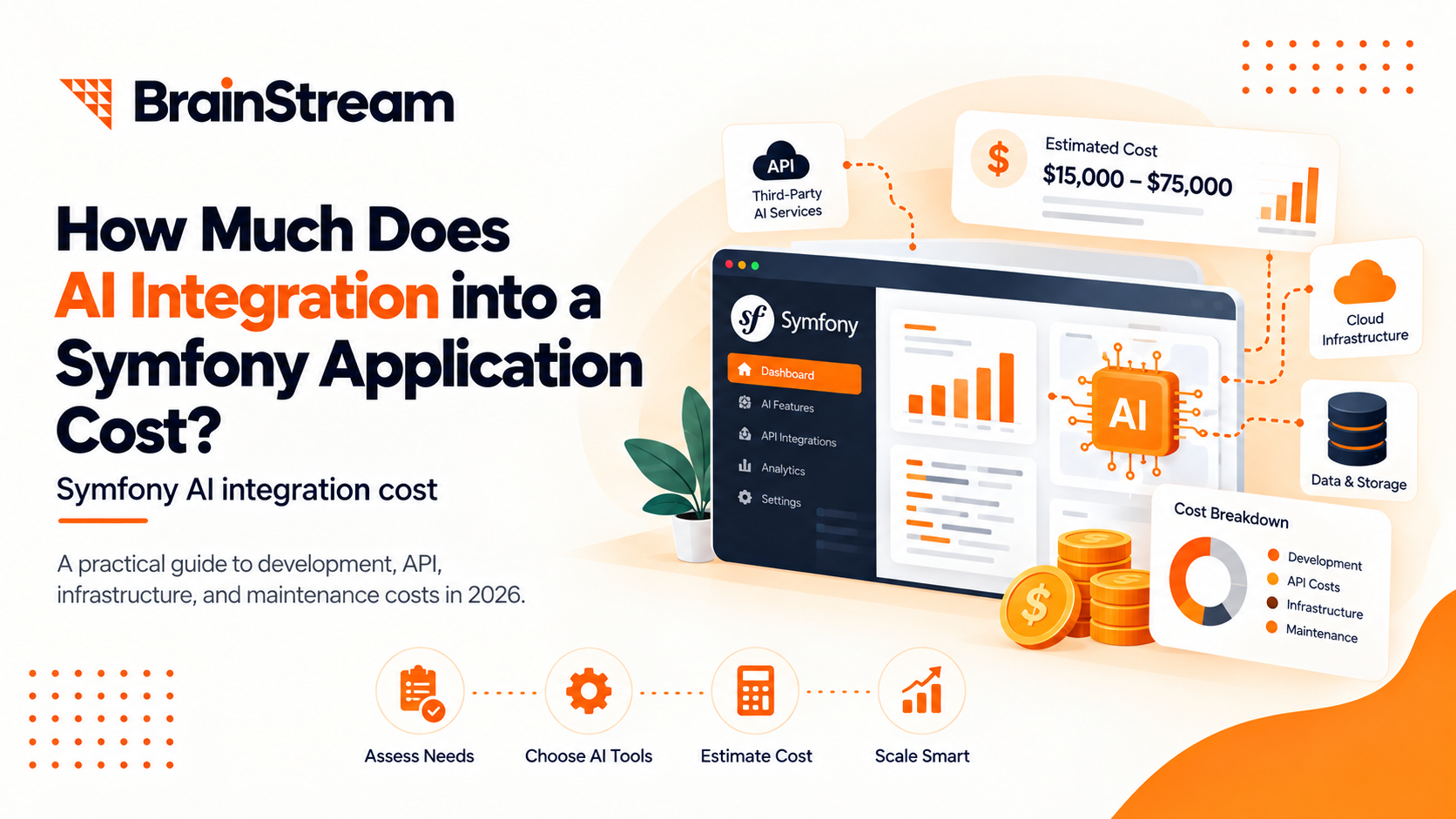
How Much Does AI Integration into a Symfony Application Cost in 2026?
Adding artificial intelligence to your Symfony application can improve customer…
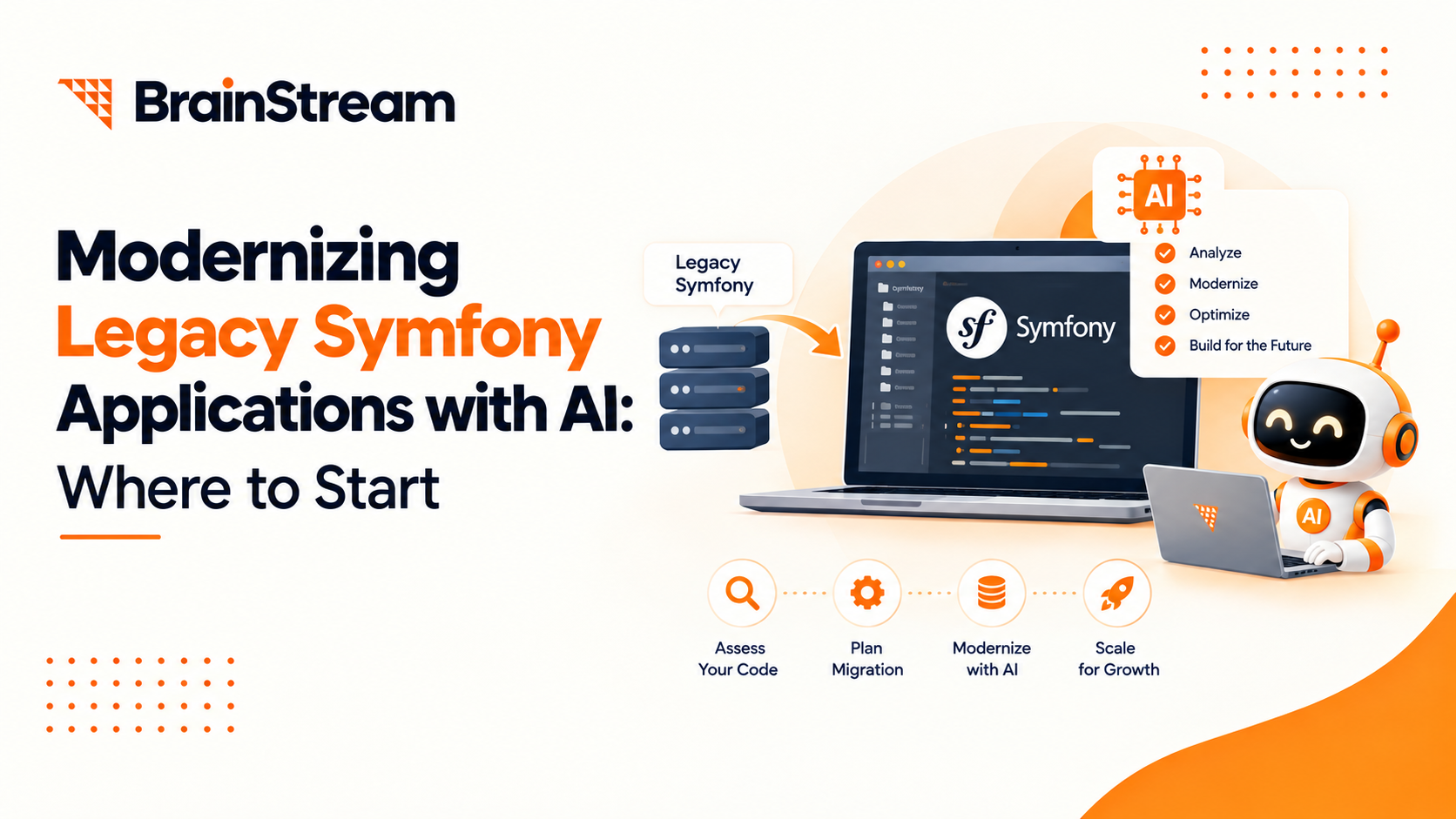
Modernizing Legacy Symfony Applications with AI: Where to Start
Your Symfony application still runs your business. However, adding features…

Agentic Commerce in 2026: How AI Agents Are Changing Online Shopping
Online shopping is entering a new phase. For years, shoppers…
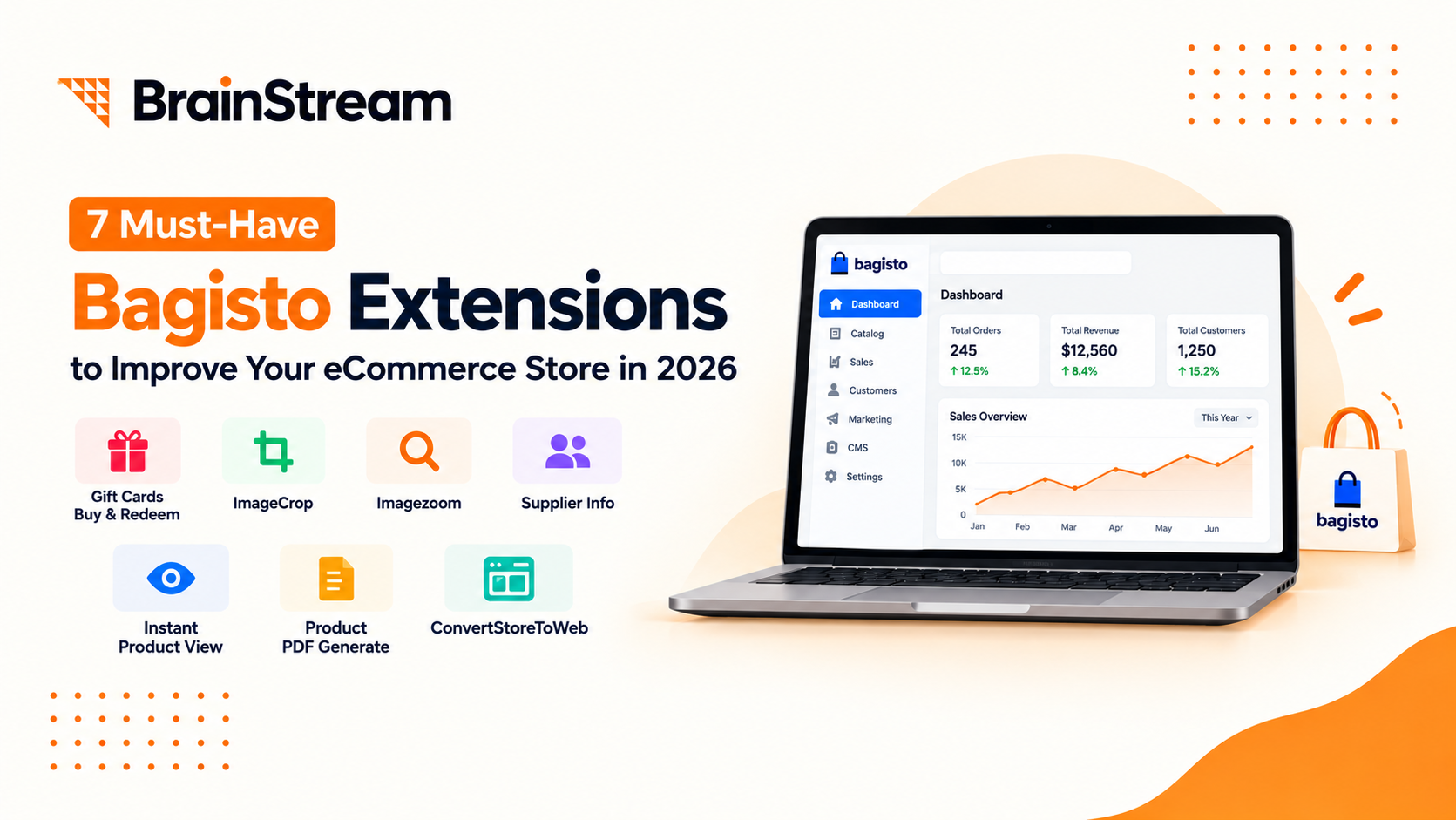
Top 7 Must-Have Bagisto Extensions to Improve Your eCommerce Store in 2026
Running an online store takes more than adding products and…