












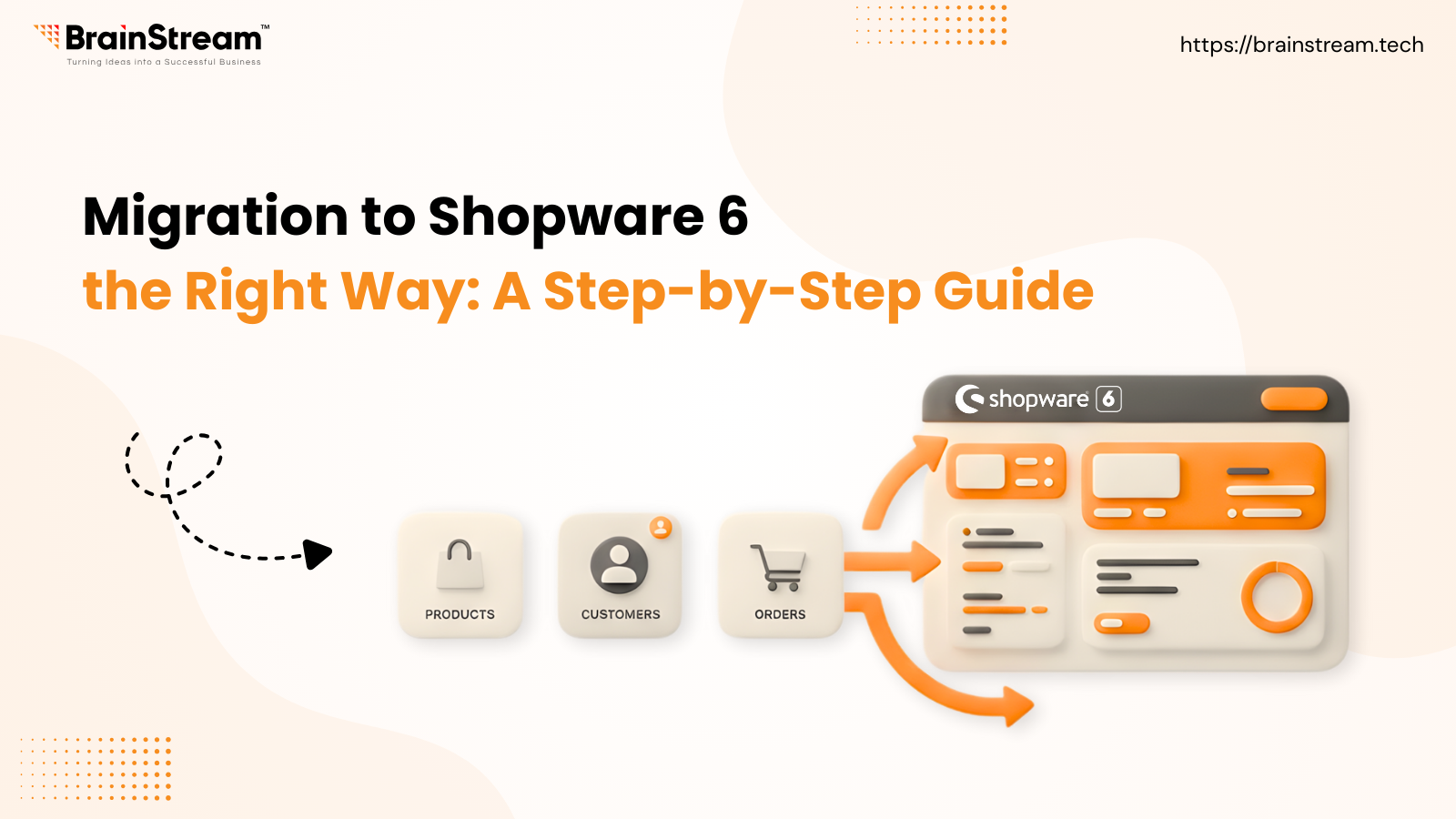
In the fast-moving world of ecommerce, staying on outdated technology can slow growth and limit your store’s potential. That’s why moving to Shopware 6 has become essential for merchants who want better performance, modern features, and a scalable platform for the future. This blog will walk you through what Shopware 6 is, why it matters, and exactly how to migrate your store step-by-step so you avoid common pitfalls and achieve a smooth transition.
Category: Shopware
Why Google Page Speed Insights May Not Reflect True Performance for Shopware
In today’s fast-paced digital world, more users browse websites on mobile devices and expect near-instant responses. Have you ever found yourself impatiently waiting for a page to load? 🥸 For online store owners, this impatience is critical: slow-loading websites can frustrate visitors, reduce conversions, and even impact search engine rankings. Ensuring your Shopware store loads quickly is therefore essential for providing a smooth user experience.
While page speed analysis is a vital part of website optimization, not all tools give you the full picture. One of the most widely used tools is Google Page Speed Insights. Despite its popularity, it isn’t always the most reliable indicator of real-world performance, especially for complex e-commerce platforms like Shopware.
In this article, we’ll explore what Google Page Speed Insights measures, why it’s limited, and what pitfalls to watch out for, so you can better assess and enhance your store’s load times.
How Uptain Uses AI to Increase Conversion Rates in Shopware 6?
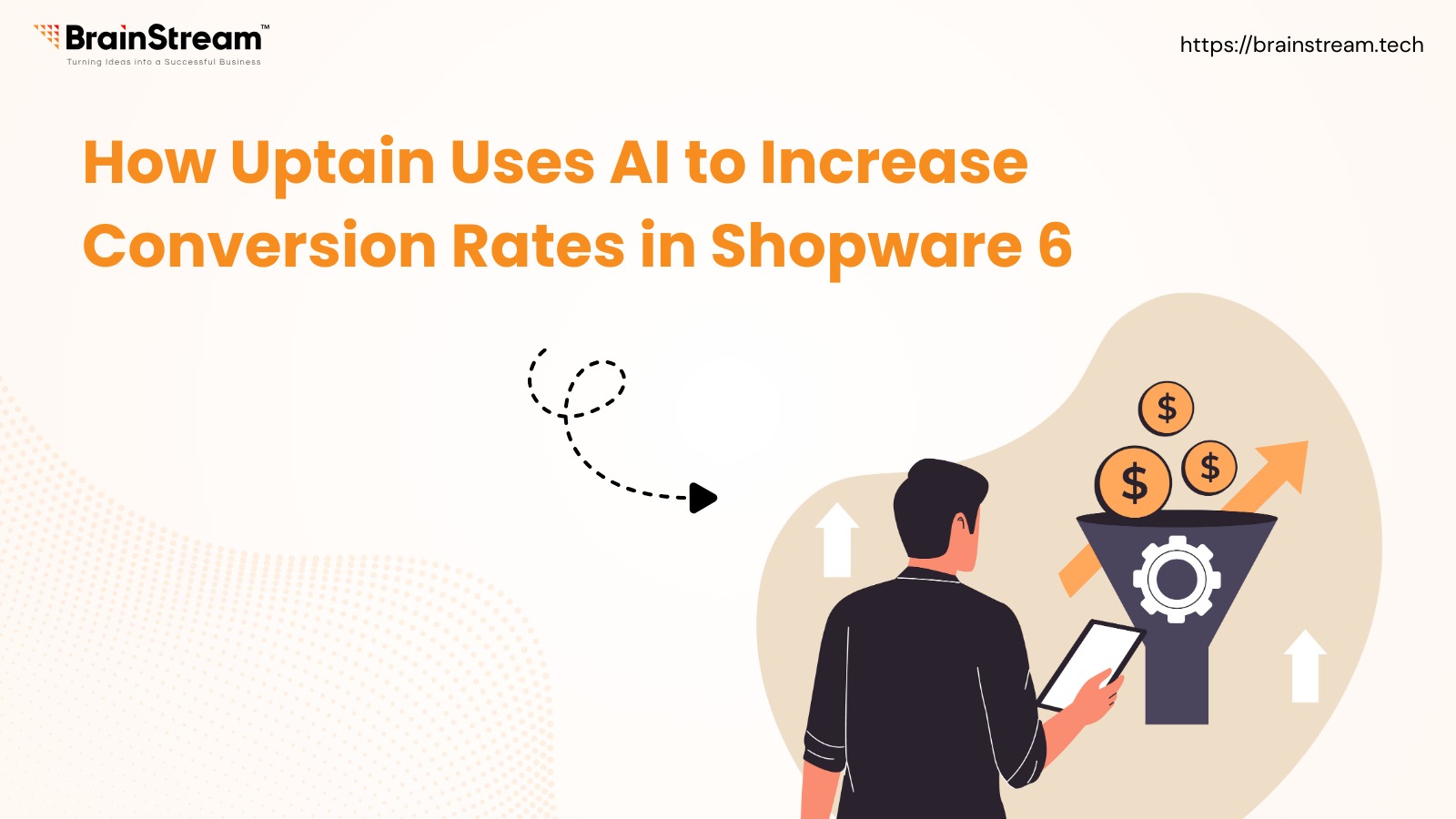
As a Shopware 6 agency, we understand that sustainable eCommerce growth depends on more than just traffic it requires smart conversion optimization. One of the most effective ways to improve performance in your Shopware 6 store is by integrating Uptain, an AI-powered solution designed to increase conversions, raise customer lifetime value, and significantly reduce return rates.
Uptain enables you to launch automated, behavior-based email campaigns that re-engage visitors and encourage repeat purchases. Personalized discount vouchers and incentives help motivate customers to spend more while building a stronger connection with your brand. In addition, Uptain allows you to gather valuable customer feedback, helping you continuously optimize your products, services, and overall shopping experience. The result is higher customer satisfaction, better reviews, and increased trust in your store.
The integration of Uptain with Shopware 6 is quick and straightforward, requiring minimal technical effort. Even better, Uptain offers a 30-day money-back guarantee, allowing you to test the solution without any risk and evaluate its impact on your store’s performance.
Customer satisfaction plays a crucial role in the long-term success of any online shop. Uptain helps you strengthen customer relationships by using intelligent exit-intent technology to recover abandoned carts. Through personalized pop-ups and targeted follow-up emails, you can address customers individually and present tailored offers at the right moment. This not only increases the likelihood of completing a purchase but also shows customers that your brand truly understands their needs.
With its wide range of AI-driven conversion optimization features, Uptain is a valuable addition to any Shopware 6 store aiming for higher efficiency and better results. In this article, we’ll explore how Uptain works, its key benefits, and why it has become an essential tool for Shopware merchants looking to grow smarter and faster.
Shopware AI Copilot: Smart Automation to Drive More Revenue!
Feeling overwhelmed by the constant changes in e-commerce? 😫 Keeping up with new trends, customer expectations, and performance metrics can be challenging. Shopware AI Copilot helps you boost revenue while reducing manual effort. It enables you to delight customers, improve sales, and make smarter decisions without being stuck analyzing KPIs all day. Curious how it works? Let’s dive in.
Shopware AI Copilot is designed to take your online store to the next level by actively supporting your daily operations. In this article, we’ll break down what Shopware AI Copilot is, how it works, and how it can help you achieve greater success in today’s competitive eCommerce landscape.
B2B eCommerce Growth: How Shopware 6 Drives Success
Forget what you think you know about business-to-business (B2B) trade. It used to be seen as the slower, less exciting version of business-to-consumer (B2C), but that’s no longer true. Today, B2B is actually leading the digital commerce revolution. The numbers are impressive: the global B2B e-commerce market is expected to grow more than 18% each year and reach over $20 trillion by 2030. This isn’t just a short-term trend;it’s a major shift driven by the demand for efficiency and a new generation of buyers with very different expectations.
Flow Builder to Automate Business Logic in Shopware 6
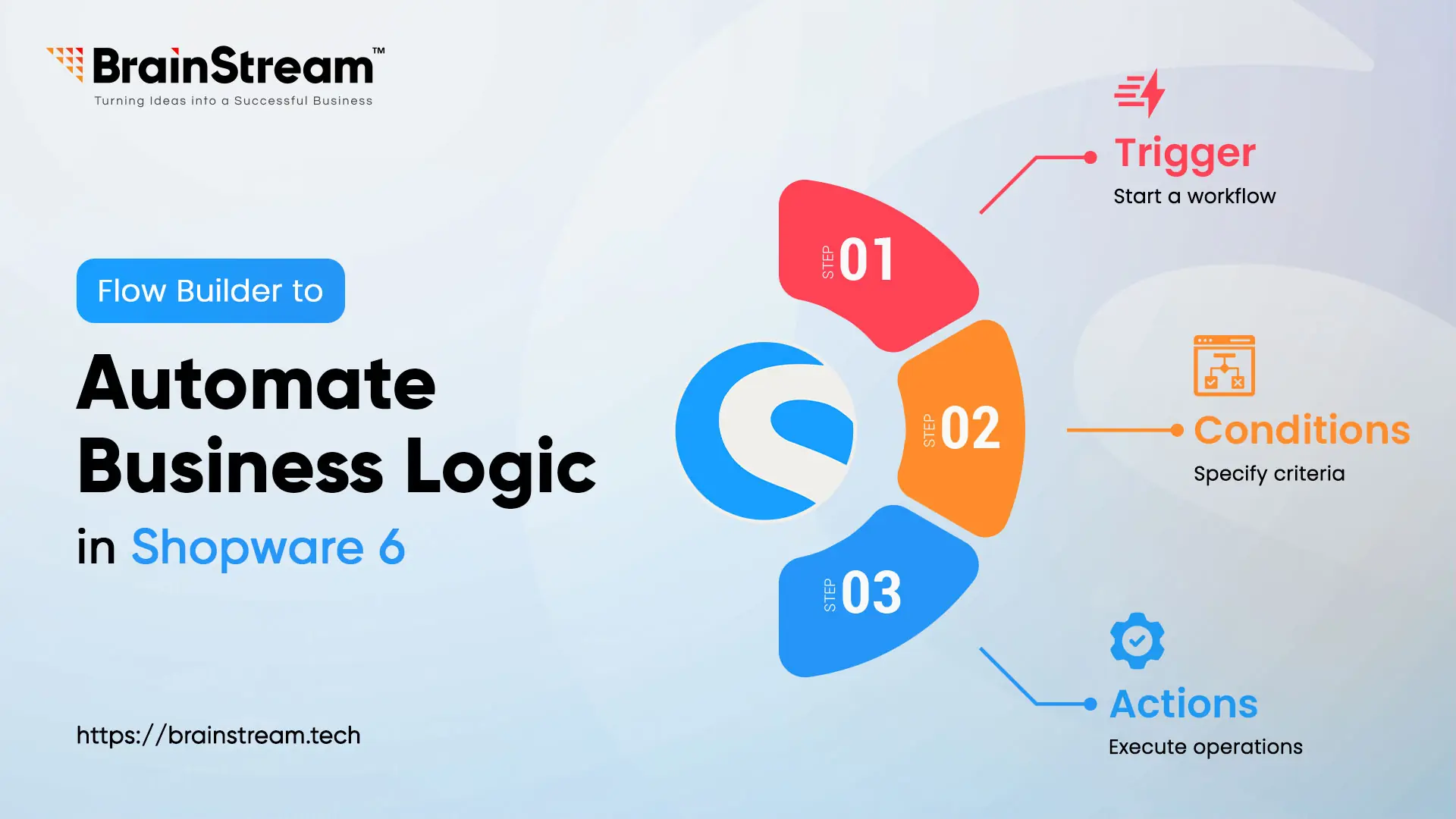
In today’s rapidly evolving e-commerce landscape, automation plays a crucial role in optimising workflows, enhancing efficiency, and improving the overall customer experience. Shopware 6 Flow Builder stands out as a robust no-code solution that enables users to automate intricate business processes without needing coding skills. With Flow Builder, store owners can design tailored workflows that trigger based on specific events, offering adaptability and scalability across B2C, B2B, and D2C models. This blog delves into the technical details of Flow Builder, its core components, and provides a practical example to illustrate its capabilities.
Top 5 Reasons Why Shopware Leads the European E-Commerce Market
As the e-commerce industry continues to grow, European businesses are increasingly turning to Shopware. The platform’s alignment with European business culture and values, such as precision, efficiency, and reliability, further strengthens its appeal. As European businesses prioritize quality and trust, Shopware delivers a powerful solution that enables growth and success.
This German-origin platform has earned its place as one of the most popular e-commerce solutions for businesses across Europe. So, what makes Shopware stand out in the European market? Let’s explore the top five reasons why European merchants love it.
Enhancing User Experience with the “Navigation for Category Images” Plugin for Shopware
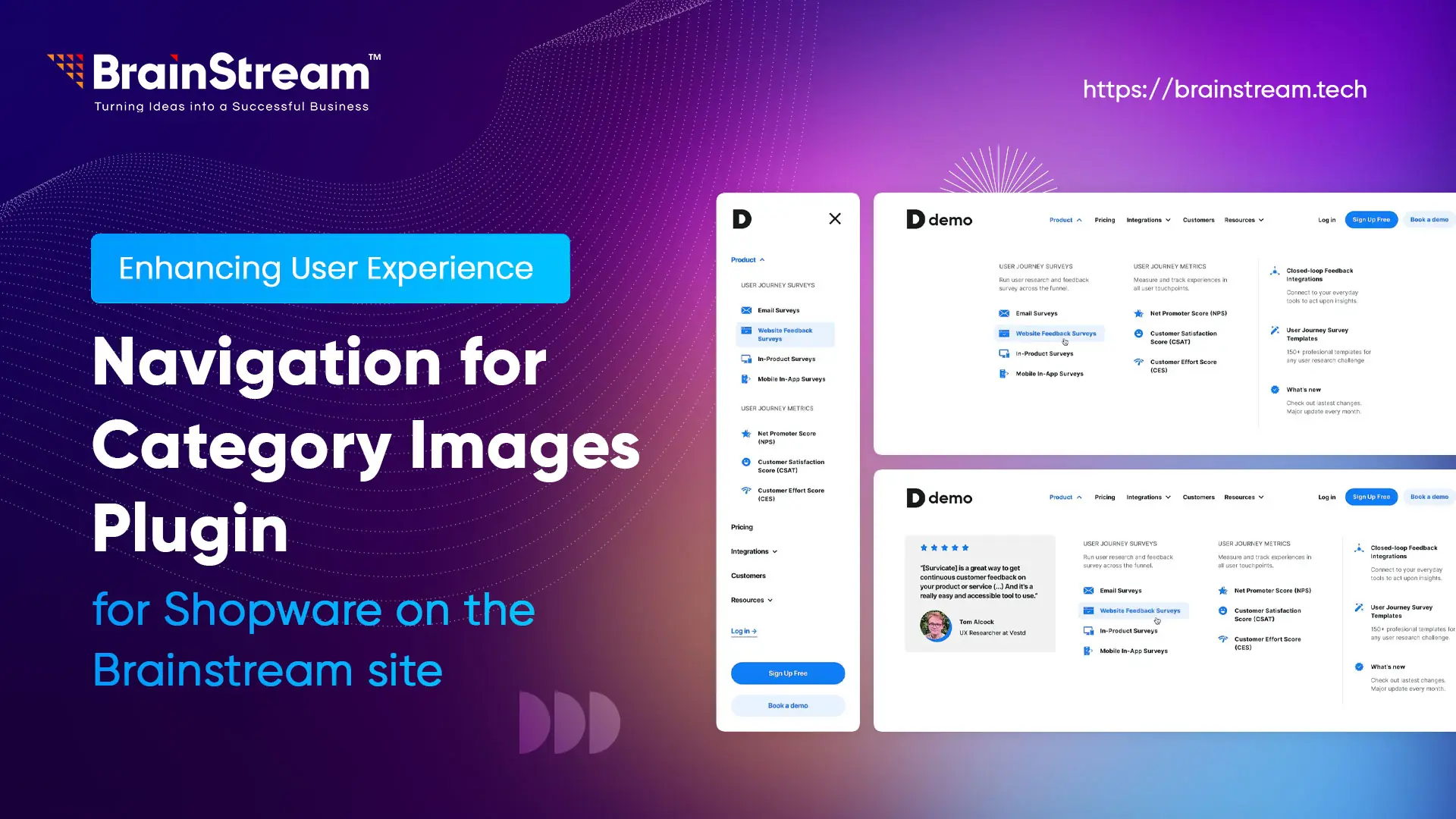
In today’s digital world, where e-commerce is booming, customers have become increasingly picky. They want a seamless, visually appealing experience that not only makes shopping easier but also keeps them engaged. The expectation is clear: if a website doesn’t look good and function intuitively, visitors will move on. This means that online store owners must continually rethink their website design, user interface, and overall shopping experience to stay ahead of the curve.
At Brainstream, we understand this need for a modern, intuitive shopping experience. We’ve seen how critical good user interface (UI) design is in converting visitors into customers. And like many developers, we’ve also noticed the recurring challenge that online stores face—navigation. It’s an essential element of any e-commerce platform, yet it often remains static, text-heavy, and uninspiring. So, we set out to solve this problem with one simple goal in mind: to create a more visually dynamic and user-friendly navigation system for Shopware store owners.
Shopware 6 and Odoo Integration: The Ultimate Guide for Streamlining E-Commerce Operations
In today’s fast-paced digital world, managing an e-commerce store requires more than just a platform to showcase products. You need seamless integration between different systems to handle orders, accounting, and customer relationships. Shopware 6, one of the leading open-source e-commerce platforms, and Odoo, a powerful ERP solution, are two tools that can help you manage your business efficiently. When combined, they can unlock the potential for a fully integrated, streamlined workflow.
We will explore how Shopware 6 and Odoo integration can transform your business processes, providing a step-by-step guide to get started with this powerful combination.