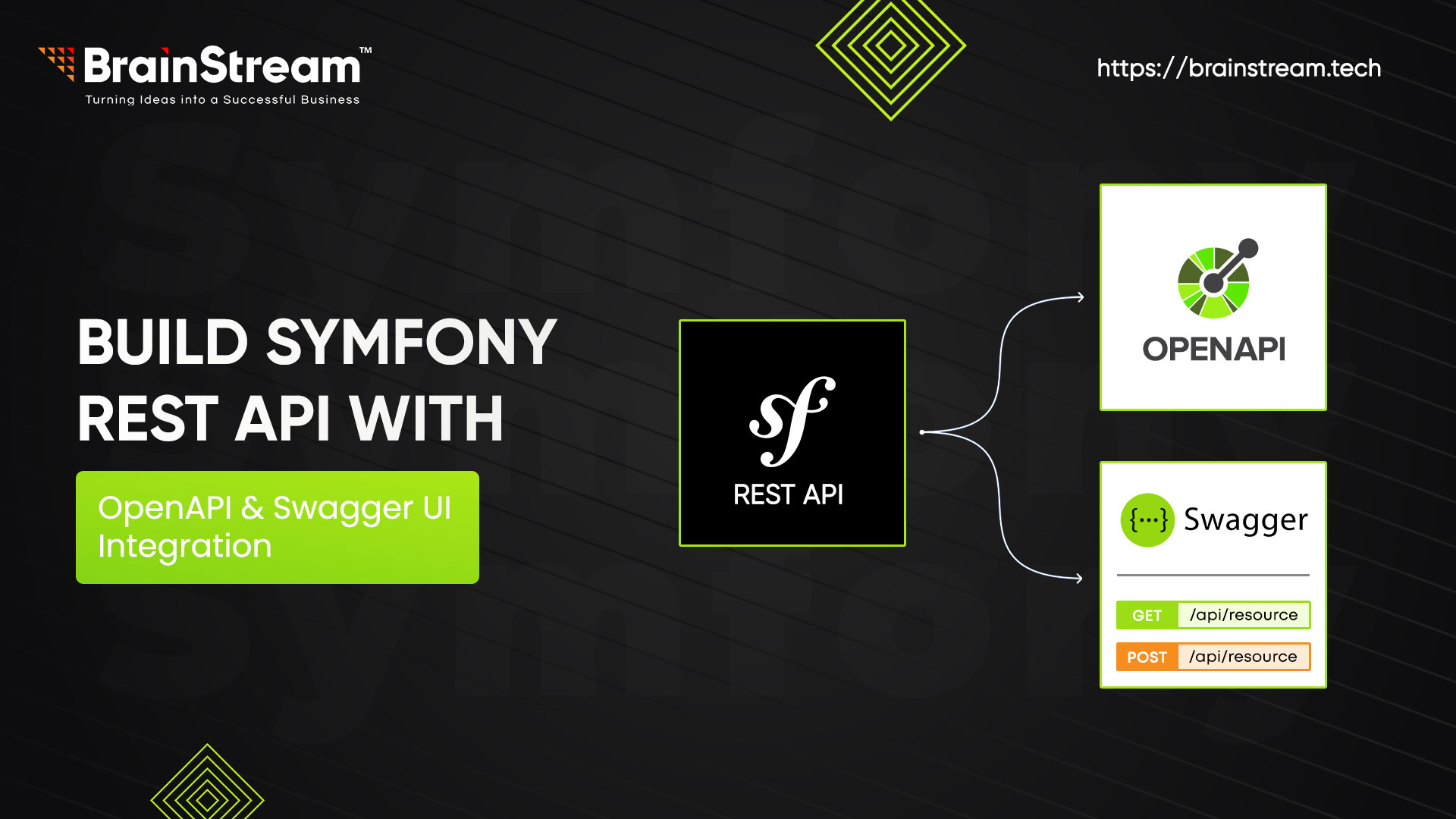
Build Symfony REST API with OpenAPI and Swagger UI Integration
This guide shows you how to build your first REST API endpoint (/api/users/{id}) in Symfony 7.2, document it with OpenAPI YAML, and integrate Swagger UI for interactive testing. Using nelmio/api-doc-bundle and a hybrid approach, we’ll keep code clean, generate openapi.yaml, and set up docs with minimal effort.
Follow these steps from scratch to create a fully documented API!
Prerequisites
- PHP 8.2+
- MySQL 8.0.42
- Composer
- Symfony CLI
- Node.js and npm (for Swagger UI)
Step 1: Create the Symfony Project
Create a new Symfony project:
composer create-project symfony/skeleton brainstream_symfony7_api_demo
cd brainstream_symfony7_api_demo
Install required packages:
composer require symfony/orm-pack symfony/maker-bundle nelmio/api-doc-bundle:^5.3 doctrine/doctrine-fixtures-bundle
Configure your MySQL database in .env.local
Add the line below,
DATABASE_URL="mysql://user:your_secure_password@localhost:3306/brainstream_symfony7_api_demo?serverVersion=8.0&charset=utf8mb4"
Create the database: Run command php bin/console doctrine:database:create
Step 2: Create the User Entity
Generate a User entity with id, name, and email:
Run command php bin/console make: entity User
- Set name (string, not nullable).
- Set email (string, not nullable).
// entity src/Entity/User.php content
<?php
// src/Entity/User.php
namespace App\Entity;

use Doctrine\ORM\Mapping as ORM;

#[ORM\Entity]
#[ORM\Table(name: 'user')]
class User
{
    #[ORM\Id]
    #[ORM\GeneratedValue]
    #[ORM\Column]
    private ?int $id = null;

    #[ORM\Column]
    private string $name;

    #[ORM\Column]
    private string $email;

    public function getId(): ?int
    {
        return $this->id;
    }

    public function getName(): string
    {
        return $this->name;
    }

   public function setName(string $name): self
    {
        $this->name = $name;
        return $this;
    }

    public function getEmail(): string
    {
        return $this->email;
    }

    public function setEmail(string $email): self
    {
        $this->email = $email;
        return $this;
    }
}

Generate and apply migrations:
php bin/console make:migration
php bin/console doctrine:migrations:migrate
Step 3: Add Sample Data with Fixtures
Create a fixture to insert a sample user.
// Add below content in it
<?php
// src/DataFixtures/AppFixtures.php
namespace App\DataFixtures;

use App\Entity\User;
use Doctrine\Bundle\FixturesBundle\Fixture;
use Doctrine\Persistence\ObjectManager;

class AppFixtures extends Fixture
{
    public function load(ObjectManager $manager): void
    {
        $user = new User();
        $user->setName('Jan Dox');
        $user->setEmail('jan@example.com');
        $manager->persist($user);
        $manager->flush();
    }
}
Load the fixture:
php bin/console doctrine:fixtures:load --no-interaction, This creates a user with id=1.
Step 4: Build the API Endpoint
Create a controller for /api/users/{id}:
//Create UserController, Add below content in it
<?php
// src/Controller/UserController.php
namespace App\Controller;

use App\Entity\User;
use OpenApi\Attributes as OA;
use Symfony\Component\HttpFoundation\JsonResponse;
use Symfony\Component\Routing\Annotation\Route;
class UserController
{
    #[Route('/api/users/{id}', methods: ['GET'])]
    #[OA\Tag(name: 'Users')]
    public function getUser(User $user): JsonResponse
    {
        return new JsonResponse([
            'id' => $user->getId(),
            'name' => $user->getName(),
            'email' => $user->getEmail(),
        ]);
    }
}

The #[OA\Tag] tags the endpoint for Swagger UI.
Step 5: Configure OpenAPI Documentation
Define API details in config/packages/nelmio_api_doc.yaml as below.
    documentation:
        info:
            title: Brainstream Symfony API
            version: 1.0.0
        paths:
            /api/users/{id}:
                get:
                    summary: Get user by ID
                    parameters:
                        - name: id
                          in: path
                          required: true
                          schema:
                              type: integer
                    responses:
                        '200':
                            description: User details
                            content:
                                application/json:
                                    schema:
                                        $ref: '#/components/schemas/User'
                        '404':
                            description: User not found
        components:
            schemas:
                User:
                    type: object
                    properties:
                        id: { type: integer }
                        name: { type: string }
                        email: { type: string }
                    example:
                        id: 1
                        name: Jan Dox
                        email: jan@example.com
    areas:
        path_patterns: ['^/api']
    models:
        names:
            - { alias: User, type: App\Entity\User }
Step 6: Generate OpenAPI YAML
Generate openapi.yaml:

mkdir -p public/docs
php bin/console nelmio:apidoc:dump --format=yaml > public/docs/openapi.yaml
Automate in composer.json, add below to scripts block.
"scripts": {
    "generate-docs": "php bin/console nelmio:apidoc:dump --format=yaml > public/docs/openapi.yaml"
}

Run: composer generate-docs
The generated openapi.yaml looks like:
openapi: 3.0.0
info:
  title: 'Brainstream Symfony API'
  version: 1.0.0
paths:
  '/api/users/{id}':
    get:
      tags:
        - Users
      summary: 'Get user by ID'
      parameters:
        - name: id
          in: path
          required: true
          schema:
            type: integer
      responses:
        '200':
          description: 'User details'
          content:
            application/json:
              schema:
                $ref: '#/components/schemas/User'
        '404':
          description: 'User not found'
components:
  schemas:
    User:
      required:
        - id
        - name
        - email
      properties:
        id:
          type: integer
        name:
          type: string
        email:
          type: string
      type: object
      example:
        id: 1
        name: 'Jan Dox'
        email: jan@example.com
tags:
  - name: Users
Step 7: Set Up Swagger UI
Install Swagger UI via npm:
npm install swagger-ui-dist

Copy the dist folder to public/docs:
cp -r node_modules/swagger-ui-dist/* public/docs/

Update public/docs/index.html:
Replace the url in SwaggerUIBundle:
const ui = SwaggerUIBundle({
    url: "/docs/openapi.yaml",
    dom_id: '#swagger-ui',
    presets: [
        SwaggerUIBundle.presets.apis,
        SwaggerUIStandalonePreset
    ],
    layout: "StandaloneLayout"
});

Note: If Node.js isn’t installed, download the Swagger UI tarball from https://github.com/swagger-api/swagger-ui/releases/tag/v5.17.14, extract it, and copy the dist folder to public/docs.

Create a /docs route:

// Add below content in it

<?php
// src/Controller/DocsController.php
namespace App\Controller;

use Symfony\Component\HttpFoundation\Response;
use Symfony\Component\Routing\Annotation\Route;

class DocsController
{
    #[Route('/docs', name: 'api_docs')]
    public function index(): Response
    {
        return new Response(file_get_contents(__DIR__ . '/../../public/docs/index.html'));
    }
}

Clear symfony cache: php bin/console cache:clear

Start the symfony internal server: symfony server:start
Visit https://127.0.0.1:8000/docs to see Swagger UI. Test /api/users/{id} with id=1 which will give you the below json response.
{"id":1,"name":"Jan Dox","email":"jan@example.com"}
Conclusion
You’ve built and documented your first REST API endpoint in Symfony 7.2! This hybrid approach generates clear OpenAPI docs, powering Swagger UI. Try adding more endpoints and share your API confidently!


Anand Dattani
Author
Anand Dattani is a Senior Developer at BrainStream Technolabs. He is an experienced developer specializing in PHP and modern MVC frameworks, with expertise in backend architecture and building scalable web solutions.
Table of contents
BLOGS
Learn & Grow with Us
Get the latest updates on trends and strategies that shape the business world. Our insights are here to keep you informed and inspired.
How Much Does AI Integration into a Symfony Application Cost in 2026?
Adding artificial intelligence to your Symfony application can improve customer…
Modernizing Legacy Symfony Applications with AI: Where to Start
Your Symfony application still runs your business. However, adding features…

Agentic Commerce in 2026: How AI Agents Are Changing Online Shopping
Online shopping is entering a new phase. For years, shoppers…
Top 7 Must-Have Bagisto Extensions to Improve Your eCommerce Store in 2026
Running an online store takes more than adding products and…