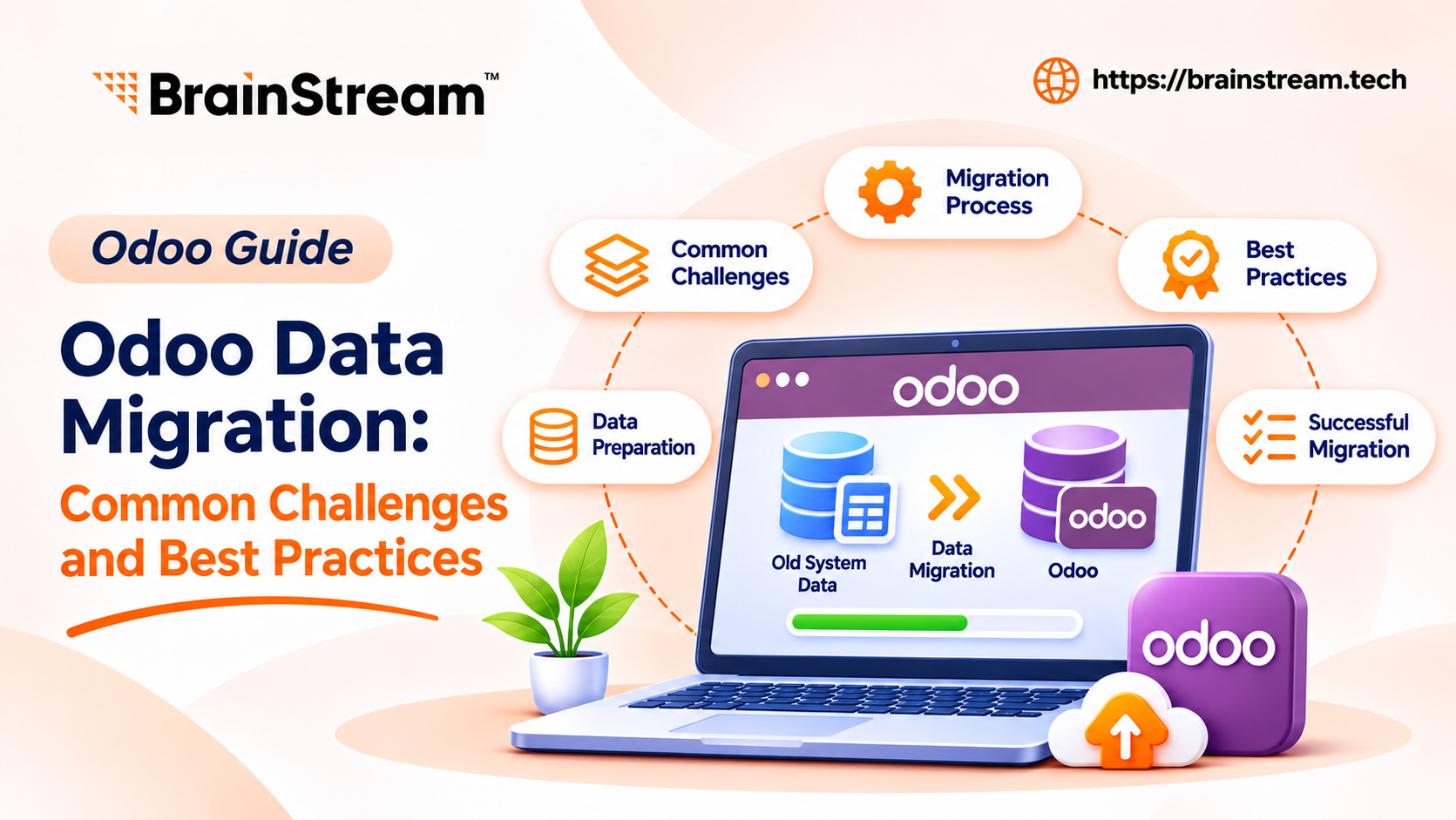
Odoo Data Migration: Common Challenges and Best Practices
Odoo data migration helps businesses move important records from an old system into Odoo ERP. However, moving data without proper planning can create serious problems.
Customer details may disappear, product records may contain errors, and financial reports may show incorrect numbers. As a result, daily business operations can suffer.
The good news? A clear migration plan can reduce these risks.
In this guide, you’ll learn how Odoo data migration works, common challenges, best practices, and steps for a smooth transition.
What Is Odoo Data Migration?
Odoo data migration is the process of moving business information from another system or an older Odoo setup into a target Odoo database.
This information may include customer records, products, suppliers, inventory, invoices, and accounting details.
For example, a business moving from spreadsheets to Odoo can transfer its existing customer and product information.
Similarly, companies switching ERP platforms can move important business records into Odoo.
The main goal is simple: Move accurate business data into Odoo while keeping daily operations running smoothly.
Why Is Odoo Data Migration Important?
Businesses depend on accurate information to manage sales, inventory, accounting, and customer relationships.
However, outdated records and disconnected systems can slow down daily work.
A successful Odoo data migration offers several benefits.
Better Data Accuracy
Clean records help teams avoid duplicate customers, incorrect product details, and reporting mistakes.
Improved Business Operations
Employees can access important information from one ERP platform. Therefore, teams spend less time switching between different systems.
Easier Reporting
Accurate business records support better financial reports, sales tracking, and inventory planning.
Future Business Growth
A well-planned migration helps businesses prepare their ERP systems for changing requirements.
Common Odoo Data Migration Challenges
Odoo data migration can become difficult when businesses overlook important technical and operational details.
1. Poor Data Quality
Old systems often contain duplicate, missing, or outdated information.
For example, one customer may appear under several names.
Therefore, businesses should clean their records before importing them into Odoo.
2. Different Data Formats
ERP systems may store information using different field names and structures.
For instance, product categories in an old system may not match the target Odoo setup.
As a result, teams must map each field carefully.
3. Missing Data Relationships
Business records often connect with other records.
For example, sales orders link to customers, products, and invoices.
Incorrect mapping can break these connections and create reporting errors.
4. Odoo Version Differences
Different Odoo versions may use different data models, fields, and modules.
Therefore, an Odoo version upgrade may require more than a simple data import.
Custom modules also need careful review before migration.
5. Business Downtime
Large data transfers can interrupt daily operations.
However, proper scheduling and trial runs can reduce disruption.
Odoo Data Migration Process: Step-by-Step
A structured process helps businesses reduce errors and protect important records.
Step 1: Review Existing Data
Start by identifying the information your business needs.
Review customers, suppliers, products, inventory, and financial records.
Also, decide which old records should remain in your previous system.
Step 2: Clean and Prepare Data
Remove duplicate entries and correct missing information.
Next, standardize dates, currencies, addresses, and product codes.
Clean data makes the Odoo data migration process more reliable.
Step 3: Map Data Fields
Match fields from your old system with the correct Odoo fields.
For example, map customer IDs, product codes, and tax details carefully.
Additionally, identify any custom fields that require special handling.
Step 4: Choose a Migration Method
Businesses can use different Odoo data migration methods.
| Migration method | Best for |
|---|---|
| CSV or Excel import | Simple business records |
| API-based migration | Automated data transfers |
| Custom migration scripts | Complex business requirements |
| Odoo upgrade tools | Supported Odoo version upgrades |
Choose the method based on your data volume, source system, and target Odoo version.
For detailed import requirements, businesses can refer to the official Odoo import and export documentation.
Step 5: Test the Migration
Run a trial migration before moving live business data.
Check customer records, product details, inventory totals, and accounting balances.
Also, verify that related records connect correctly.
Step 6: Complete the Final Migration
Schedule the final transfer during a suitable business period.
Take backups and confirm your recovery plan before starting.
Finally, compare the source and target records to identify missing information.
Best Practices for Successful Odoo Data Migration
Following proven practices can make the migration process safer and easier.
Create a Clear Migration Plan
Define your goals, timeline, responsibilities, and data requirements.
Also, identify possible risks before starting the project.
Back Up Your Business Data
Always create reliable backups before changing important records.
Additionally, test your recovery process so your team can respond to problems.
Migrate Data in Stages
Start with basic records, such as customers and products.
Next, move related transactions after checking the required connections.
This approach makes errors easier to identify.
Validate Every Important Record
Compare record counts, stock values, and financial totals after migration.
For example, check whether customer balances match the original system.
Train Your Employees
Help employees understand how to use the new Odoo system.
As a result, teams can adapt faster and report issues early.
Common Odoo Migration Mistakes to Avoid
Even experienced teams can face problems without careful preparation.
Avoid these common mistakes:
- Skipping data cleanup: Poor-quality records create errors in the new system.
- Ignoring custom fields: Missing fields can affect important workflows.
- Moving unnecessary data: Old records may increase migration time and complexity.
- Skipping trial runs: Untested imports can create unexpected problems.
- Ignoring data security: Weak access controls can expose sensitive information.
- Missing post-migration checks: Hidden errors may affect daily operations.
Therefore, treat data validation as an essential part of every Odoo migration project.
How Long Does Odoo Data Migration Take?
The timeline depends on data volume, system complexity, and business requirements.
A small migration involving basic customer and product records may take a few days.
However, complex ERP migrations can require several weeks or months.
Custom modules, financial records, and multiple integrations may increase the timeline.
For better results, review your requirements before setting a final deadline.
Frequently Asked Questions
What is Odoo data migration?
Odoo data migration moves business records from another system or an older Odoo database into a target Odoo environment.
Can I migrate data from Excel to Odoo?
Yes. Odoo supports importing suitable records through CSV and Excel files. However, you must prepare and map fields correctly.
What data can I migrate to Odoo?
Businesses commonly migrate customers, suppliers, products, inventory, sales orders, and financial records. Available options depend on the target system.
Is Odoo data migration safe?
Yes, when teams use backups, secure access, testing, and careful data checks. However, poor planning can increase migration risks.
Do I need developers for Odoo data migration?
Simple imports may not require developers. However, complex migrations often benefit from experienced Odoo developers.
Conclusion
Odoo data migration helps businesses move important records into a more connected ERP system.
However, successful migration requires clean data, careful mapping, reliable backups, and proper testing.
By following these best practices, businesses can reduce errors and improve the transition to Odoo.
BrainStream Technolabs helps businesses plan Odoo ERP development, customization, and data migration based on their operational needs.

Manish Khilwani
Author
Co-Founder at BrainStream Technolabs, he focuses on building people-first, scalable eCommerce and digital products that help brands grow with clarity and innovation.
Table of contents
BLOGS
Learn & Grow with Us
Get the latest updates on trends and strategies that shape the business world. Our insights are here to keep you informed and inspired.

2026 Generative AI Playbook: A Strategic Guide for Business Leaders
The digital landscape has officially crossed a Rubicon. If 2023…

Agentic Commerce in 2026: How AI Agents Are Changing Online Shopping
Agentic commerce is online shopping where AI agents discover, compare,…
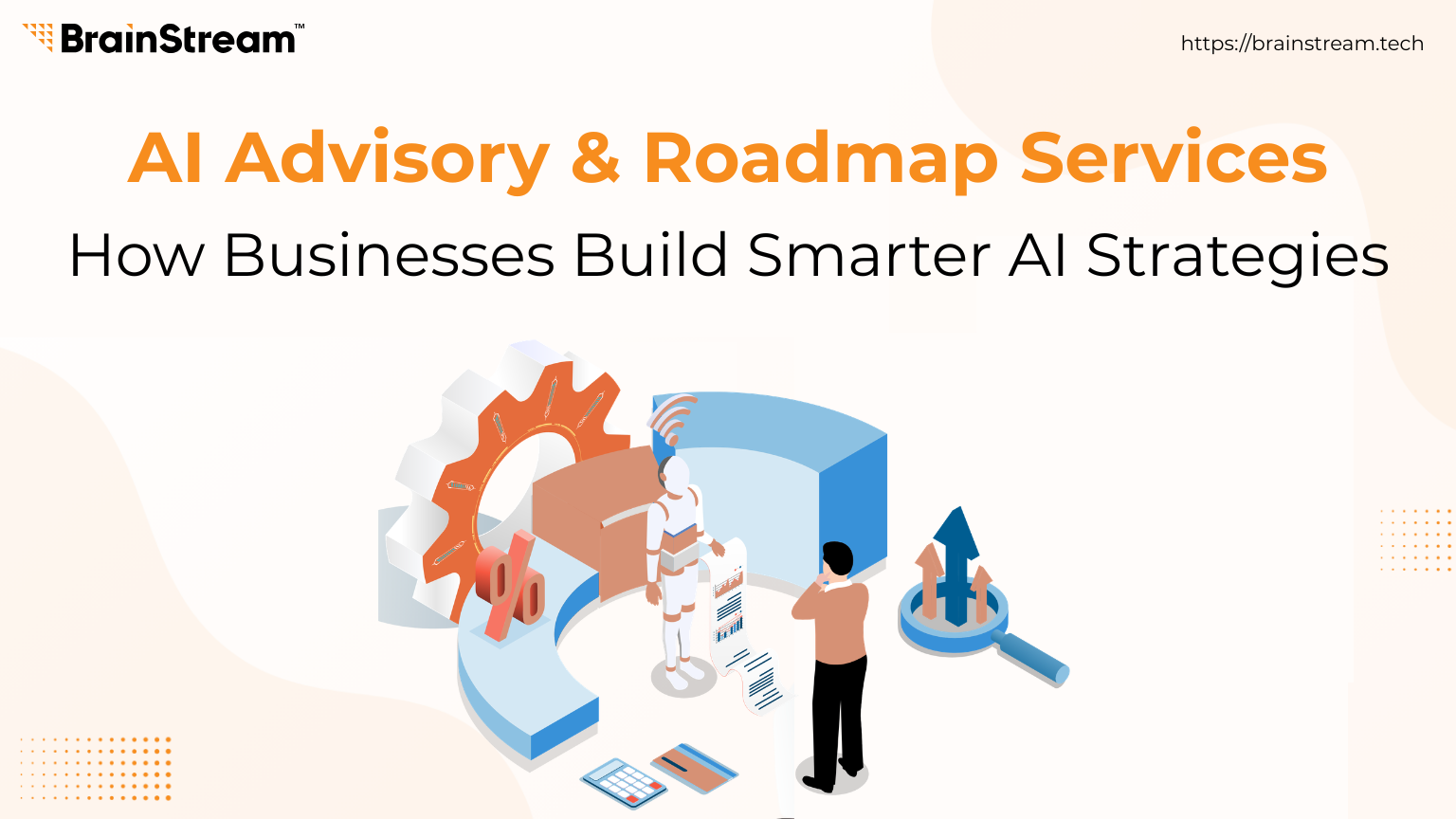
AI Advisory & Roadmap Services: How Businesses Build Smarter AI Strategies?
Artificial intelligence is changing how businesses operate. However, many companies…
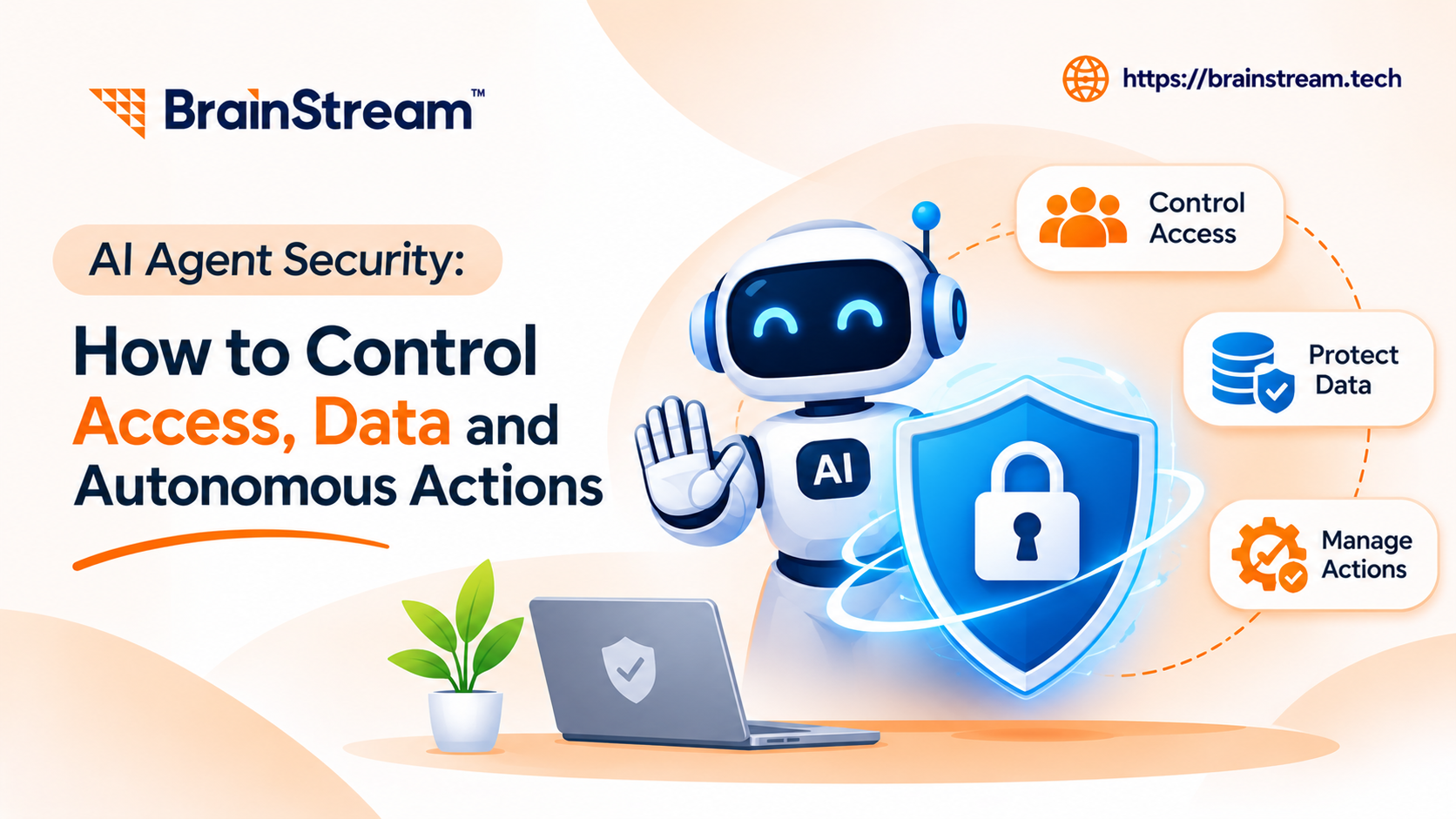
AI Agent Security: How to Control Access, Data and Autonomous Actions
AI agents can do more than answer questions. They can…