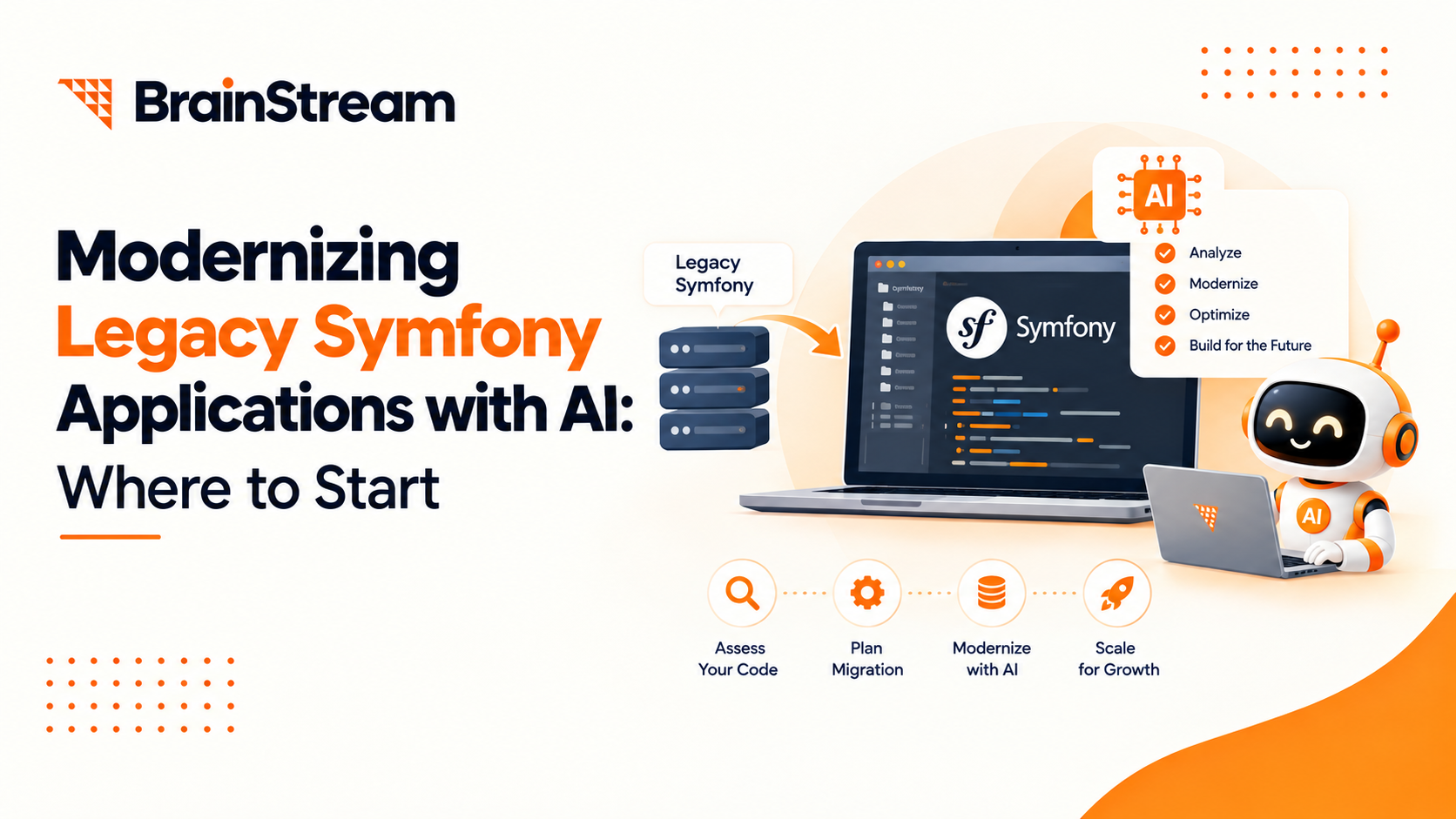
Modernizing Legacy Symfony Applications with AI: Where to Start
Your Symfony application still runs your business. However, adding features takes longer, and small changes sometimes cause unexpected problems.
Meanwhile, your team sees new ways to use AI. You may want smarter search, faster support, or less manual work.
Where should you begin?
Modernizing legacy Symfony applications with AI starts with reviewing your current system. Next, fix urgent issues and test one useful AI feature. You may improve the application without rebuilding everything.
This guide explains how to take those first steps.
What Is a Legacy Symfony Application?
A legacy Symfony application is an older system that your business still uses. It might manage orders, customer accounts, bookings, or internal tasks.
“Legacy” does not always mean broken. Many older applications remain useful and reliable.
However, they can become difficult to maintain when:
- The Symfony or PHP version no longer receives security updates.
- Important features lack automated tests.
- Old software packages block upgrades.
- Developers struggle to understand the code.
- Routine changes take too much time.
Modernization addresses these problems while protecting the features your business depends on.
How Can AI Help with Symfony Modernization?
AI can help in two different ways. Understanding this difference makes planning easier.
AI Can Support Development Work
Developers can use AI tools to explain unfamiliar code, suggest changes, and draft tests.
For example, an AI assistant might help explain how an old order approval process works.
However, developers must check its suggestions. AI can misunderstand business rules or recommend changes that break existing features.
AI Can Add Useful Business Features
You can also add AI features directly to your application.
Examples include:
- Searching documents using everyday questions.
- Drafting customer support replies.
- Summarizing long reports.
- Suggesting categories for incoming requests.
- Extracting information from uploaded files.
Symfony provides AI components for connecting applications with AI services and building agents. Check their requirements against your application before choosing an integration.
Step 1: Review Your Existing Application
Before adding AI, understand what you already have.
Ask your development team to review the framework, PHP version, software packages, and key business processes.
Also, speak with the people who use the application daily. They often know which problems waste the most time.
Start with these questions:
- Which tasks create the most manual work?
- Where do users experience errors or delays?
- Which features must work without interruption?
- What information would an AI feature need?
- Who can currently access that information?
This review connects technical work with real business needs.
Step 2: Fix the Foundation First
An AI feature will not fix every problem in an older application.
For example, a chatbot will not repair a broken checkout process. Similarly, AI search will not correct missing access controls.
Address urgent security, reliability, and compatibility issues first.
Plan Framework Upgrades Carefully
Check which Symfony and PHP versions your application uses. Then review the requirements for your planned upgrades.
Symfony’s upgrade guidance recommends addressing deprecated features before moving to the next major version. These are older features that Symfony plans to remove. symfony.com
Avoid changing everything in one release. Smaller steps make problems easier to find.
Test Important Business Tasks
Create tests for the actions your business relies on.
These might include signing in, placing orders, calculating prices, and generating invoices.
Tests help your team check whether changes affect existing behaviour. Additionally, use a separate test environment before updating the live application.
Step 3: Choose One AI Use Case
Start with a clear problem and a small scope.
“Add AI to our platform” is too broad. “Help support staff find approved answers faster” gives your team a useful goal.
Consider these starting points:
| Business problem | Possible AI feature | What to measure |
|---|---|---|
| Staff struggle to find documents | Document search assistant | Time needed to find an answer |
| Support replies take too long | Suggested reply drafts | Review time and answer accuracy |
| Teams read lengthy reports | Report summaries | Time saved and missing details |
| Requests need manual sorting | Suggested request categories | Correct category suggestions |
Choose a task where people can review the result easily.
For example, drafting a reply is a simpler starting point than automatically sending it.
Step 4: Check Your Data Before Using AI
AI features need relevant information. Therefore, review the data your chosen feature will use.
Remove outdated documents and correct obvious errors. Also, decide which sources the system should trust.
Keep Existing Access Rules
An employee should only see information they can already access.
For example, a document assistant should not reveal private customer records to every user.
Apply access checks before the application retrieves or sends information to an AI service.
Share Only What the Task Needs
Avoid sending complete records when a few fields will do.
Check whether the task requires personal details, payment information, or confidential files.
Review the AI provider’s data handling settings and terms before connecting business data.
Step 5: Add AI Without Disrupting Core Features
Your development team should give the AI feature a clear place within the application.
For example, a separate service can handle requests between Symfony and the AI provider.
This approach can make the feature easier to test, change, or disable.
Prepare for Slow or Failed Responses
AI services may respond slowly or become unavailable.
Set waiting limits and provide a useful fallback. A support assistant could offer standard search when AI fails.
Core tasks, such as signing in or placing orders, should continue working.
Keep People in Control
Begin with suggestions that users can review.
An AI assistant might draft an email or recommend an action. A person can then approve, edit, or reject it.
Give AI permission to perform actions only after testing the workflow and defining clear limits.
Step 6: Run a Small Pilot
A pilot is a limited trial with a small group of users.
For example, let a few support employees test the assistant before making it available to everyone.
Use realistic questions, incomplete inputs, and requests outside the feature’s scope.
Check whether it:
- Gives useful answers.
- Follows access rules.
- Handles missing information clearly.
- Responds within an acceptable time.
- Keeps usage costs within your budget.
Ask users what helped and what caused confusion. Their feedback should guide the next changes.
Step 7: Measure Results Before Expanding
Compare the pilot with your starting point.
Did staff complete tasks faster? Were reviewers able to spend less time correcting answers? How helpful did users find the feature?
Also, track running costs and maintenance needs.
If the feature adds value, expand it gradually. Otherwise, improve the approach or choose a different use case.
Common Mistakes to Avoid
Modernizing legacy Symfony applications with AI needs practical goals and careful testing.
Avoid these common mistakes:
- Adding AI without identifying a user problem.
- Skipping urgent application fixes.
- Accepting AI-generated code without review.
- Giving an assistant broad access to business data.
- Launching without a fallback.
- Measuring speed while ignoring accuracy.
A focused first project gives you clearer results and fewer moving parts.
Frequently Asked Questions
1. Can I add AI to an existing Symfony application?
Yes, in many cases. Your team must check compatibility, data access, and the feature’s requirements first.
2. Do I need to rebuild my entire application?
Not always. You may upgrade selected parts and add an AI feature gradually. A full rebuild needs a separate business case.
3. What is a good first AI feature?
Choose a small task with results people can check. Document search, report summaries, and support reply drafts are possible starting points.
4. Can AI upgrade Symfony automatically?
AI can suggest code changes and tests. However, developers still need to review compatibility, business rules, and test results.
5. How much does Symfony AI modernization cost?
The cost depends on your application’s condition, upgrade needs, data preparation, and feature scope. Include ongoing AI usage and maintenance costs.
6. How long does modernization take?
The timeline depends on the work required. An application review helps your team estimate upgrades, testing, and a limited AI pilot.
Conclusion
Start with your application’s condition and your users’ needs. Then fix urgent issues and choose one useful AI feature.
Test it with a small group, measure the results, and expand when the evidence supports it.
Planning to modernize your Symfony application? Discuss your current system and AI goals with BrainStream to identify a practical starting point.

Manish Khilwani
Author
Co-Founder at BrainStream Technolabs, he focuses on building people-first, scalable eCommerce and digital products that help brands grow with clarity and innovation.
Table of contents
BLOGS
Learn & Grow with Us
Get the latest updates on trends and strategies that shape the business world. Our insights are here to keep you informed and inspired.
Modernizing Legacy Symfony Applications with AI: Where to Start
Your Symfony application still runs your business. However, adding features…
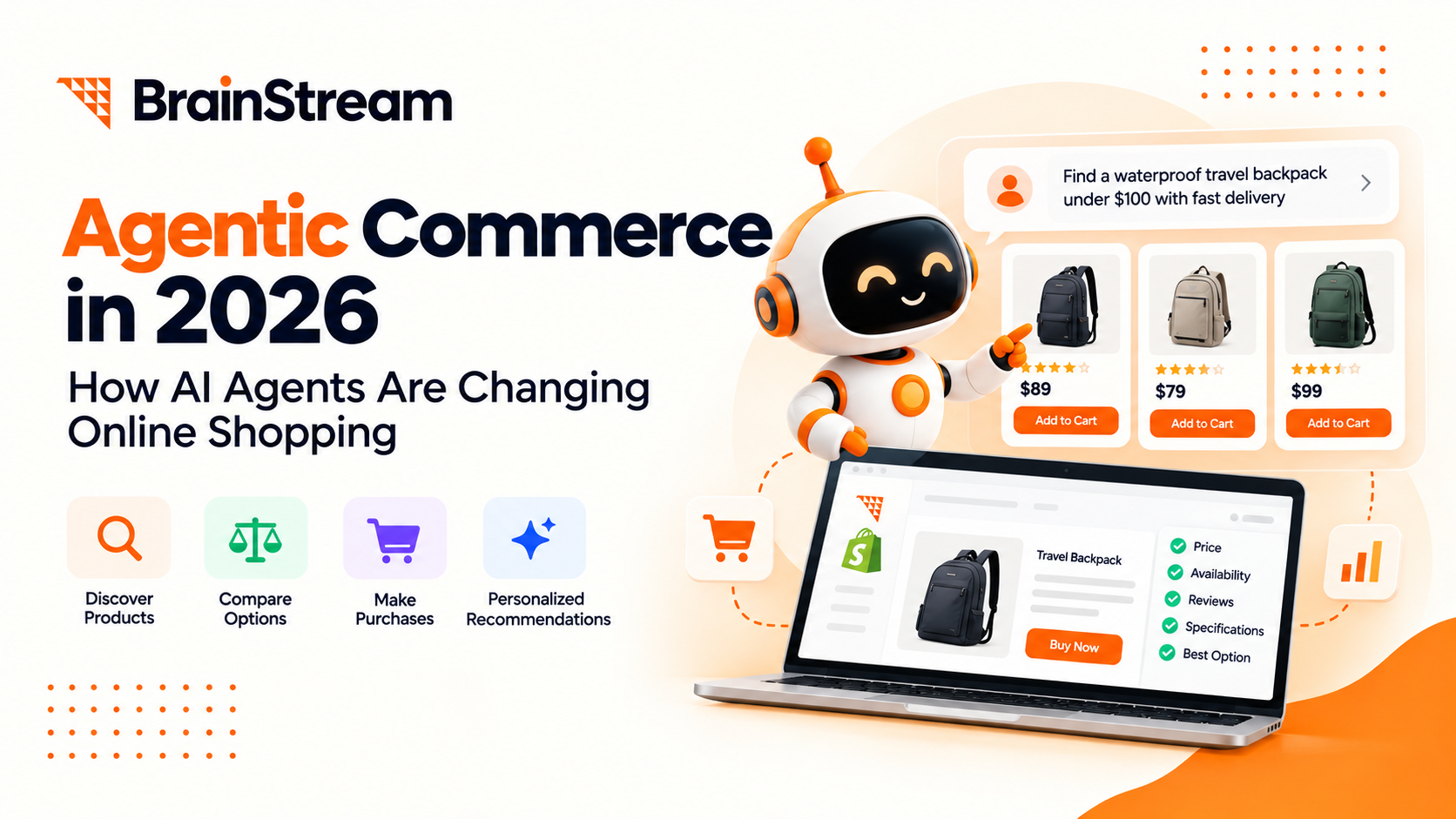
Agentic Commerce in 2026: How AI Agents Are Changing Online Shopping
Online shopping is entering a new phase. For years, shoppers…
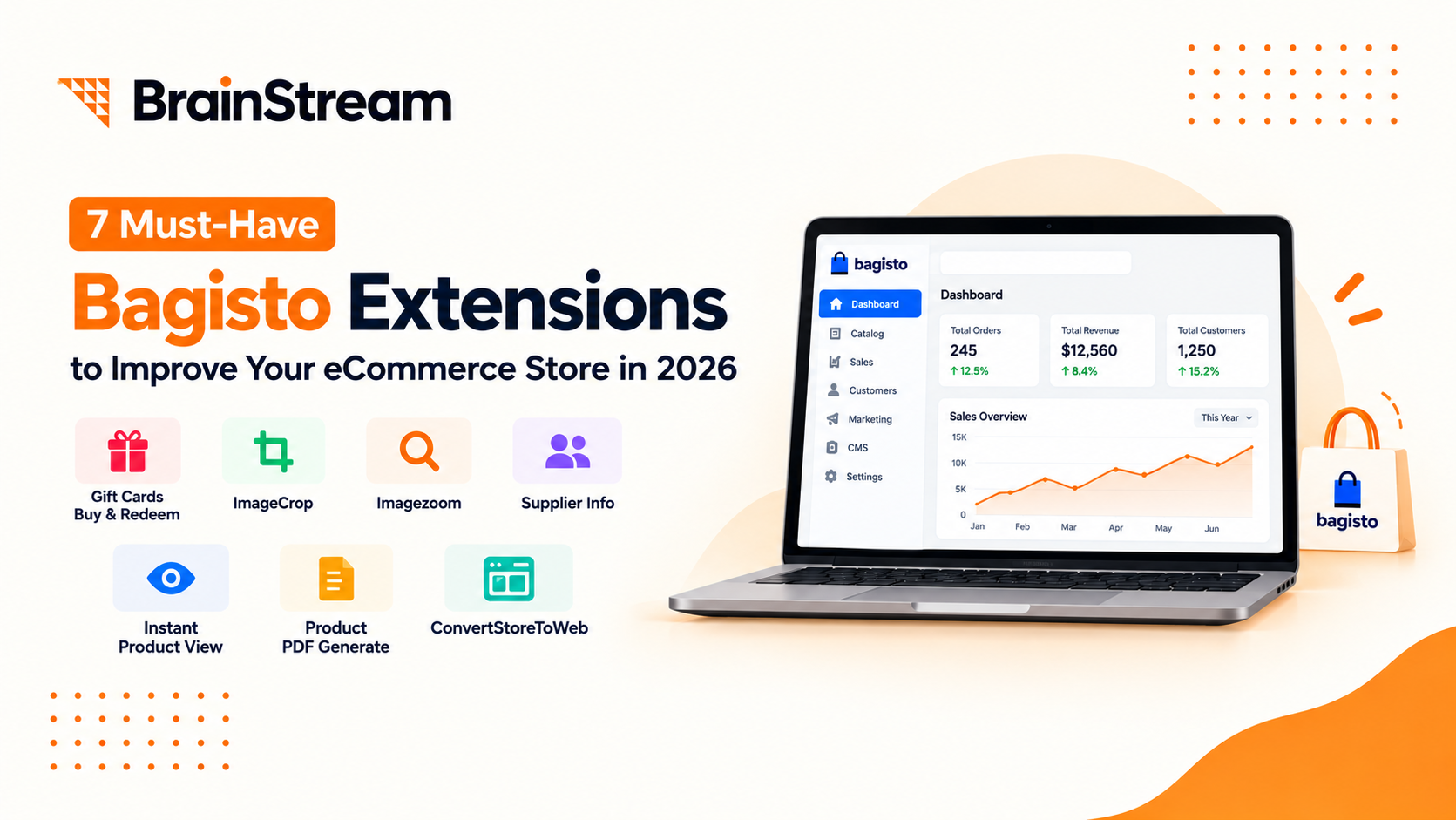
Top 7 Must-Have Bagisto Extensions to Improve Your eCommerce Store in 2026
Running an online store takes more than adding products and…

8 Best Ecommerce Platforms for Your Online Store in 2026
Choosing the best e-commerce platform is one of the biggest…