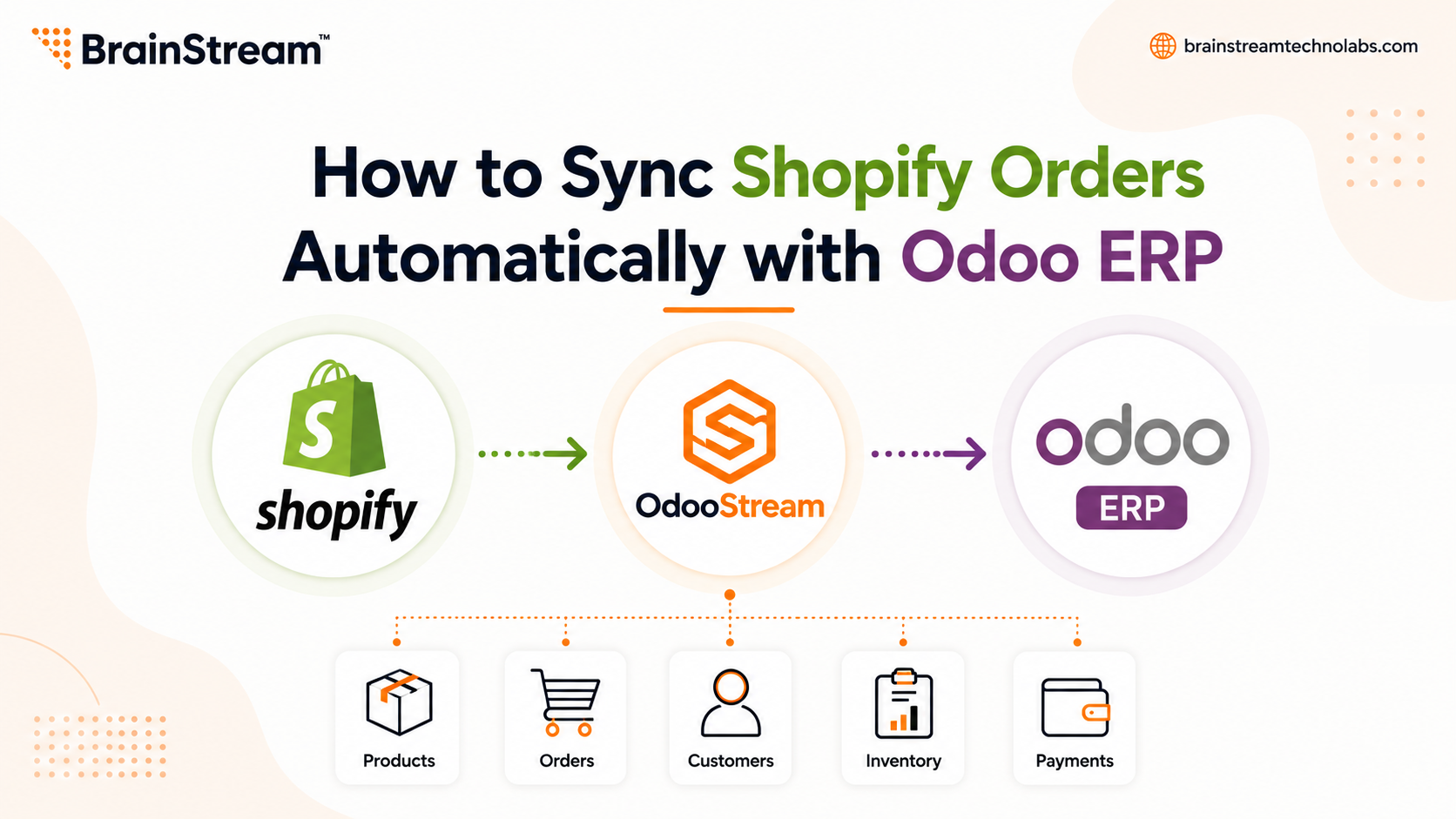
How to Sync Shopify Orders Automatically with Odoo ERP?
Running a successful Shopify store involves more than just selling products. Every order needs to be processed, inventory must stay accurate, and customer information should remain up to date.
Many growing businesses still copy Shopify orders into Odoo manually. While this may work in the beginning, it quickly becomes time-consuming as order volume increases.
The good news is that you can automate the entire process.
In this guide, you’ll learn how to sync Shopify orders automatically with Odoo ERP, why automation matters, and how the right integration tool can simplify your daily operations.
Why Manual Order Management Becomes a Problem?
When your Shopify store receives dozens or even hundreds of orders every day, manual data entry creates unnecessary challenges.
Common problems include:
- Duplicate order entries
- Human errors
- Delayed order processing
- Incorrect inventory
- Missed customer updates
- Higher operational costs
Instead of spending hours copying data, your team should focus on fulfilling orders and serving customers.
What Is Shopify Order Synchronization?
Shopify order synchronization automatically transfers order information from your Shopify store to your Odoo ERP system.
Instead of manually creating sales orders, the integration handles everything automatically.
Typical data includes:
- Customer details
- Products
- Order totals
- Taxes
- Shipping information
- Payment details
- Order status
Once connected, both systems stay synchronized without repetitive work.
Why Integrate Shopify with Odoo?
Shopify manages your online storefront, while Odoo handles your business operations.
When both platforms work together, you gain one connected workflow instead of two separate systems.
Benefits include:
- Faster order processing
- Better inventory control
- Improved reporting
- Fewer manual tasks
- Better customer experience
How Automatic Shopify Order Sync Works?
A modern Shopify integration follows a simple process.
Step 1: Customer Places an Order
A customer completes a purchase in your Shopify store.
Step 2: The Integration Detects the Order
The connector instantly detects the new order through real-time synchronization or scheduled imports, depending on your configuration.
Step 3: Order Is Created in Odoo
The integration automatically creates the sales order inside Odoo with all relevant customer and product information.
No manual entry is required.
Step 4: Inventory Updates
Inventory levels stay synchronized between Shopify and Odoo, helping reduce stock mismatches and overselling.
Step 5: Order Status Syncs Back
As orders move through fulfillment, shipping, or refund stages, the latest information stays synchronized between both systems.
Features to Look for in a Shopify Order Sync Solution
Not every integration offers the same capabilities.
Choose a solution that includes:
1. Real-Time Order Synchronization
Orders should appear in Odoo immediately after purchase.
2. Bidirectional Data Sync
Information should update in both Shopify and Odoo to keep records consistent.
3. Historical Order Import
If you’re switching to a new integration, importing previous orders helps maintain complete business records.
4. Sync Dashboard
A dashboard allows you to monitor transfer activity, view logs, and quickly identify any issues.
5. Flexible Module Selection
Every business has different needs.
A good integration lets you enable only the modules you want, such as orders, inventory, customers, or products.
6. Error Recovery
Automatic retries and queue-based processing help ensure data isn’t lost if a transfer temporarily fails.
Install OdooStream – OdooSync Utility from the Shopify App Store
Why Businesses Choose OdooStream?
If you’re looking for a reliable Shopify–Odoo integration, OdooStream offers a complete automation solution designed for growing businesses.
With OdooStream, you can:
- Automatically sync Shopify orders
- Synchronize products and variants
- Keep inventory updated
- Sync customers between Shopify and Odoo
- Transfer payments, shipments, refunds, and categories
- Use real-time webhooks or scheduled bulk imports
- Monitor activity through a live sync dashboard
- Configure only the modules you need
- Support multi-store operations
- Reduce manual work with automated error recovery and queue-based processing
This flexibility makes it suitable for businesses that want to scale without increasing manual effort.
Best Practices for Successful Order Synchronization
To get the most from your integration:
- Keep product SKUs consistent.
- Review sync logs regularly.
- Test synchronization before going live.
- Map inventory locations correctly.
- Keep Shopify and Odoo updated.
- Train your team on the workflow.
These steps help ensure smooth and reliable operations.
Common Mistakes to Avoid
Avoid these common issues:
- Manual order entry after enabling sync
- Ignoring failed sync notifications
- Using inconsistent product data
- Skipping inventory mapping
- Delaying software updates
A properly configured integration minimizes these risks.
Conclusion
As your Shopify business grows, manual order management becomes a bottleneck. Automatic synchronization with Odoo ERP saves time, reduces errors, and improves operational efficiency.
A reliable integration keeps your orders, inventory, customers, and fulfilment data synchronised, allowing your team to focus on growing the business rather than managing spreadsheets.
If you’re looking for a scalable solution, OdooStream provides real-time synchronization, historical imports, configurable modules, and a live sync dashboard to simplify Shopify and Odoo integration.
- Clean and intuitive interface
- Flexible synchronization options
- Real-time and manual transfer modes
- Comprehensive transfer logs
- Bulk migration support
- Multi-store compatibility
- Reliable performance for growing businesses
Install OdooStream – OdooSync Utility from the Shopify App Store
FAQs
1. Can Shopify orders sync with Odoo automatically?
Yes. With an integration solution like OdooStream, new Shopify orders can automatically appear in Odoo without manual entry.
2. Does OdooStream support real-time synchronization?
Yes. It supports real-time synchronization using webhooks, as well as scheduled bulk imports.
3. Can I sync more than just orders?
Yes. OdooStream can synchronize products, customers, inventory, payments, shipments, refunds, and categories in addition to orders.
4. Can I import historical Shopify orders?
Yes. OdooStream includes an import wizard for migrating historical data into Odoo.
5. Is OdooStream suitable for businesses with multiple Shopify stores?
Yes. The app supports multi-store management, making it a good option for businesses operating more than one Shopify store.

Manish Khilwani
Author
Co-Founder at BrainStream Technolabs, he focuses on building people-first, scalable eCommerce and digital products that help brands grow with clarity and innovation.
Table of contents
BLOGS
Learn & Grow with Us
Get the latest updates on trends and strategies that shape the business world. Our insights are here to keep you informed and inspired.
Vendor Onboarding Without Chaos: KYC, Approval, and Who Gets to Sell
Anyone can fill out a vendor signup form. That’s the…

How to Sync Shopify and Odoo Exactly When You Want Using Manual and Scheduled Sync?
A step-by-step look at the OdooStream features that put you…

Shopware 6 Migration: 10 Technical Issues That Can Break Your Store
Migrating an ecommerce store to Shopware 6 can improve performance,…

Top 10 WordPress Development Companies in India in 2026 – What Sets Them Apart
Finding the right WordPress partner can feel overwhelming. There are…