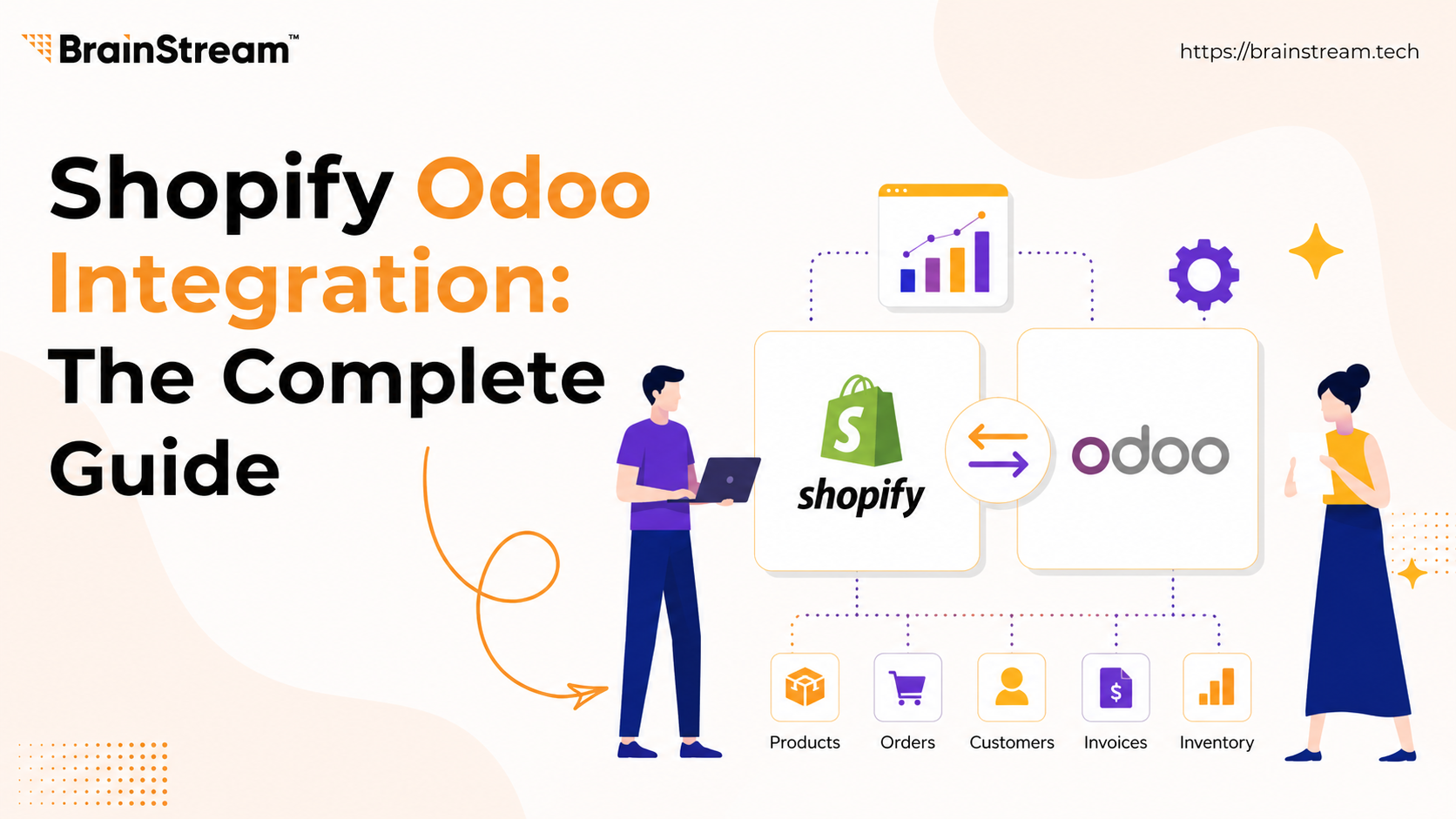
Shopify Odoo Integration: The Complete Guide (2026)
Managing an eCommerce business involves much more than selling products online. As your store grows, handling orders, inventory, customers, payments, and shipping manually becomes time-consuming and increases the risk of errors.
If you use Shopify for your online store and Odoo ERP to manage business operations, integrating both platforms can help automate your daily workflows.
In this guide, we’ll explain how Shopify–Odoo integration works, its benefits, common challenges, and how you can automate data synchronization with OdooStream.
What Is Shopify Odoo Integration?
Shopify Odoo integration is the process of connecting your Shopify store with your Odoo ERP system so that business data is automatically synchronized between both platforms.
Instead of manually exporting CSV files or entering information twice, the integration keeps both systems updated automatically.
Depending on your setup, you can sync:
- Products
- Categories
- Customers
- Orders
- Inventory
- Payments
- Shipments
- Refunds
This allows your sales, warehouse, finance, and customer support teams to work with accurate and up-to-date information.
Why Businesses Integrate Shopify with Odoo
Many growing businesses face the same operational challenges.
Manual Data Entry
Copying orders from Shopify into Odoo wastes valuable time and increases the chance of mistakes.
Inventory Mismatches
When inventory is not synchronized, customers may purchase products that are already out of stock.
Duplicate Customer Records
Managing customer information separately in Shopify and Odoo often leads to duplicate or outdated records.
Delayed Order Processing
Without automation, warehouse teams may receive order information late, slowing down fulfillment.
Spreadsheet Dependency
Many businesses still rely on Excel or CSV imports, making operations difficult to scale.
Integrating Shopify with Odoo solves these challenges by automating data flow across both platforms.
Benefits of Shopify Odoo Integration
1. Automatic Product Synchronization
Keep product details consistent across Shopify and Odoo.
This includes:
- Product names
- SKUs
- Descriptions
- Prices
- Categories
- Variants
Whenever product information changes, it can be updated automatically.
2. Real-Time Inventory Updates
Inventory synchronization helps prevent overselling and stock discrepancies.
Whenever inventory changes in one platform, the updated quantity can be reflected in the other system.
This helps maintain accurate stock levels and improves customer satisfaction.
3. Faster Order Processing
Orders placed in Shopify can automatically appear in Odoo.
Your warehouse team can start processing orders immediately without manual data entry.
4. Customer Data Synchronization
Customer profiles remain consistent across both systems.
This improves customer service and reduces duplicate records.
5. Better Financial Accuracy
Payments, invoices, and order information can be synchronized with Odoo Accounting, reducing manual bookkeeping.
6. Save Time Every Day
Automation allows your team to focus on business growth instead of repetitive administrative tasks.
What Data Can Be Synchronized?
| Shopify | Odoo |
|---|---|
| Products | Products |
| Categories | Product Categories |
| Customers | Contacts |
| Orders | Sales Orders |
| Inventory | Stock |
| Payments | Accounting |
| Shipments | Delivery Orders |
| Refunds | Credit Notes |
Common Challenges in Shopify Odoo Integration
Although integration offers significant benefits, businesses often face several challenges.
SKU Mapping Issues
If product SKUs don’t match, synchronization may fail.
Duplicate Products
Improper configuration can create duplicate records.
API Limitations
Large stores may require queue-based processing to handle high data volumes efficiently.
Multi-Store Complexity
Businesses managing multiple Shopify stores need centralized synchronization.
Error Tracking
Without proper logging, identifying failed transfers becomes difficult.
Choosing the right integration solution helps overcome these issues.
Ready to Automate your Shopify–Odoo workflow?
How OdooStream Simplifies Shopify Odoo Integration
Instead of relying on manual imports or complex custom development, OdooStream provides an easy way to connect Shopify with Odoo.
The Shopify app is designed to automate data synchronization while giving merchants complete visibility into every transfer.
Key Features
- Real-time synchronization
- Two-way data transfer
- One-click manual transfer
- Bulk import for existing data
- Detailed transfer logs
- Automatic retry for failed transfers
- Multi-store support
- Secure API-based communication
- Easy-to-use dashboard
Whether you’re syncing a few products or managing thousands of orders every day, OdooStream helps reduce manual work and keeps your business systems aligned.
How OdooStream Works
The setup process is straightforward:
- Install OdooStream from the Shopify App Store.
- Connect your Shopify store with your Odoo instance.
- Configure synchronization settings.
- Choose the data modules you want to sync.
- Start automatic or manual synchronization.
Once configured, OdooStream continuously keeps both platforms synchronized, reducing the need for manual intervention.
Who Should Use OdooStream?
OdooStream is ideal for:
- Shopify merchants using Odoo ERP
- Growing eCommerce businesses
- B2B wholesalers
- Multi-store retailers
- Manufacturers selling online
- Businesses looking to automate inventory and order management
Why Choose OdooStream?
Many Shopify–Odoo connectors focus only on moving data. OdooStream goes further by helping businesses automate their operations with reliability and control.
What Makes OdooStream Different?
- Clean and intuitive interface
- Flexible synchronization options
- Real-time and manual transfer modes
- Comprehensive transfer logs
- Bulk migration support
- Multi-store compatibility
- Reliable performance for growing businesses
Conclusion
As your eCommerce business grows, managing Shopify and Odoo separately can slow down operations and increase the risk of manual errors.
Integrating both platforms helps automate product management, inventory updates, customer records, and order processing while improving operational efficiency.
If you’re looking for a reliable way to connect Shopify with Odoo, OdooStream provides the tools needed to simplify synchronization, reduce manual work, and keep your business running smoothly.
Ready to Automate your Shopify–Odoo workflow?
FAQs
1. Can Shopify integrate with Odoo?
Yes. Shopify can integrate with Odoo using a connector like OdooStream, allowing products, customers, orders, inventory, payments, and shipments to synchronize automatically.
2. What data can I sync between Shopify and Odoo?
You can synchronize products, categories, customers, orders, inventory, payments, shipments, and refunds.
3. Is real-time synchronization available?
Yes. OdooStream supports real-time synchronization, helping both platforms stay updated automatically.
4. Does OdooStream support manual transfers?
Yes. You can manually transfer selected data whenever needed, making it useful for bulk imports or controlled synchronization.
5. Can I connect multiple Shopify stores?
Yes. OdooStream supports multi-store environments, making it suitable for businesses managing more than one Shopify store.
6. Is coding required?
No. OdooStream is designed for easy setup and does not require custom coding for standard integrations.

Manish Khilwani
Author
Co-Founder at BrainStream Technolabs, he focuses on building people-first, scalable eCommerce and digital products that help brands grow with clarity and innovation.
Table of contents
BLOGS
Learn & Grow with Us
Get the latest updates on trends and strategies that shape the business world. Our insights are here to keep you informed and inspired.
Vendor Onboarding Without Chaos: KYC, Approval, and Who Gets to Sell
Anyone can fill out a vendor signup form. That’s the…

How to Sync Shopify and Odoo Exactly When You Want Using Manual and Scheduled Sync?
A step-by-step look at the OdooStream features that put you…

Shopware 6 Migration: 10 Technical Issues That Can Break Your Store
Migrating an ecommerce store to Shopware 6 can improve performance,…

Top 10 WordPress Development Companies in India in 2026 – What Sets Them Apart
Finding the right WordPress partner can feel overwhelming. There are…