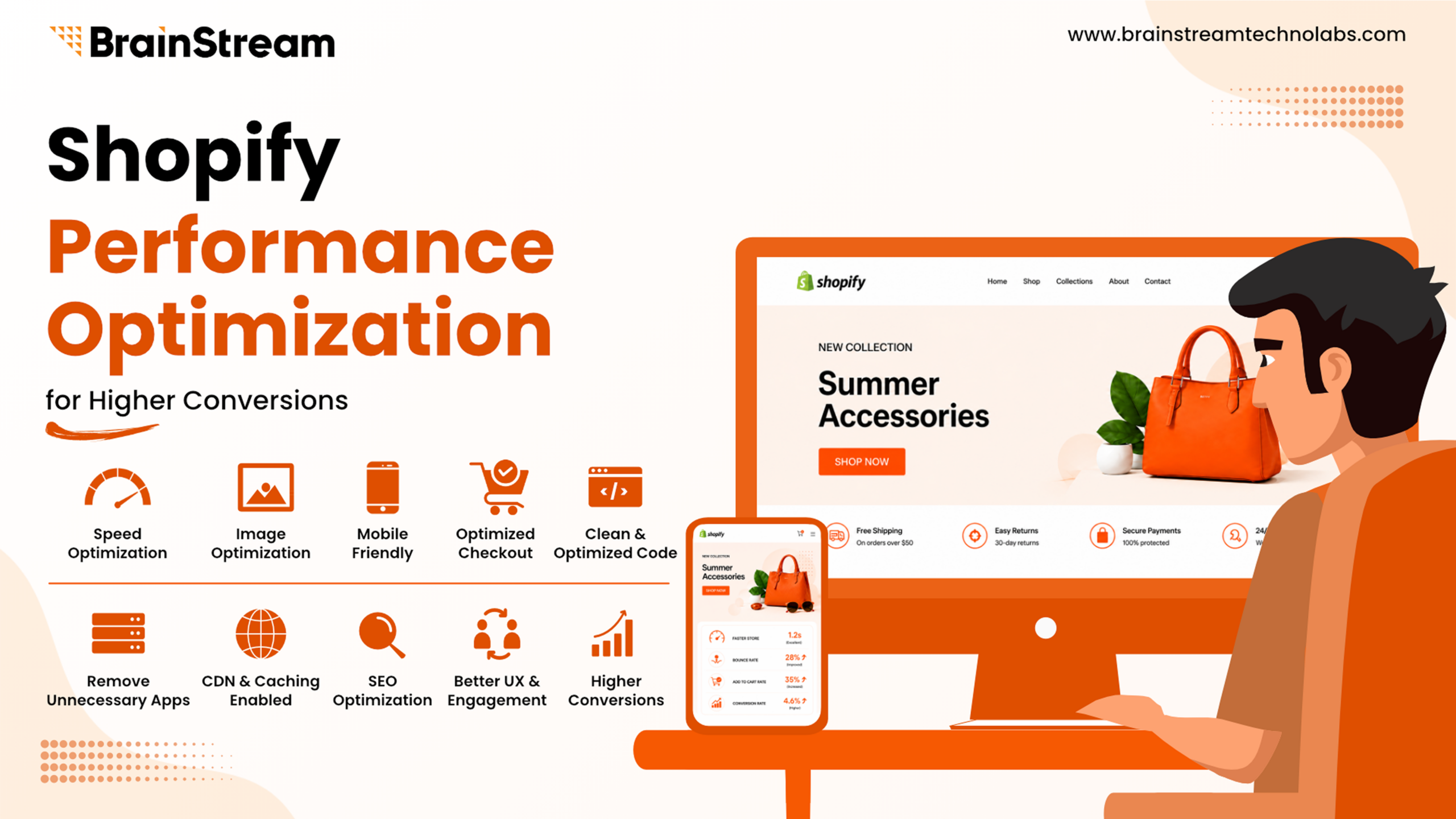
Shopify Performance Optimization Tips for Higher Conversions
A slow Shopify store does more than frustrate visitors; it costs you sales.
Research consistently shows that even a small delay in page load time can increase bounce rates and reduce conversions. Today’s online shoppers expect websites to load almost instantly. If your store is slow, many potential customers will leave before they even view your products.
The good news is that improving your Shopify store’s performance doesn’t always require a complete redesign. Small optimizations can make a significant difference in speed, user experience, and revenue.
In this guide, you’ll learn practical Shopify performance optimization tips that can help improve your store’s speed, boost conversions, and create a better shopping experience.
Why Shopify Performance Matters?
Website performance directly affects customer satisfaction and sales.
A fast Shopify store helps you:
- Improve user experience
- Increase conversion rates
- Reduce bounce rates
- Improve SEO rankings
- Increase average session duration
- Build customer trust
Google also considers page experience and Core Web Vitals as ranking factors. Therefore, improving performance benefits both users and search engines.
How Website Speed Impacts Conversions?
Imagine a customer searching for a product.
They click your website.
The page takes five seconds to load.
Most visitors won’t wait.
Instead, they’ll return to Google and visit a competitor.
Even a one-second improvement can increase conversions and customer engagement.
Common Reasons Shopify Stores Become Slow
Before optimizing your store, identify what causes poor performance.
Common issues include:
- Large image files
- Too many Shopify apps
- Heavy themes
- Unoptimized JavaScript
- Excessive CSS files
- Third-party tracking scripts
- Too many popups
- Large videos on the homepage
Fortunately, most of these issues are easy to fix.
1. Optimize Your Images
Images are often the largest files on a Shopify website.
Uploading high-resolution images without optimization slows page loading.
Best Practices
- Compress images before uploading.
- Use WebP whenever possible.
- Resize images to the correct dimensions.
- Avoid uploading images larger than needed.
- Enable lazy loading for below-the-fold images.
For example, a compressed product image loads much faster than a 5 MB original file while maintaining excellent quality.
2. Choose a Lightweight Shopify Theme
Not every Shopify theme performs equally.
Some premium themes include many features you may never use.
These additional features increase page size.
Choose themes that focus on:
- Clean code
- Mobile optimization
- Fast loading
- Minimal animations
A lightweight theme creates a better shopping experience.
3. Remove Unused Shopify Apps
Many store owners install apps for testing.
Later, they forget to remove them.
Even inactive apps can leave unnecessary code behind.
Regularly review your installed apps.
Remove apps you no longer need.
This simple step often improves performance significantly.
4. Minimize JavaScript and CSS
Large CSS and JavaScript files increase loading time.
Reduce unnecessary code whenever possible.
Also:
- Remove unused scripts.
- Delay non-critical JavaScript.
- Load important resources first.
This helps browsers render pages faster.
5. Enable Lazy Loading
Lazy loading delays images until visitors scroll to them.
Instead of loading every image immediately, Shopify loads only visible content first.
As a result:
- Faster initial load
- Better Core Web Vitals
- Improved mobile performance
6. Optimize Fonts
Custom fonts improve branding.
However, loading multiple font families slows your website.
Keep fonts simple.
Best practices include:
- Use one or two font families.
- Limit font weights.
- Preload important fonts.
- Avoid unnecessary icon fonts.
7. Reduce Third-Party Scripts
Marketing tools are useful.
However, too many scripts slow your store.
Examples include:
- Live chat
- Analytics
- Heatmaps
- Popups
- Marketing pixels
- Social widgets
Review each script carefully.
Keep only the tools that generate real business value.
8. Improve Mobile Performance
More than half of online shopping now happens on mobile devices.
Therefore, mobile optimization is essential.
Focus on:
- Large tap targets
- Fast page loading
- Simple navigation
- Mobile-friendly checkout
- Easy product browsing
A smooth mobile experience often leads to higher conversions.
9. Optimize Product Pages
Product pages directly influence purchasing decisions.
Improve them by:
- Compressing product images
- Using short product descriptions
- Limiting unnecessary animations
- Displaying trust badges
- Showing customer reviews
- Simplifying product options
The faster customers reach the “Add to Cart” button, the better.
10. Improve Core Web Vitals
Google measures user experience using Core Web Vitals.
Pay attention to:
| Metric | Why It Matters |
|---|---|
| Largest Contentful Paint (LCP) | Measures loading speed |
| Interaction to Next Paint (INP) | Measures responsiveness |
| Cumulative Layout Shift (CLS) | Measures visual stability |
Improving these metrics benefits both SEO and conversions.
Step-by-Step Shopify Performance Optimization Checklist
Follow this simple process:
Step 1
Run a performance audit using Google PageSpeed Insights.
Step 2
Compress all product images.
Step 3
Remove unnecessary apps.
Step 4
Optimize JavaScript and CSS.
Step 5
Test your website on mobile devices.
Step 6
Monitor Core Web Vitals.
Step 7
Repeat performance testing every month.
Continuous optimization delivers the best long-term results.
Benefits of Shopify Performance Optimization
Optimizing your Shopify store offers several advantages.
- Faster website speed
- Better user experience
- Higher conversion rates
- Improved SEO rankings
- Lower bounce rates
- Better mobile performance
- Increased customer satisfaction
- Higher revenue
Small improvements often create measurable business results.
Common Mistakes to Avoid
Avoid these common performance issues:
- Uploading large images
- Installing too many apps
- Using heavy homepage videos
- Ignoring mobile users
- Adding excessive animations
- Not monitoring Core Web Vitals
- Skipping regular performance audits
Avoiding these mistakes helps maintain a fast store.
Conclusion
A fast Shopify store creates a better experience for your customers and delivers better business results. From optimizing images and removing unnecessary apps to improving Core Web Vitals and mobile performance, every improvement contributes to faster loading times and higher conversions.
Performance optimization is not a one-time task. As your store grows, regular audits and ongoing improvements will help you stay competitive, improve SEO, and maximize sales.
If you want your Shopify store to perform at its best, start with these optimization tips today and make speed a core part of your eCommerce strategy.
FAQs
Why is my Shopify store slow?
Large images, excessive apps, heavy themes, and third-party scripts are the most common reasons for slow Shopify stores.
Does website speed affect Shopify sales?
Yes. Faster websites improve user experience, reduce bounce rates, and often increase conversion rates.
How often should I optimize my Shopify store?
Review your store’s performance at least once a month or after installing new apps or making major design changes.
What is a good Shopify page speed score?
Aim for a Google PageSpeed Insights score above 90, especially on mobile. More importantly, focus on passing Core Web Vitals for a better user experience.
Can too many Shopify apps reduce performance?
Yes. Each app can add extra code, scripts, or requests that slow your website. Remove apps you no longer use to keep your store fast.

Manish Khilwani
Author
Co-Founder at BrainStream Technolabs, he focuses on building people-first, scalable eCommerce and digital products that help brands grow with clarity and innovation.
Table of contents
BLOGS
Learn & Grow with Us
Get the latest updates on trends and strategies that shape the business world. Our insights are here to keep you informed and inspired.
8 Best Ecommerce Platforms for Your Online Store in 2026
Choosing the best e-commerce platform is one of the biggest…

Top 10 Shopware Development Companies in India 2026
Looking for a Shopware development company in India? Choosing a…
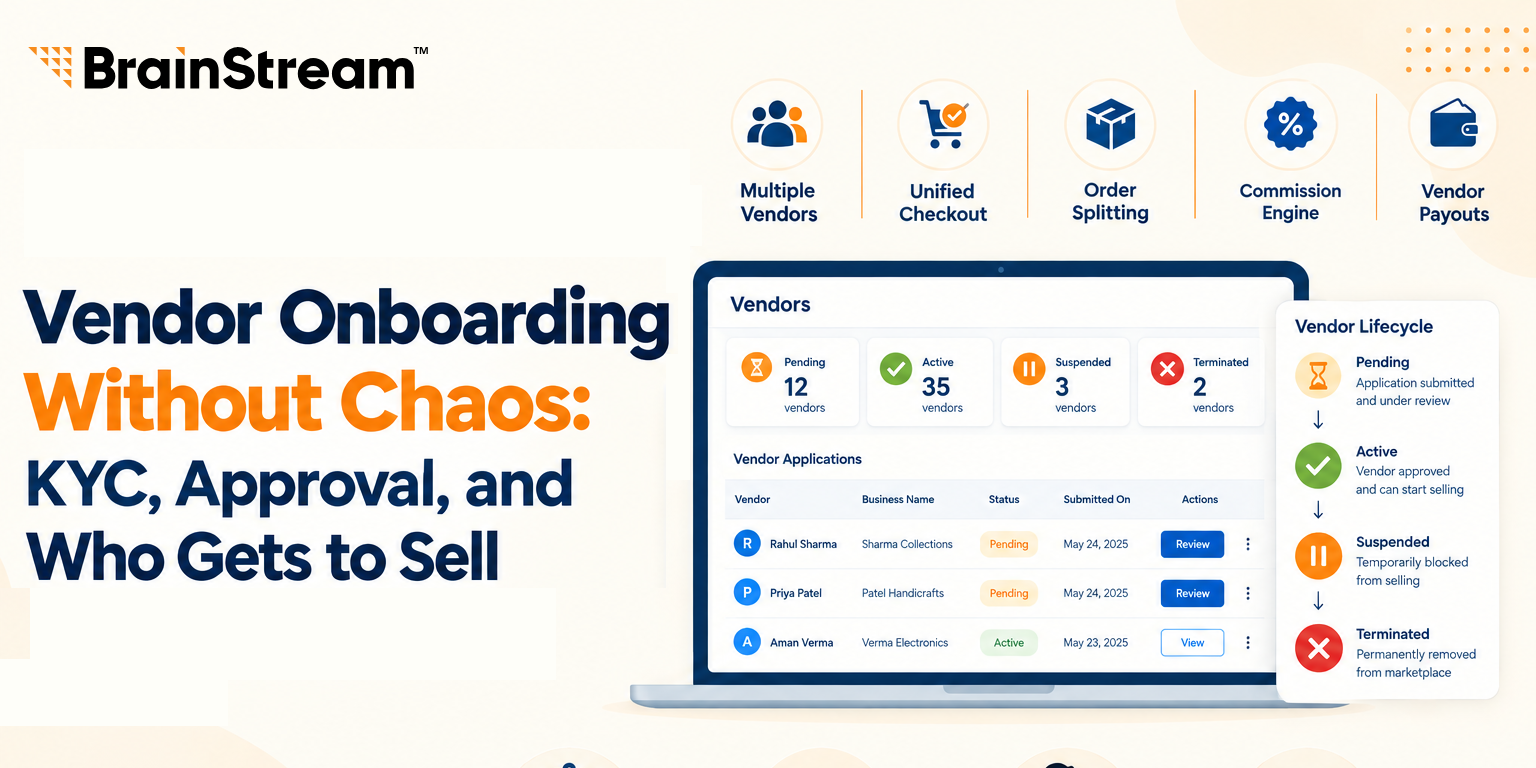
Vendor Onboarding Without Chaos: KYC, Approval, and Who Gets to Sell
Anyone can fill out a vendor signup form. That’s the…

How to Sync Shopify and Odoo Exactly When You Want Using Manual and Scheduled Sync?
A step-by-step look at the OdooStream features that put you…