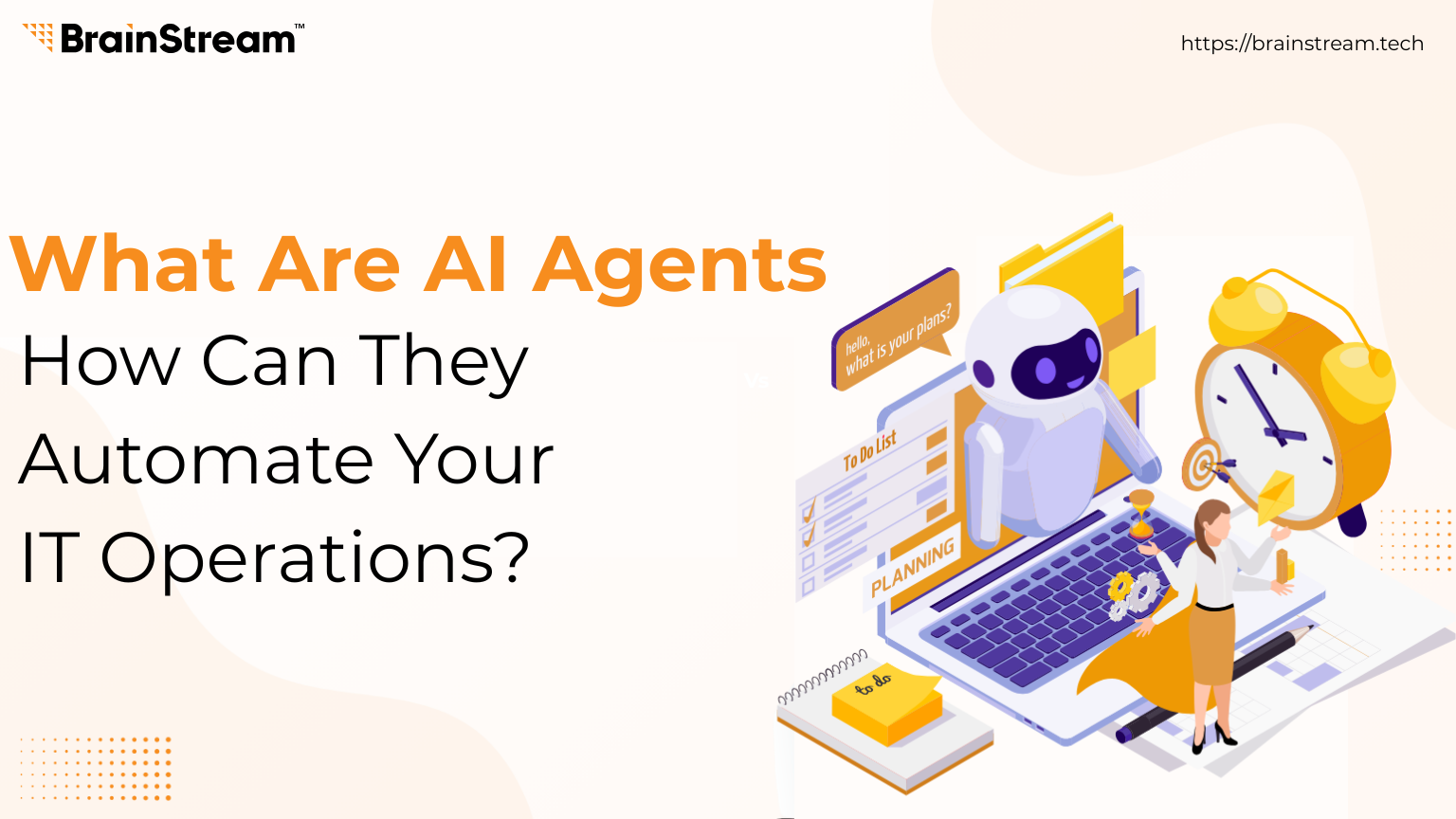
What Are AI Agents and How Can They Automate Your IT Operations?
Your IT team gets the same alert at 2:47 AM for the third time this week. Someone wakes up, logs in, investigates, resolves it, writes a ticket, and goes back to sleep. What if that entire loop, detect, diagnose, fix, document, happened without a single human lifting a finger?
That’s not science fiction. That’s what AI agents are quietly beginning to do inside forward-thinking IT organizations right now. And if you’re running operations, infrastructure, or a development team, this is a shift worth understanding, not because it’ll replace your team, but because it’ll finally free them to do the work that actually matters.
Let’s break it all down: what AI agents actually are, how they work under the hood, and where they’re creating real leverage in IT operations today.
First, Let’s Retire a Misconception
When most people hear “AI automation,” they think of chatbots answering FAQs or rule-based scripts that trigger on a condition. Those tools have their place, but AI agents are a fundamentally different animal.
A traditional script follows a fixed path: if this happens, do that. An AI agent can reason about what’s happening, decide what to do next, use tools to act on that decision, observe the result, and adjust course, all on its own, all in sequence, all without being told exactly how to do it.
The difference is the difference between a GPS that recalculates when you miss a turn, and a GPS that also books you a hotel, calls ahead, and reroutes based on your sleep schedule. Think of it this way: a chatbot answers. An AI agent acts. The chatbot tells you the server is down. The AI agent investigates why, restarts the right service, confirms resolution, and logs the incident, all before you finish your coffee.
What Are AI Agents?
AI agents are intelligent software systems that can observe information, process data, make decisions, and take action automatically. Unlike traditional automation tools, AI agents do not simply follow fixed rules. Instead, they use technologies like machine learning, natural language processing (NLP), predictive analytics, and large language models to understand situations and respond intelligently.
Think of an AI agent as a smart digital operator that can manage tasks independently.
For example, imagine a company’s server suddenly experiences high CPU usage late at night. A traditional monitoring tool may simply generate an alert and wait for human action. Meanwhile, an AI agent can detect the issue, analyze logs, identify the root cause, restart services automatically, and notify the IT team only if necessary.
That is the major difference.
AI agents do not just monitor systems. They actively solve problems.
Because of this, businesses are rapidly investing in AI-powered IT automation.
How Do AI Agents Actually Work?
Under the hood, AI agents follow a continuous loop. It sounds simple, but the power is in how each step feeds the next, creating a chain of reasoning and action that can tackle surprisingly complex problems.
Step 1 – Perceive: The agent gets a task: “Our API response time has spiked. Figure out why and fix it.” This could come from a monitoring alert, a Slack message, a scheduled job, or a human instruction.
Step 2 – Think: Using a large language model as its brain, the agent breaks the goal into sub-tasks. “I should check recent deployments, then look at DB query times, then review traffic patterns.” This is where it earns the “intelligent” label.
Step 3 – Act: The agent calls a tool, queries logs, runs a database command, hits an API, executes a script. It can use dozens of tools, anything it’s been given access to.
Step 4 – Observe: It reads the result of its action. “The DB query shows a missing index introduced in yesterday’s migration.” Now it has new information to reason with.
Step 5 – Repeat: The loop continues, often dozens of iterations, until the goal is achieved, it hits a decision that needs human judgment, or it determines it cannot proceed without more information.
This loop is commonly called the ReAct pattern (Reason + Act), and it’s what separates agents from every automation tool that came before it.
What Can AI Agents Actually Do in IT Operations?
Here’s where this gets practical. These aren’t theoretical futures; these are use cases being deployed by IT teams right now.
Incident Response & Triage – When an alert fires, an agent investigates, correlates logs, and either resolves the issue or creates a fully-enriched ticket with root cause analysis, before a human even wakes up.
Patch Management & Compliance – Agents scan for vulnerabilities, test patches in staging, deploy them to production during off-hours, and generate compliance reports. All with a complete audit trail.
Capacity Planning & Cost Optimization – An agent monitors cloud usage 24/7, identifies idle resources, makes auto-scaling decisions, and surfaces savings recommendations your team can act on immediately.
IT Helpdesk Level-1 Resolution – Password resets, VPN issues, software access requests — agents handle L1 tickets end-to-end, escalating only when they hit a decision requiring human context or approvals.
CI/CD Pipeline Monitoring – Agents watch your deployment pipelines, identify failing builds, trace errors to the right commit, and notify the right developer with a detailed diagnostic – not just “build failed.”
Documentation & Runbook Generation – After every incident resolution, an agent drafts a post-mortem, updates runbooks, and keeps your internal knowledge base current, the work nobody has time to do manually.
These aren’t moonshots. They’re being built on frameworks like LangChain, AutoGen, and Claude’s tool-use API today. The barrier to entry for IT teams is lower than most people realize.
The Human Side of Agentic IT
Let’s address the elephant in the room: will AI agents take IT jobs?
The honest answer is nuanced and worth sitting with. Yes, L1 support tickets that used to occupy a junior engineer’s day will increasingly be handled by agents. But the work that agents cannot do, understanding business context, making judgment calls, building relationships, designing systems, knowing which rule to break and when, that gets elevated.
Every IT team that deploys agents well ends up with the same observation: the team gets smaller in headcount but dramatically larger in impact. Engineers stop firefighting and start engineering. That’s not a threat, it’s a promotion.
“AI agents don’t replace your IT team. They remove the part of the job your team has always hated, the repetitive, soul-grinding, 2 AM alert part. What’s left is actually the interesting work.”
What to Look for When Evaluating AI Agents for Your IT Stack
Not all agent implementations are equal. Here are the questions that actually matter before you invest.
Can it act within your existing tools? A good agent should connect to your monitoring stack (Datadog, Grafana, PagerDuty), your ticketing system (Jira, ServiceNow), your cloud provider (AWS, Azure, GCP), and your communication tools. An agent that can only observe but not act is just a fancier dashboard.
How does it handle uncertainty? The best agents know their own limits. When they’re unsure, when a decision has business risk, privacy implications, or requires human judgment, they should pause, explain their reasoning, and ask rather than guess. An agent that never says “I’m not sure” is an agent you shouldn’t trust.
What does the audit trail look like? In IT, accountability matters. Every action an agent takes should be logged with reasoning, not just what it did, but why it decided to do it. This isn’t optional for compliance-driven industries; it’s the whole ballgame.
How do you define the guardrails? Agents need boundaries. What systems can they touch? What actions require human approval? What’s the blast radius if something goes wrong? Start conservative. Expand trust as confidence builds. This is exactly how you’d onboard a new team member.
Getting Started: A Practical Path Forward
You don’t have to boil the ocean. Here’s a sensible progression for IT teams exploring agentic automation.
Start with a high-frequency, low-risk use case. Password resets, disk space alerts, and routine compliance checks are perfect first agents. High volume means fast ROI. Low risk means safe experimentation.
Instrument heavily before you automate. Agents are only as good as their inputs. If your monitoring is inconsistent or your logs are noisy, fix that first. Clean signals make intelligent agents. Garbage in, chaos out.
Design for human-in-the-loop moments from day one. Decide upfront what decisions require a human approval step. Build those checkpoints into the agent’s workflow. It’s much harder to retrofit trust than to design for it.
Measure what changes. Track mean time to resolution, ticket volume by category, and engineer hours on reactive vs. proactive work. The ROI story will tell itself, but only if you’re measuring before and after.
The Bottom Line
AI agents are not a distant future trend. They’re a present-day operational advantage for IT teams willing to invest in understanding and deploying them thoughtfully.
The organizations that will win aren’t the ones with the most engineers; they’re the ones whose engineers are most effectively augmented. Agents handle the noise so your people can handle the signal.
Whether you’re a 5-person IT team or a 500-person engineering org, the question isn’t if agentic automation belongs in your stack. It’s where you start, and how fast you move.
We’re in the early innings of a genuinely big shift. The teams that start experimenting now, carefully, with clear goals and honest evaluation, will look back in three years and wonder how they operated any other way.
Ready to explore AI agents for your IT operations? Brainstream Technolabs helps teams design, pilot, and scale agentic automation, starting with the workflows that matter most.
FAQs
What are AI agents in IT operations?
AI agents are intelligent software systems that automate monitoring, incident management, troubleshooting, and operational workflows using AI technologies.
How do AI agents improve IT operations?
AI agents reduce manual workloads, improve monitoring, automate workflows, and resolve infrastructure issues faster.
Can AI agents reduce downtime?
Yes. AI agents can detect issues early and trigger automated fixes before major failures occur.
Are AI agents useful for cloud infrastructure management?
Absolutely. AI agents help automate scaling, monitoring, optimization, and security management in cloud environments.

Manish Khilwani
Author
Co-Founder at BrainStream Technolabs, he focuses on building people-first, scalable eCommerce and digital products that help brands grow with clarity and innovation.
Table of contents
BLOGS
Learn & Grow with Us
Get the latest updates on trends and strategies that shape the business world. Our insights are here to keep you informed and inspired.
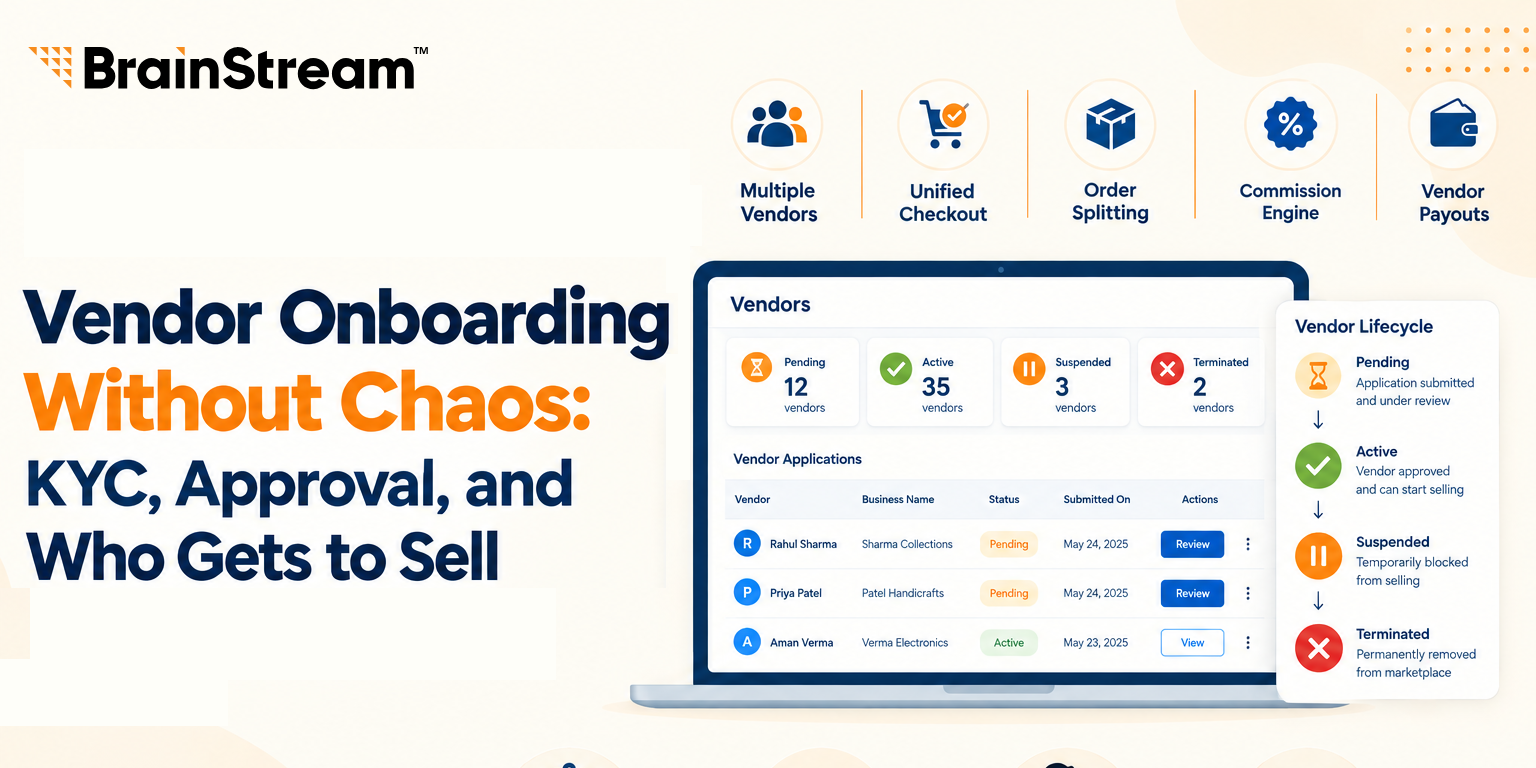
Vendor Onboarding Without Chaos: KYC, Approval, and Who Gets to Sell
Anyone can fill out a vendor signup form. That’s the…

How to Sync Shopify and Odoo Exactly When You Want Using Manual and Scheduled Sync?
A step-by-step look at the OdooStream features that put you…

Shopware 6 Migration: 10 Technical Issues That Can Break Your Store
Migrating an ecommerce store to Shopware 6 can improve performance,…
Top 10 WordPress Development Companies in India in 2026 – What Sets Them Apart
Finding the right WordPress partner can feel overwhelming. There are…